
Hot Products
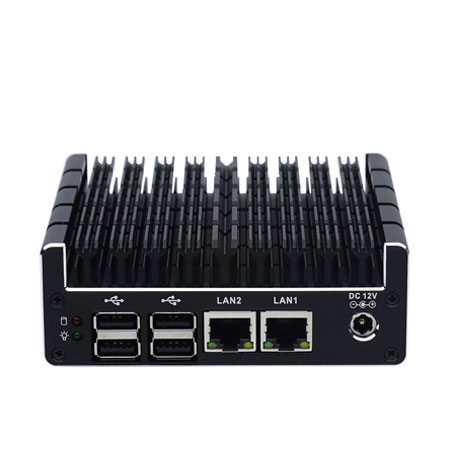
Micro Firewall Appliance NUC Industrial Computer Fanless J3060 Mini PC with Dual Intel LAN & Dual HDMI Display
The Micro Firewall Appliance NUC Industrial Computer (Model: NUC-C3) is a high-performance, ultra-compact solution specifically designed for network security and stable industrial control. At its heart lies the Intel Celeron J3060 dual-core processor, optimized for energy efficiency while providing a burst frequency of up to 2.48GHz. Encased in a premium all-aluminum, fanless chassis, this machine eliminates the noise and mechanical failure risks associated with traditional cooling fans, making it the definitive choice for silent, 24/7 continuous operation in demanding environments.
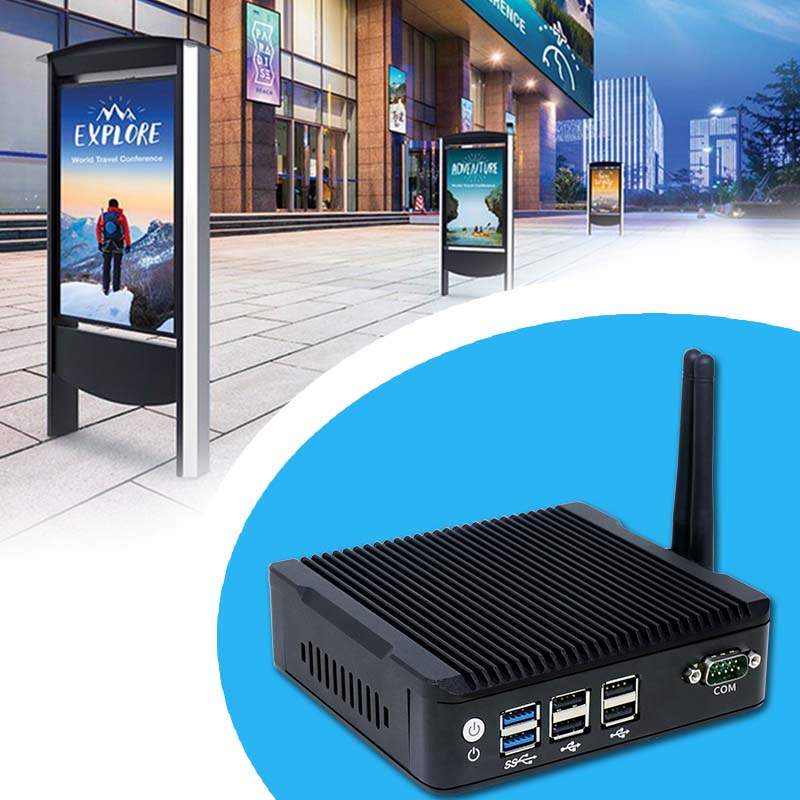
Fanless 4K Triple Display NUC Industrial Computer Intel Quad Core Mini PC with Dual LAN & Dual Storage Support
The Fanless 4K Triple Display NUC Industrial Computer (Model: N5) is a robust and compact embedded solution specifically engineered for high-availability environments. This small-form-factor powerhouse utilizes an all-aluminum, fanless cooling structure that ensures silent operation and zero maintenance. By eliminating mechanical fans, it removes the primary point of failure common in traditional PCs, preventing downtime caused by dust accumulation or mechanical wear. Powered by high-efficiency Intel Quad Core processors like the Pentium J3710, it delivers the consistent performance required for 24/7 industrial operations.
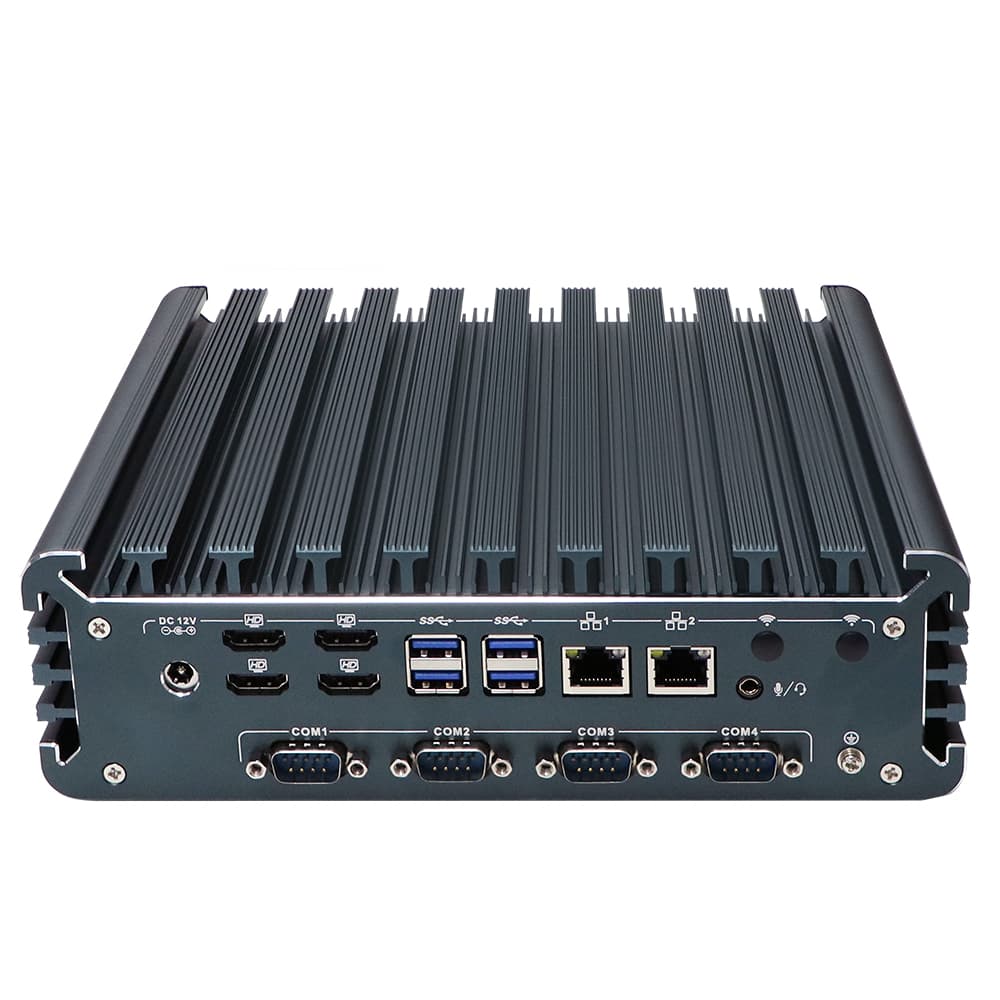
Fanless Quad HDMI Display i7 Industrial PC Alder Lake i7-1355U Rugged Desktop Computer with 4*USB3.0
The Fanless Quad HDMI Display i7 Industrial PC (Model: IBOX-3226) is a powerhouse of performance and reliability, engineered for the most demanding industrial environments. Driven by the 12th/13th Gen Intel® Core™ i7-1355U processor (up to 5.0 GHz), this system delivers enterprise-grade computing with a 10-core, 12-thread architecture. Its standout feature is the native support for 4 independent HDMI displays, housed in a rugged, fanless aluminum alloy chassis designed for silent, 24/7 continuous operation.
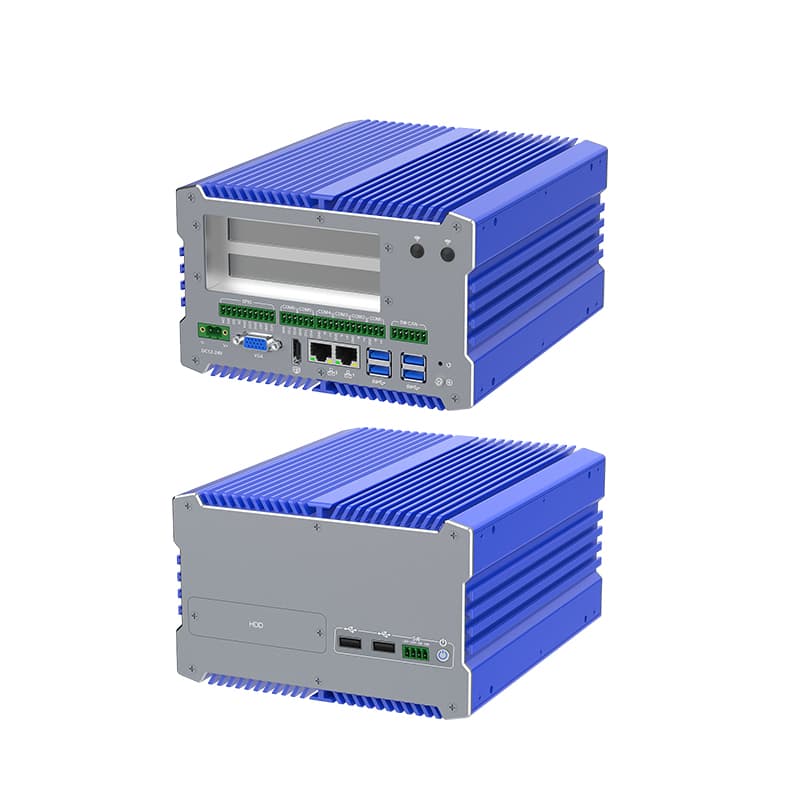
Fanless i7 Industrial Computer with 12th Gen Core, Dual Storage, and Wide Voltage Support
The IBOX-711 is a Fanless i7 Industrial Computer, powerhouse engineered for the most demanding industrial environments. Combining the raw processing power of Intel's 12th Generation Core i7 with a robust, fanless architecture, this system is designed to provide 24/7 reliability without compromise. Encased in an all-aluminum alloy structure, it excels in heat dissipation and physical durability, making it an ideal choice for high-stakes applications in automation and machine vision.
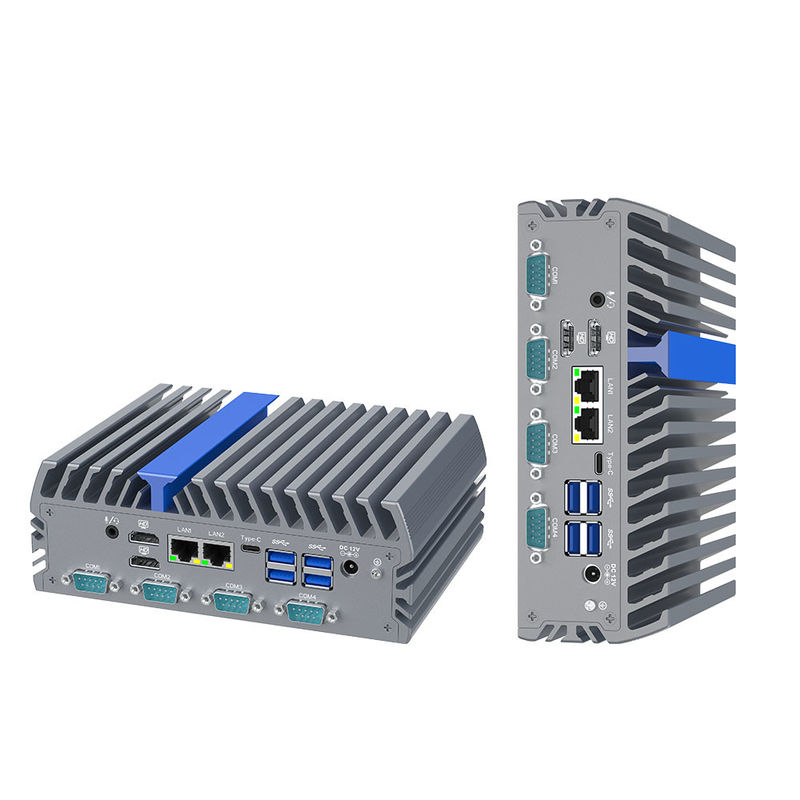
Triple Display Intel N100 Fanless Industrial Computer 6 COM RS232 Dual 2.5G LAN DDR5 IEXP-322
Product Details:
| Place of Origin: | Industrial Computer Manufactur |
| Brand Name: | YANLING |
| Certification: | CCC, CE, ROHS, ISO9001 |
| Model Number: | IEXP-322 |
Payment & Shipping Terms:
| Minimum Order Quantity: | 10 Unit |
|---|---|
| Price: | $ Customized |
| Packaging Details: | Each pc for one neutral box |
| Delivery Time: | 3~5 Working Days |
| Payment Terms: | T/T, Paypal |
| Supply Ability: | 10000 Pcs/Month |
Detailed Product Description
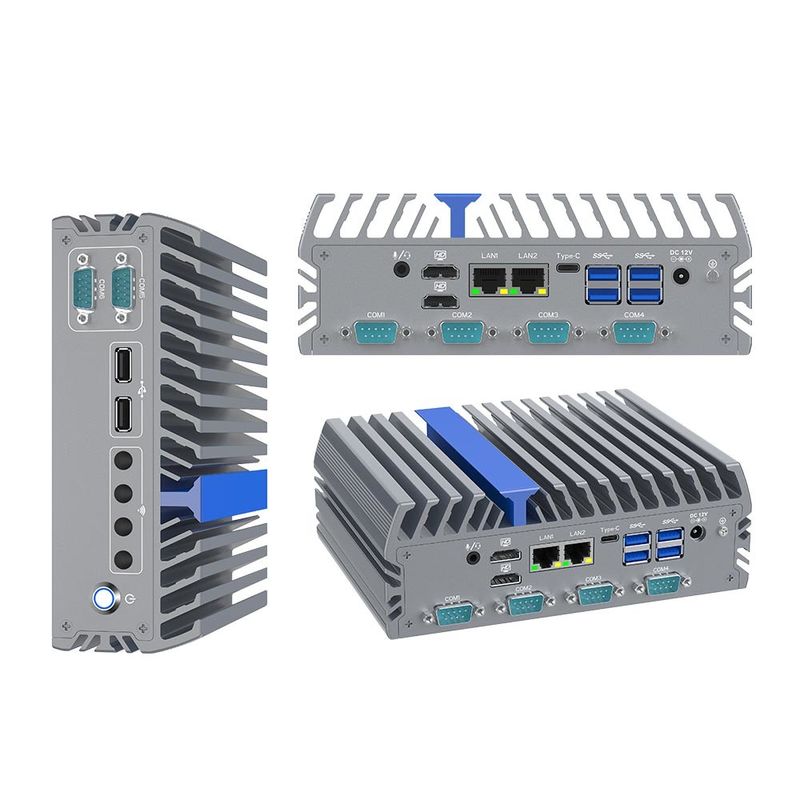
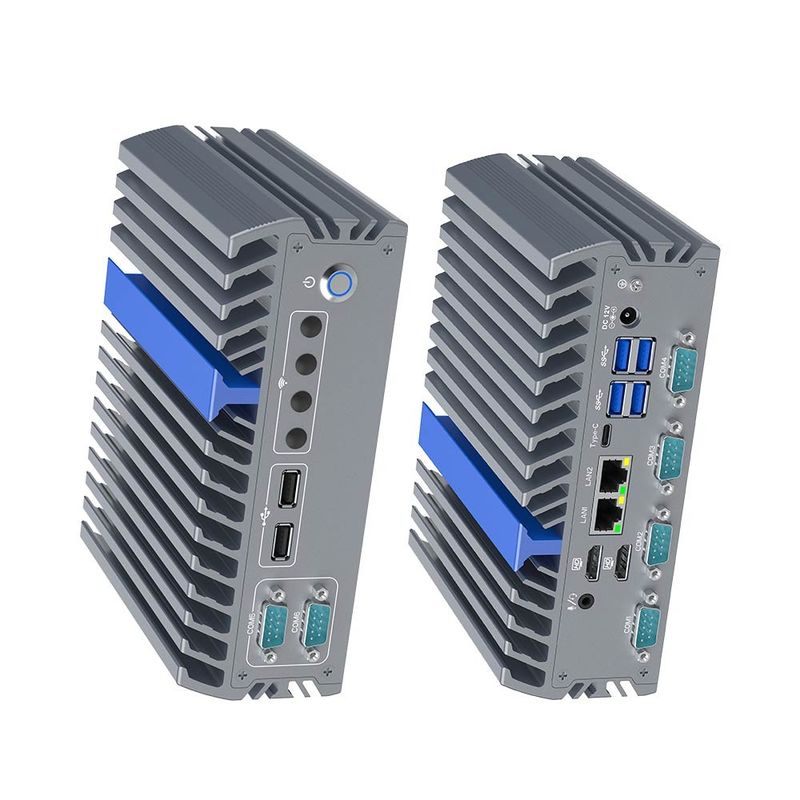
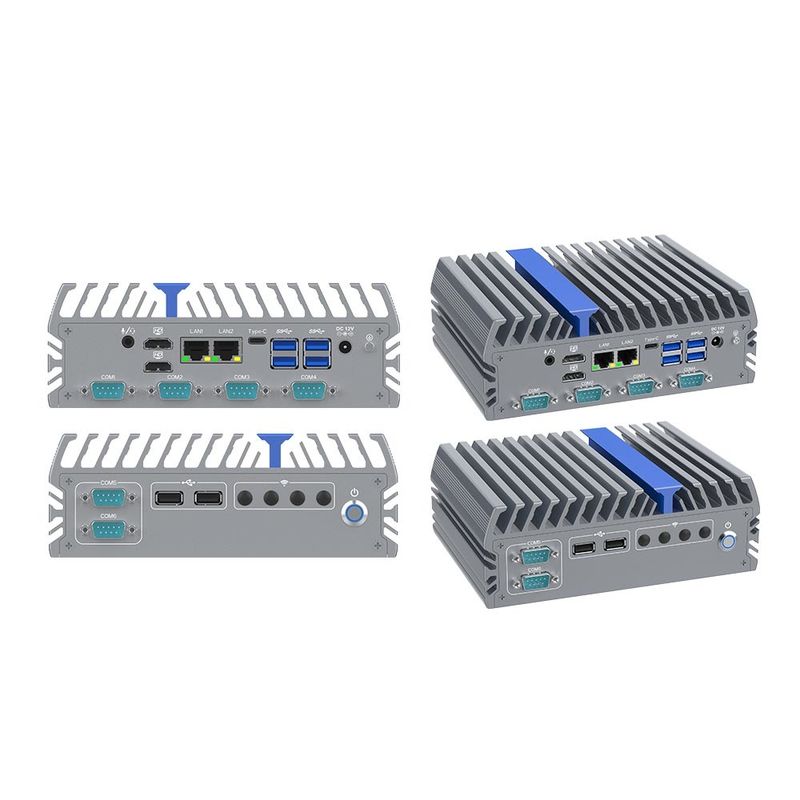
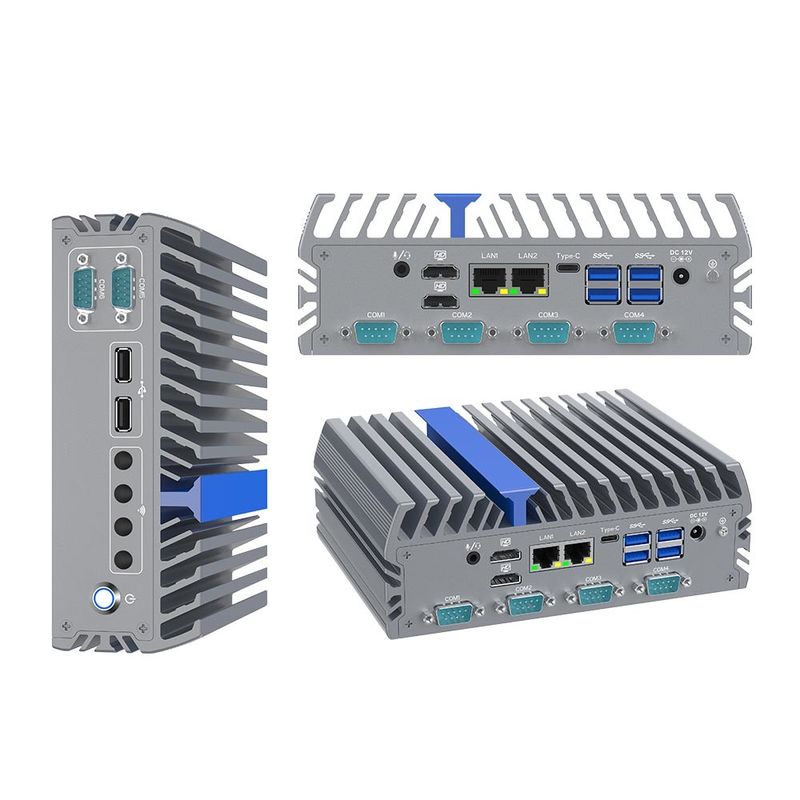
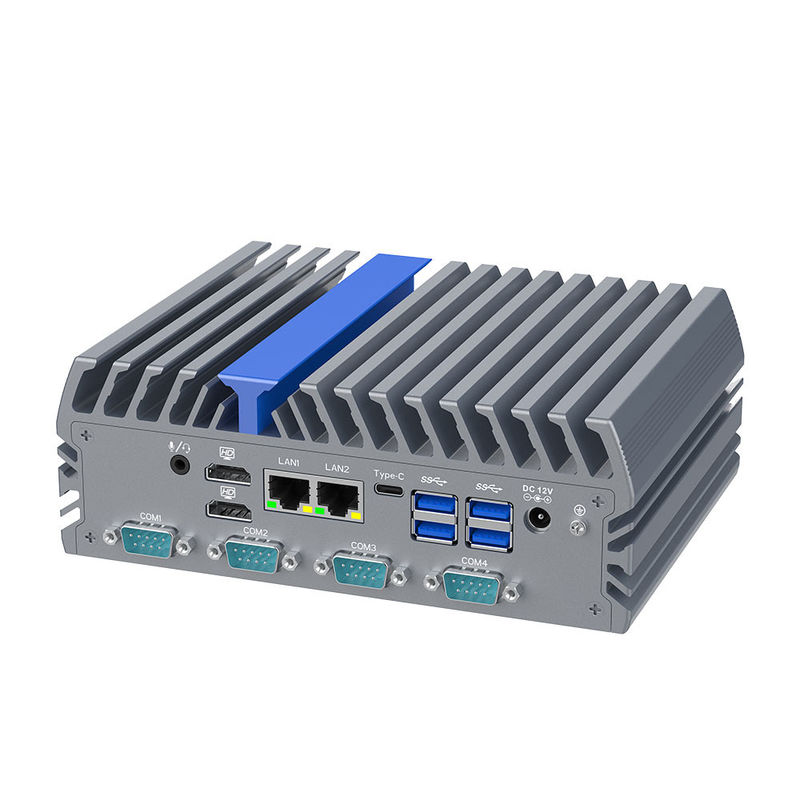
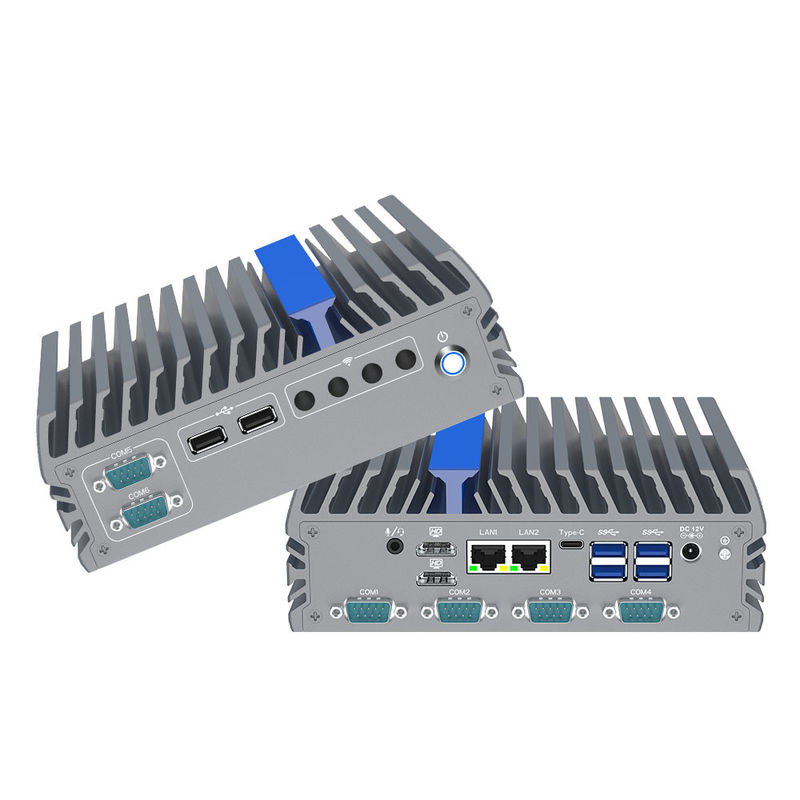
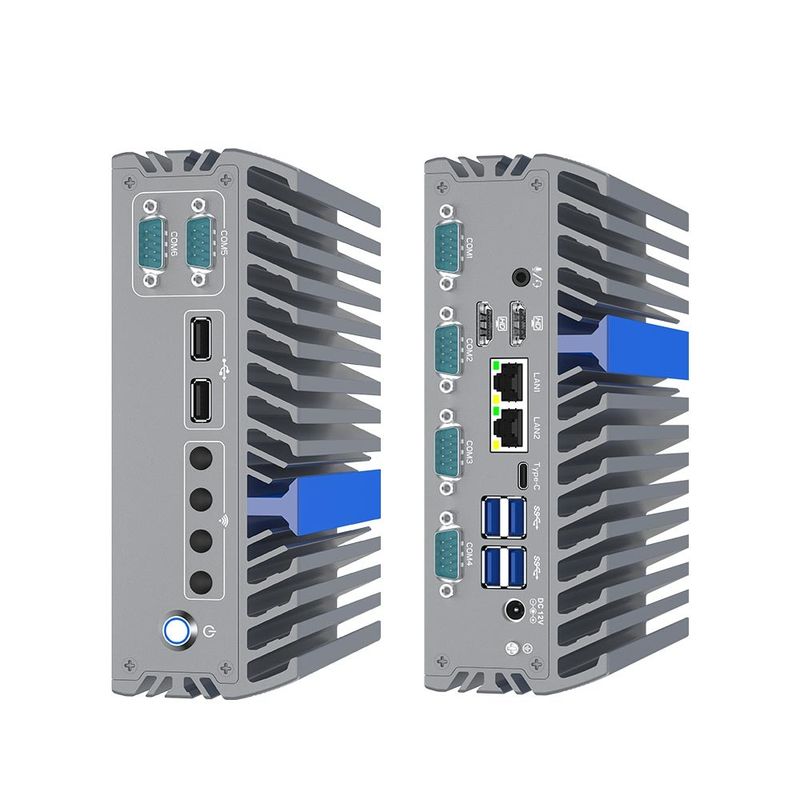
Triple Display Intel N100 Fanless Industrial Computer DescriptionThis Triple Display Intel N100 Fanless Industrial Computer is a next-generation industrial pc powered by the 12th Gen Intel Alder Lake-N N100 processor. Engineered for reliability in mission-critical environments, this compact workstation supports Triple 4K Display (Dual HDMI + Type-C) and features high-speed DDR5 4800MHz memory. With its rugged aluminum chassis and specialized I/O including 6 RS232 COM ports and Dual Intel 2.5G Ethernet, it is the ultimate solution for edge computing, machine vision, and industrial automation. | 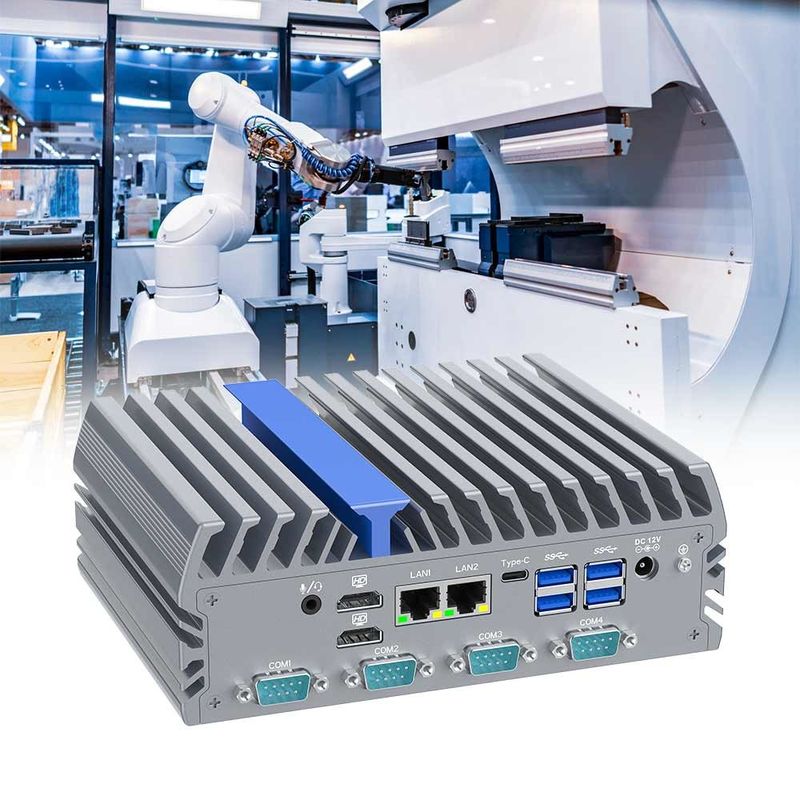 |
Detailed Specifications of Triple Display Intel N100 Fanless Industrial Computer
Category | Technical Specifications | Category | Technical Specifications |
Model Number | IEXP-322 | Display Output | 2x HDMI, 1x Type-C (Triple 4K) |
Processor | Intel N100 (Up to 3.4 GHz) | Network | 2x Intel I226-V 2.5G LAN |
Memory | 1x DDR5 4800MHz (Max 16GB) | Connectivity | 6x RS232 COM, 6x USB |
Storage 1 | 1x M.2 2280 M-Key (SATA) | Expansion 1 | 1x Mini-PCIe (4G/WiFi/BT) |
Storage 2 | 1x 2.5-inch SATA SSD Slot | Expansion 2 | 1x M.2 2230 E-Key (WiFi) |
Graphics | Intel UHD Graphics | Power Input | DC 12V (5.5 x 2.5mm) |
Thermal | Fanless Aluminum Chassis | Dimensions | 7.3 x 5.5 x 2.6 inches |
Operating Temp | -20°C to +60°C | OS Support | Windows 10/11, Linux |
Core Selling Points & Competitive Advantages of Triple Display Intel N100 Fanless Industrial Computer
Next-Gen Processing: The Intel N100 delivers significantly higher efficiency and lower power consumption (6W TDP) than older Celeron models.
Triple 4K Visualization: Unique support for three simultaneous monitors via Dual HDMI and Type-C—ideal for complex control rooms.
Ultra-Fast Networking: Equipped with Dual Intel I226-V 2.5G LAN, providing 2.5x the speed of standard Gigabit Ethernet for rapid data transfer.
Extreme Durability: The fanless, dust-proof design and wide operating temperature range ensure 24/7 stability in harsh industrial sites.
Massive Connectivity: Featuring 6 COM ports, it bridges modern AIoT software with legacy industrial equipment seamlessly.
 | Target Groups & Application ScenariosWe suggest the inventors buy this fanless industrial computer as following applications:
|
Buying Advice & Key Inspection Checklist of Triple Display Intel N100 Fanless Industrial PC
When purchasing the Triple Display Intel N100 Fanless Industrial Computer, consider the following to ensure project success:
Storage Configuration: For high-vibration environments, choose the M.2 SSD over the 2.5" SATA for better physical stability.
Network Speed: Ensure your switches support 2.5GbE to take full advantage of the dual Intel I226-V ports.
Installation Method: Confirm if you need the optional Din-rail mount for cabinet installation or the standard VESA/Wall mount.
Inspection Checklist: Always test the Auto Power On function and COM port communication protocol (RS232/485) before mass deployment.
Operation Guide & Troubleshooting FAQs of This Triple Display Intel N100 Fanless Industrial Computer
Q: How do I enable Auto Power On?
A: Enter the BIOS by pressing DEL during startup. Navigate to "Advanced" -> "ACPI Settings" and set "Restore on AC Power Loss" to [Power On].
Q: The system is running, but there is no display on the third monitor?
A: Ensure you are using a high-quality Type-C to HDMI/DP adapter that supports Alt-Mode. Check display settings in Windows/Linux to "Extend" the desktop.
Q: Why is my 2.5G LAN only showing 1000Mbps?
A: Ensure you are using CAT6 or higher cables and that your router/switch supports 2.5Gbps speeds. Update to the latest Intel I226-V drivers.
Q: Can I install a 4G module and WiFi at the same time?
A: Yes. The IEXP-322 has separate slots (Mini-PCIe for 4G and M.2 E-key for WiFi) to support dual wireless connectivity.
Q: How do I troubleshoot a COM port communication failure?
A: Check the Device Manager to confirm the port is recognized. Ensure the baud rate and parity settings match your industrial device.
Q: The chassis feels very hot to the touch. Is this normal?
A: Yes. As a fanless industrial computer, the aluminum chassis acts as the heat sink. Temperatures up to 60°C on the surface are normal and signify the heat is being moved away from the CPU.
Address: The10th Floor,Block B,Building 6,Evergrande Shishanghuigu,Dalang,Longhua,Shenzhen City, Guangdong Provice, China.
- Tel:+86 132 4373 8816
- Email: vincent@ylgkdn.cn
- Worktime:9:00-18:30
- Contact Person:Mr vincent
- Mobile Site