
Find Any Industrial Computer & Mini PC You Need, And contact YANLING Now
- Request A Quote Now
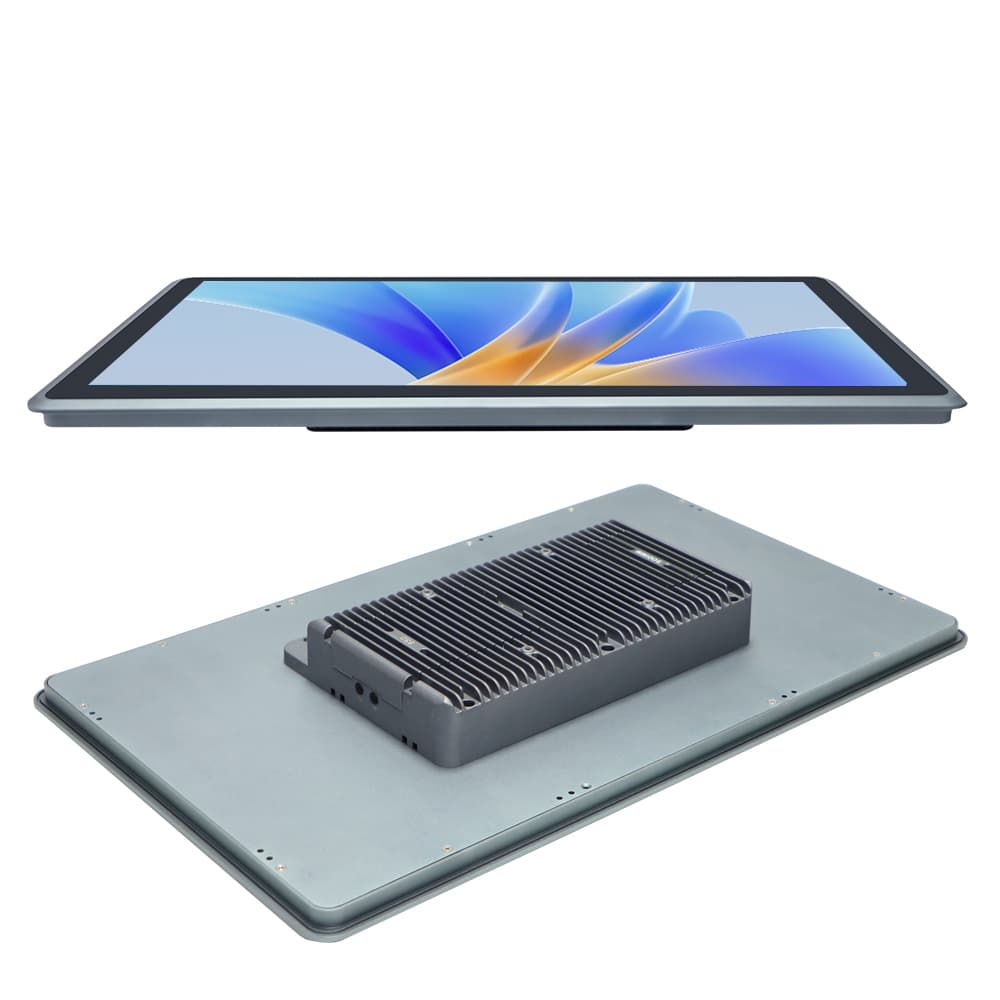
YANLING is a premier manufacturer utilizing Smart Factory production lines to deliver cutting-edge HMI solutions. Our Industrial All-In-One Computer solutions leverage full-mold aluminum die-casting for superior structural integrity.
We offer Ultra-thin models for meeting rooms, Rugged Panel PCs for CNC, and Open-frame designs for embedded kiosks.
We provide comprehensive bespoke services, including Logo Silk-printing, custom I/O configurations (adding extra LAN or USB), wide temperature range support (-20°C to 60°C), and Wide Voltage (DC 9-36V) integration. Whether you need a 15-inch conference tablet or a 21.5-inch factory terminal, YANLING delivers precision-engineered hardware tailored to your specific software environment.
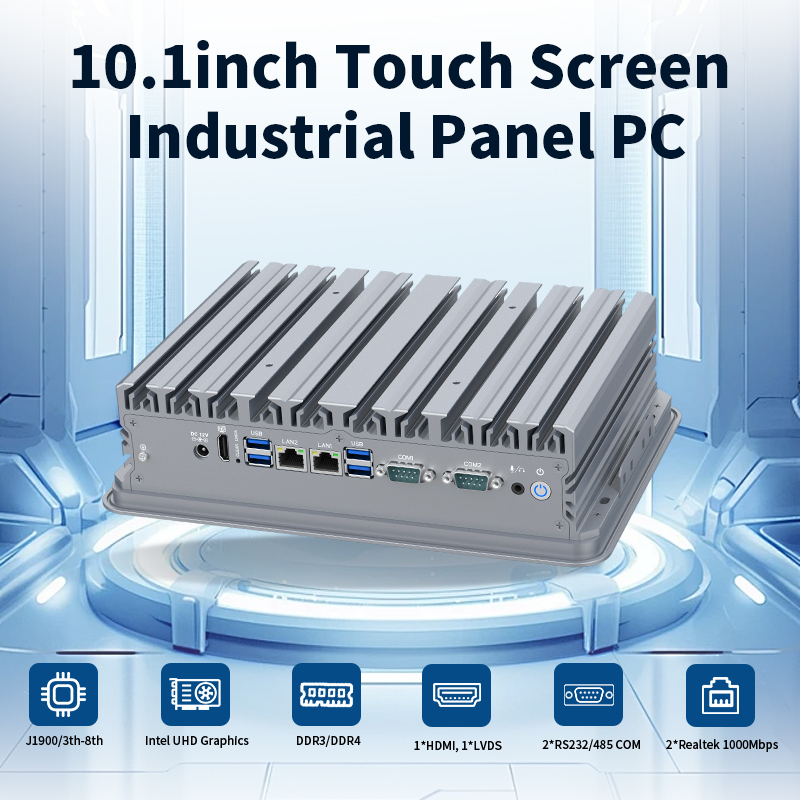
Processor (The Brain): Options ranging from low-power Intel Alder Lake N100/N5095 for kiosks to high-performance 12th Gen Core i5-1235U for complex automation.
Display Panel: Industrial-grade LED screens (15", 21.5", etc.) with wide viewing angles and up to 1000 nits brightness for sunlight readability.
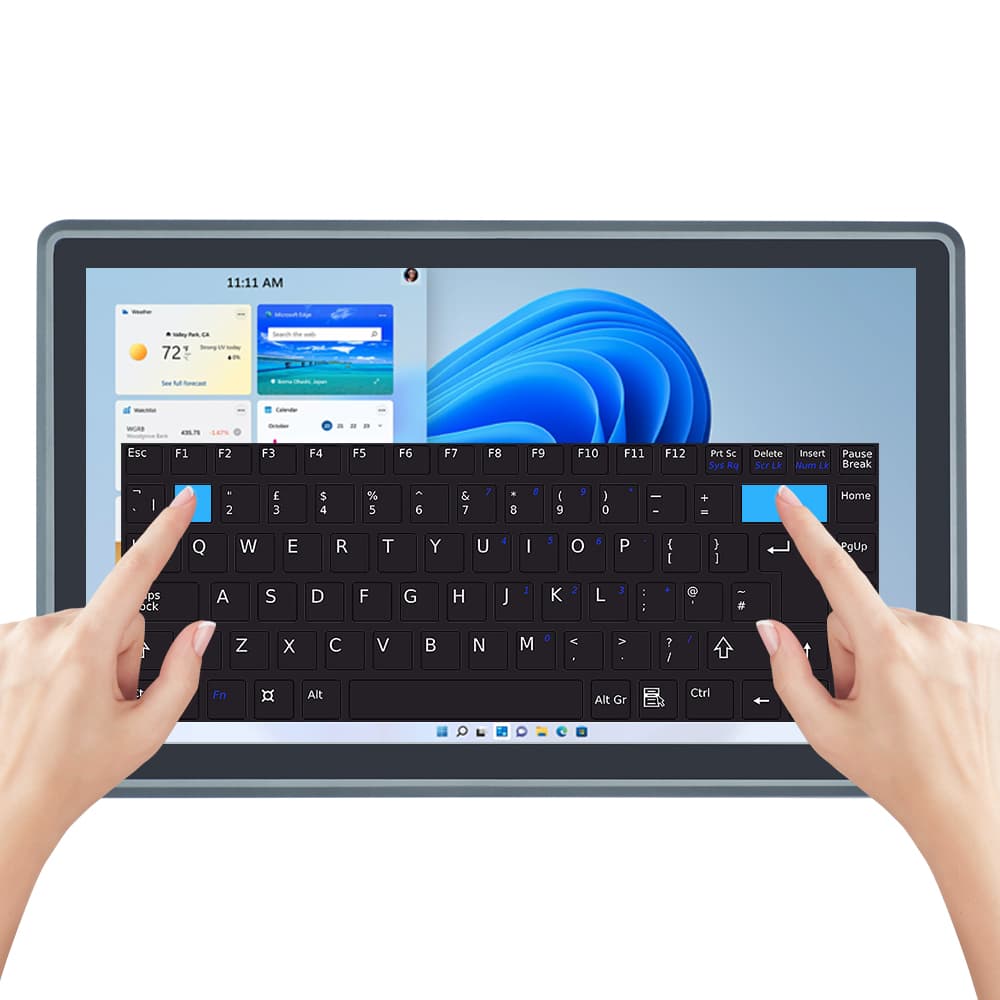
Touch Interface: 10-point Capacitive Touch (for smooth, tablet-like interaction) or Resistive Touch (for use with gloves in heavy industry).
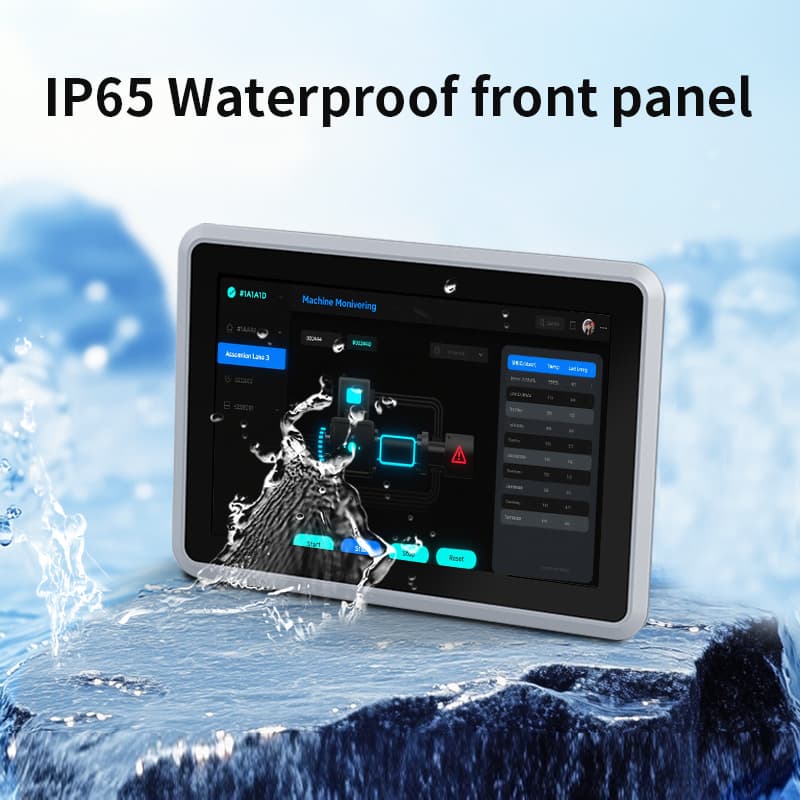
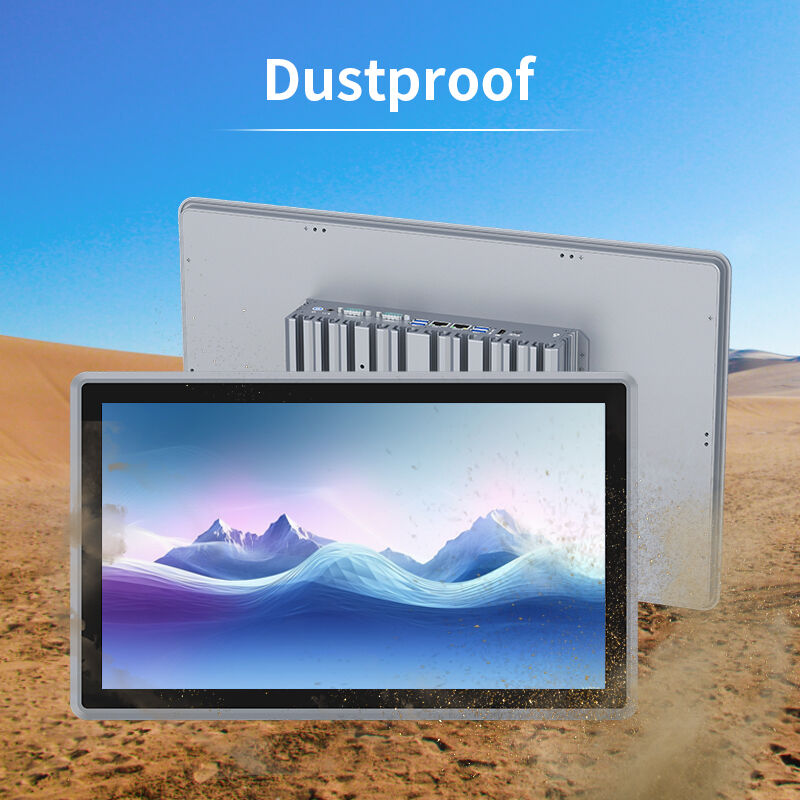
Chassis: Full aluminum alloy housing with fanless cooling and an IP65 waterproof front panel.
Connectivity: Rich I/O including RS232/RS485 COM ports, Dual Intel Gigabit LAN, and GPIO for sensor integration.
Supports VESA Mount (for articulated arms), Panel Mount (embedded into cabinet doors), and Wall Mount.
Internal Motherboard: 3.5-inch industrial grade with high-density gold fingers.
Sealing Gasket: High-density rubber seal to ensure IP65 protection against liquid ingress.
Storage: Industrial-grade M.2 NVMe SSDs for fast boot times and vibration resistance.
Backup: Plug in a standard USB mouse for immediate control.
Backup: Keep a spare external power adapter (12V/24V) to bypass local power issues.
Emergency: Utilize the built-in Watchdog Timer to automatically reboot and restore system operation.
Before purchasing, verify the quality of an Industrial All-In-One Computer using these standard tests:
IP65 Waterproof Test: Spraying the front panel with water to ensure no leakage into the internal circuitry.
Aging Test: 48–72 hours of continuous operation at full load in a high-temperature chamber (up to 50°C).
Touch Life Test: Millions of taps on a single point to verify sensor durability.
Vibration & Drop Test: Simulating harsh shipping and factory floor conditions to ensure component stability.
Cleaning: Use a lint-free cloth with 75% isopropyl alcohol to wipe the touch panel (avoid abrasive cleaners).
Heat Dissipation: Ensure the rear aluminum fins are not covered by insulation materials to maintain passive cooling efficiency.
Port Protection: Use the provided rubber covers for unused USB/LAN ports to prevent oil and dust accumulation.
What did our happy clients say?
Exceptional Industrial All-In-One Computer! We installed the 21.5-inch i5-1235U model on our CNC floor. The capacitive touch is incredibly responsive even in oily conditions, and the aluminum build is very premium. Perfect for heavy-duty automation.
Perfect for Smart Meeting Rooms. The 15-inch tablet PC is sleek and functional. We use it for our conference booking system; it’s fast, reliable, and the fanless design makes it completely silent. YANLING's Industrial All-In-One Computer quality is unmatched.
Impressive OEM Support. We needed a custom Industrial All-In-One Computer with 3x LAN ports and wide voltage for our maritime project. YANLING delivered the prototype within two weeks. The IP65 protection handles the moisture perfectly.
Reliable 24/7 Operation. Running the N100 Panel PC for our self-service kiosks. The 3.5-inch motherboard inside is very stable. Even after 6 months of non-stop use in a hot environment, there hasn't been a single reboot. Great manufacturer!