
Hot Products
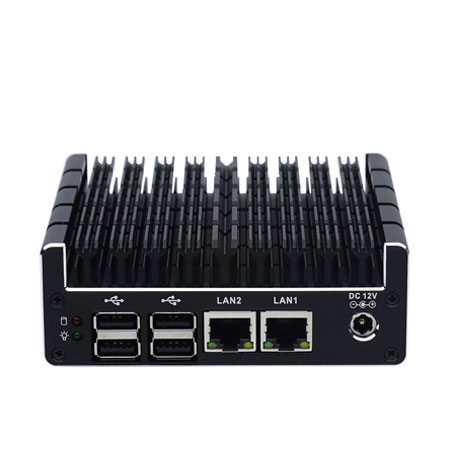
Micro Firewall Appliance NUC Industrial Computer Fanless J3060 Mini PC with Dual Intel LAN & Dual HDMI Display
The Micro Firewall Appliance NUC Industrial Computer (Model: NUC-C3) is a high-performance, ultra-compact solution specifically designed for network security and stable industrial control. At its heart lies the Intel Celeron J3060 dual-core processor, optimized for energy efficiency while providing a burst frequency of up to 2.48GHz. Encased in a premium all-aluminum, fanless chassis, this machine eliminates the noise and mechanical failure risks associated with traditional cooling fans, making it the definitive choice for silent, 24/7 continuous operation in demanding environments.
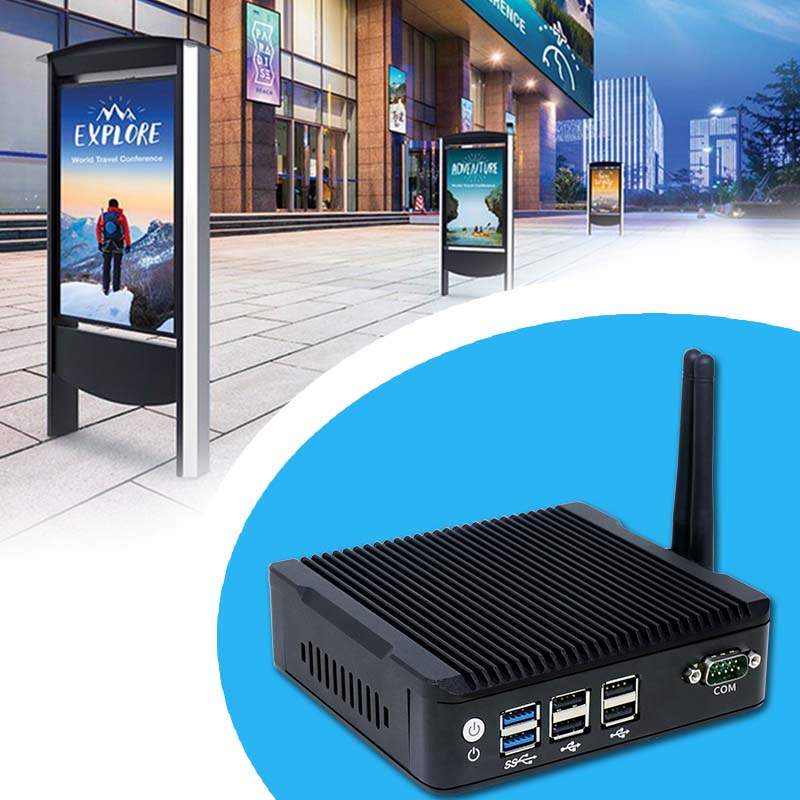
Fanless 4K Triple Display NUC Industrial Computer Intel Quad Core Mini PC with Dual LAN & Dual Storage Support
The Fanless 4K Triple Display NUC Industrial Computer (Model: N5) is a robust and compact embedded solution specifically engineered for high-availability environments. This small-form-factor powerhouse utilizes an all-aluminum, fanless cooling structure that ensures silent operation and zero maintenance. By eliminating mechanical fans, it removes the primary point of failure common in traditional PCs, preventing downtime caused by dust accumulation or mechanical wear. Powered by high-efficiency Intel Quad Core processors like the Pentium J3710, it delivers the consistent performance required for 24/7 industrial operations.
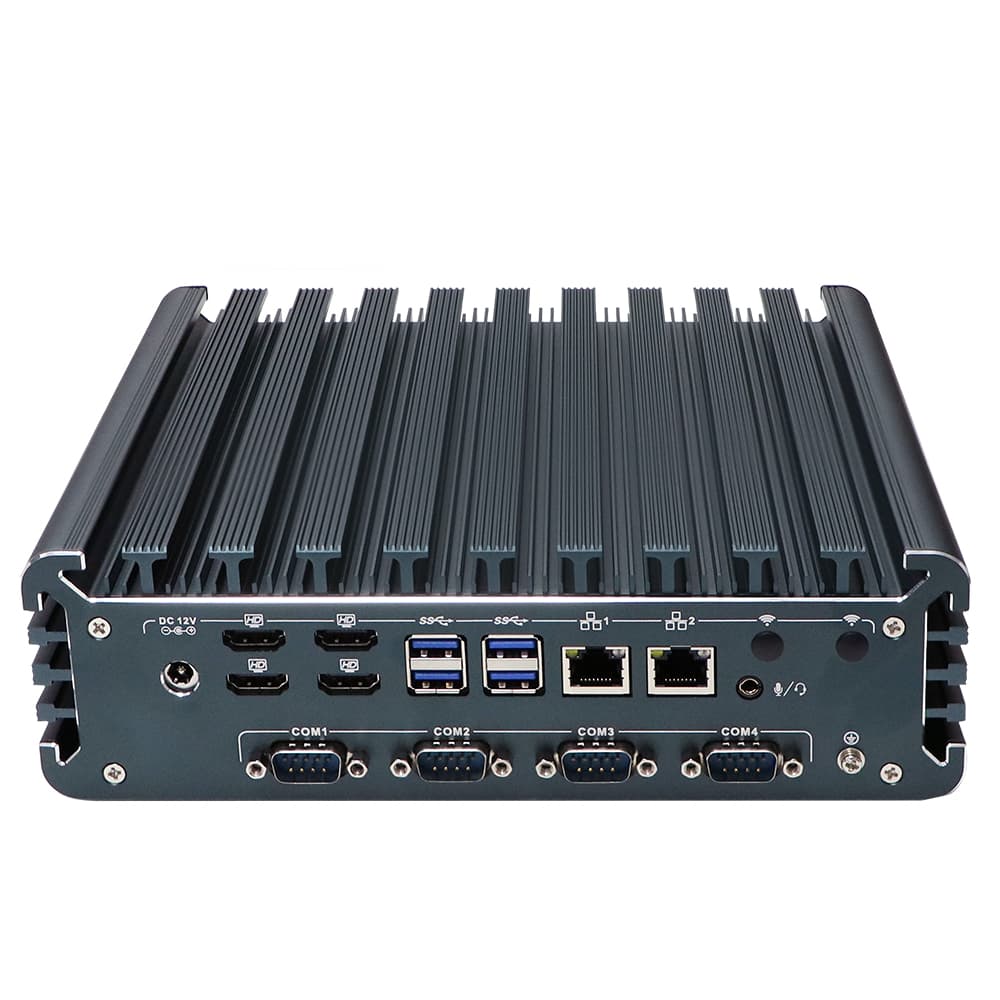
Fanless Quad HDMI Display i7 Industrial PC Alder Lake i7-1355U Rugged Desktop Computer with 4*USB3.0
The Fanless Quad HDMI Display i7 Industrial PC (Model: IBOX-3226) is a powerhouse of performance and reliability, engineered for the most demanding industrial environments. Driven by the 12th/13th Gen Intel® Core™ i7-1355U processor (up to 5.0 GHz), this system delivers enterprise-grade computing with a 10-core, 12-thread architecture. Its standout feature is the native support for 4 independent HDMI displays, housed in a rugged, fanless aluminum alloy chassis designed for silent, 24/7 continuous operation.
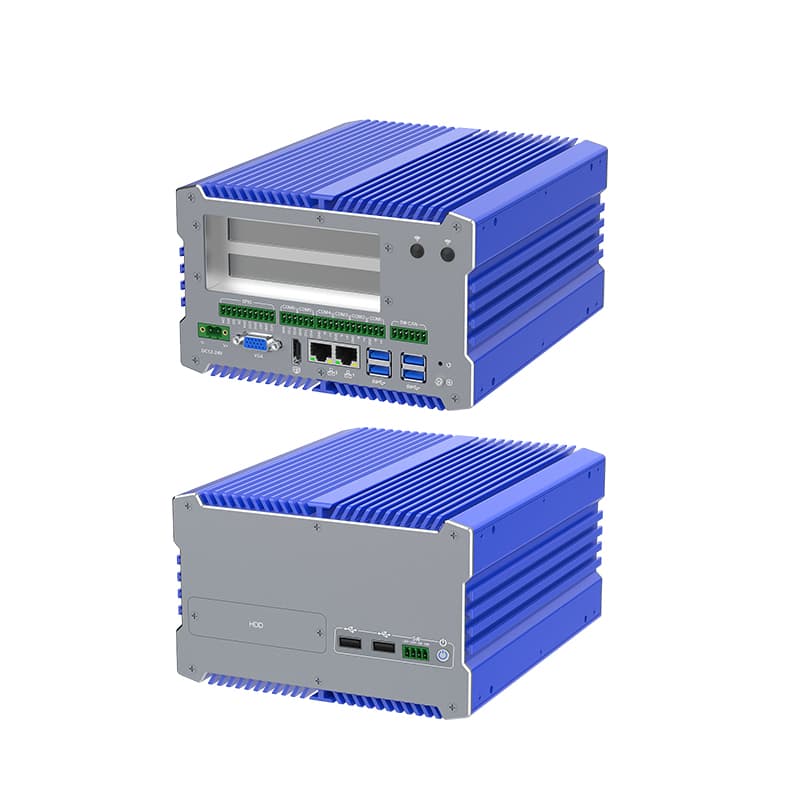
Fanless i7 Industrial Computer with 12th Gen Core, Dual Storage, and Wide Voltage Support
The IBOX-711 is a Fanless i7 Industrial Computer, powerhouse engineered for the most demanding industrial environments. Combining the raw processing power of Intel's 12th Generation Core i7 with a robust, fanless architecture, this system is designed to provide 24/7 reliability without compromise. Encased in an all-aluminum alloy structure, it excels in heat dissipation and physical durability, making it an ideal choice for high-stakes applications in automation and machine vision.
- Request A Quote
What is Industrial PC: Definition, Types, and How to Configure an Industrial PC
Publish time:2026-04-02 20:37:37
Detailed Product Description
In the world of high-stakes automation, a standard desktop is a liability. An Industrial PC (IPC) is the ruggedized backbone of modern infrastructure. As a premier manufacturer, YANLING provides this definitive guide to understanding, selecting, and configuring the hardware that powers the global smart factory.
Official Definition: What is an Industrial PC?
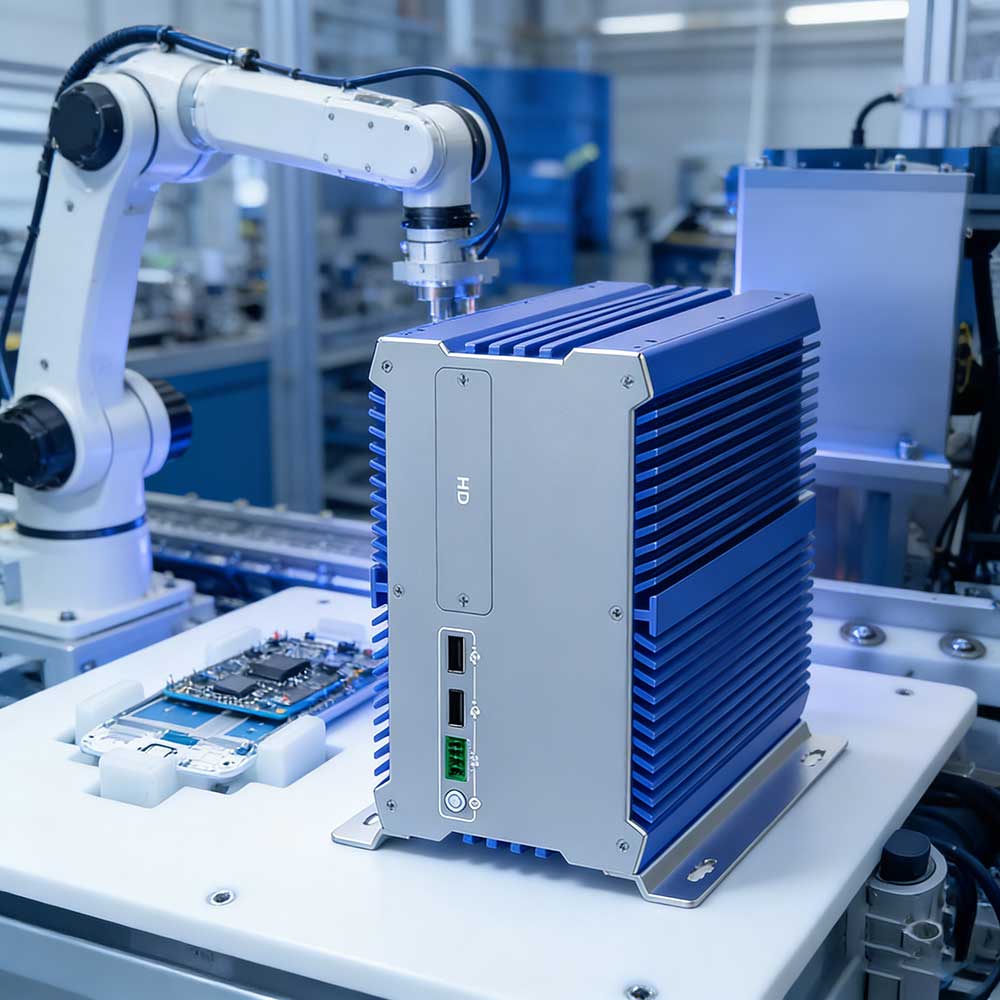
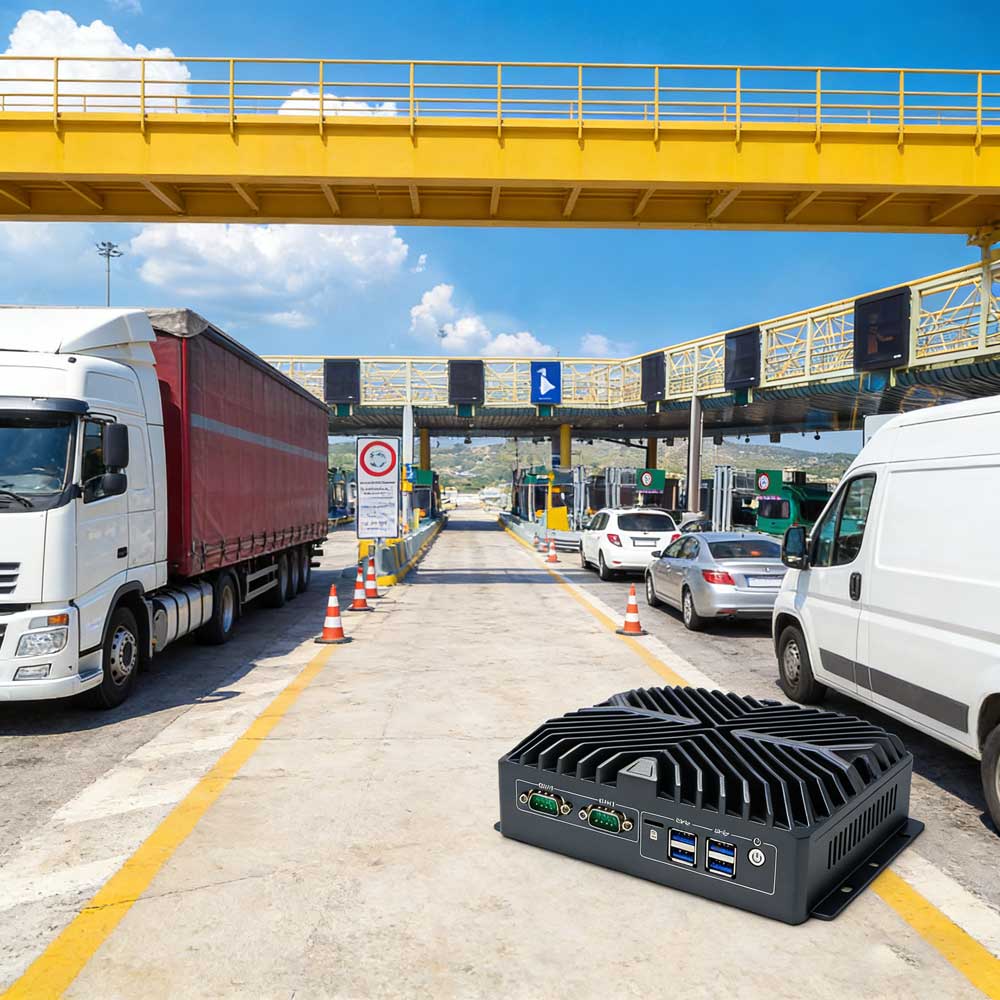
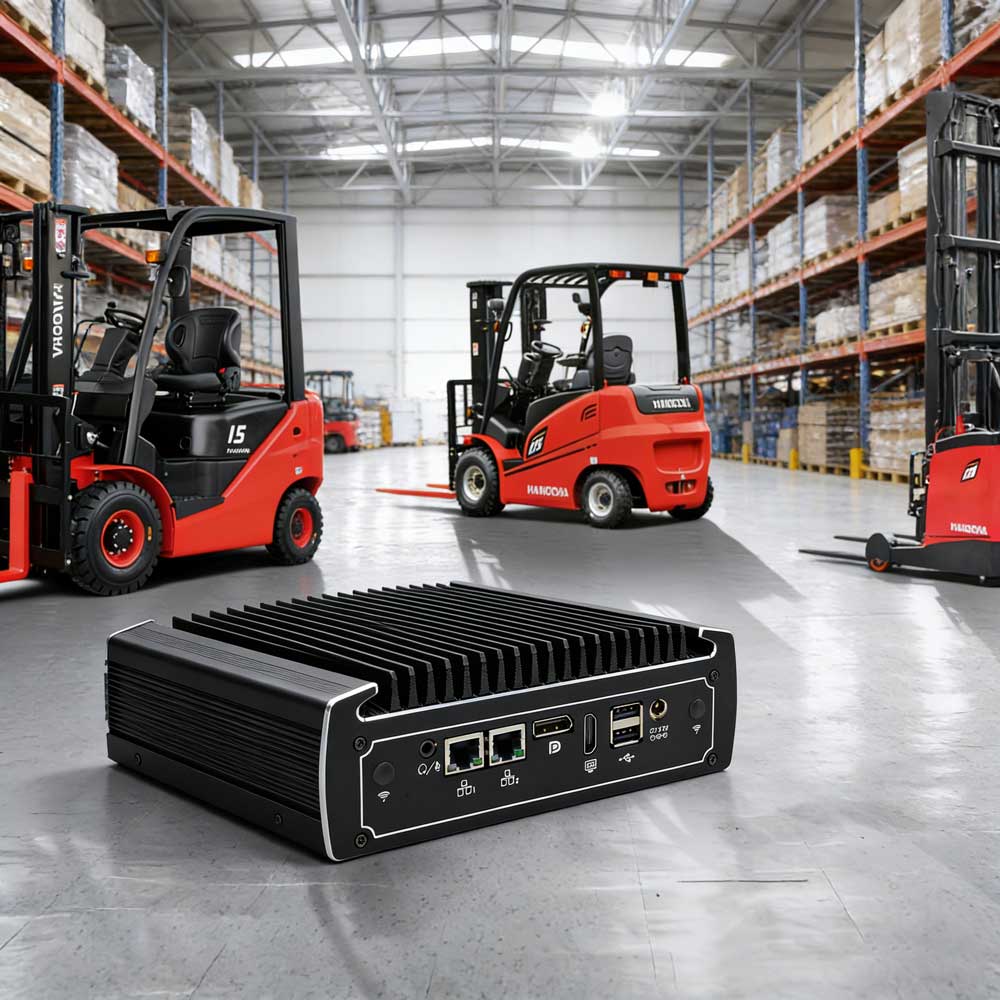
An Industrial PC is a high-performance computing platform specifically engineered to operate reliably in harsh, unconditioned environments. Unlike consumer PCs, an IPC is defined by its industrial-grade longevity (7-10 year lifecycle), fanless thermal management, and resistance to extreme temperatures, high humidity, dust, and electromagnetic interference (EMI). It serves as the "local brain" for data acquisition, machine vision, and real-time process control.
YANLING Industrial PC: Core Types & Styles
Depending on your installation environment, YANLING offers three primary IPC architectures:
Type | Style & Features | Best Application |
| Fanless Mini PC | Compact, all-aluminum chassis (e.g., IEXP-332) with passive cooling. | IoT Gateways, AGV Controllers, Digital Signage. |
| Industrial Box PC | High-performance workstation power (e.g., IEXP-712) with 4-6 LAN and COM ports. | Machine Vision, AI Edge Computing, Firewalls. |
| Industrial Panel PC | All-in-one touch screen (e.g., ITPC-C215) with IP65-rated front protection. | HMI, Self-Service Kiosks, CNC Control Panels. |
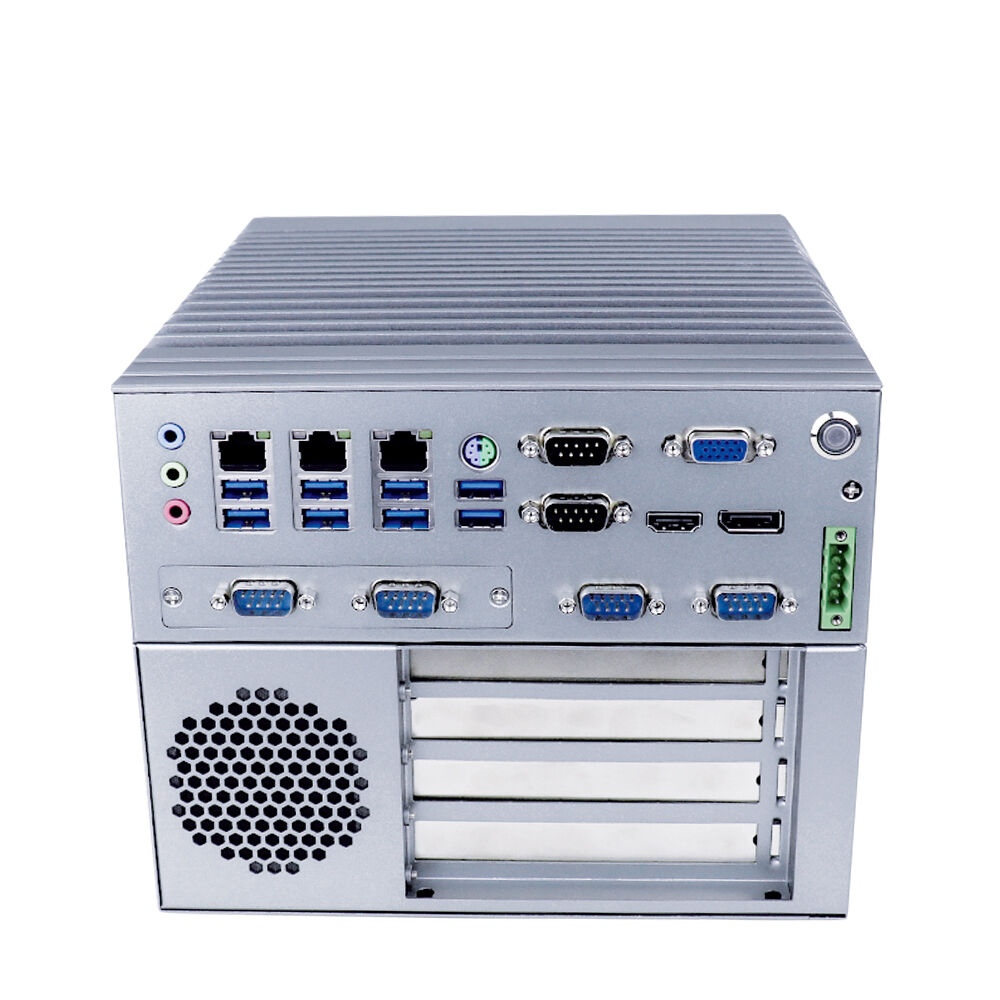
Universal Configuration of An Industrial PC
When reviewing a YANLING Industrial PC, you will typically find these professional-grade specifications:
Component | Technical Specification (Typical) | YANLING Advantage |
Processor (CPU) | Intel® Celeron N100 to Core i7-12700T | Low-TDP "T" & "U" series for fanless stability. |
Memory (RAM) | 8GB to 64GB DDR4/DDR5 | Dual-channel support for high-speed multitasking. |
Storage (SSD) | M.2 2280 NVMe + 2.5" SATA SSD/HDD | Shock-resistant solid-state storage. |
I/O Ports | 2-6x Intel Gigabit LAN, 2-6x COM, 4-8x USB | Native RS232/485 for legacy machine control. |
Power Input | DC 12V ~ 24V Wide Voltage | Handles industrial power grid fluctuations. |
Operating Temp | -20°C to +60°C | Reliable in unconditioned outdoor/factory areas. |
Scientific Configuration Flow: How to Configure an Industrial PC
Configuring an IPC requires a "Functional First" approach. Follow these 5 steps to ensure a perfect match:
Step 1: Determine the Computational Load
Light (Data Collection): Choose an Intel N100 or J-series.
Heavy (Vision/AI): Opt for a Core i7 with DDR5 RAM to prevent data bottlenecks.
Step 2: Map Your Connectivity (I/O)
List every device the PC must talk to. Do you need GPIO for sensors? 4 LAN ports for network isolation? Or COM ports for older PLCs? Always configure with 20% extra port capacity for future expansion.
Step 3: Select the Thermal Profile
If the environment is dusty or oily, ALWAYS configure a Fanless design. If the PC is in a temperature-controlled server room, a high-performance active-cooled rackmount may suffice.
Step 4: Storage & Redundancy
For mission-critical data, configure Dual Storage (one M.2 for the OS and one 2.5" SSD for data backups). Ensure TPM 2.0 is enabled in the BIOS for hardware-level security.
Step 5: BIOS & Software Optimization
Configure "Auto Power On" (Resume on AC Power Loss) so the PC restarts automatically after a blackout. Enable the Watchdog Timer to ensure the system reboots if the software hangs.
Summary: The YANLING Commitment
Configuring an Industrial PC is about eliminating the "Point of Failure." By choosing YANLING, you are opting for factory-direct engineering that prioritizes 24/7 uptime over consumer gimmicks. Ready to build your spec? Contact our engineers for a custom Industrial PC configuration today!
Hot Articles



Address: The10th Floor,Block B,Building 6,Evergrande Shishanghuigu,Dalang,Longhua,Shenzhen City, Guangdong Provice, China.
- Tel:+86 132 4373 8816
- Email: vincent@ylgkdn.cn
- Worktime:9:00-18:30
- Contact Person:Mr vincent
- Mobile Site