
Hot Products
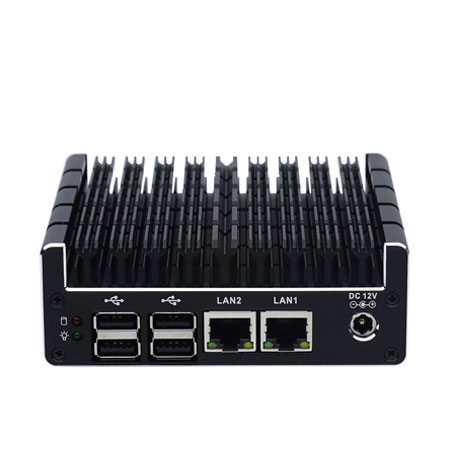
Micro Firewall Appliance NUC Industrial Computer Fanless J3060 Mini PC with Dual Intel LAN & Dual HDMI Display
The Micro Firewall Appliance NUC Industrial Computer (Model: NUC-C3) is a high-performance, ultra-compact solution specifically designed for network security and stable industrial control. At its heart lies the Intel Celeron J3060 dual-core processor, optimized for energy efficiency while providing a burst frequency of up to 2.48GHz. Encased in a premium all-aluminum, fanless chassis, this machine eliminates the noise and mechanical failure risks associated with traditional cooling fans, making it the definitive choice for silent, 24/7 continuous operation in demanding environments.
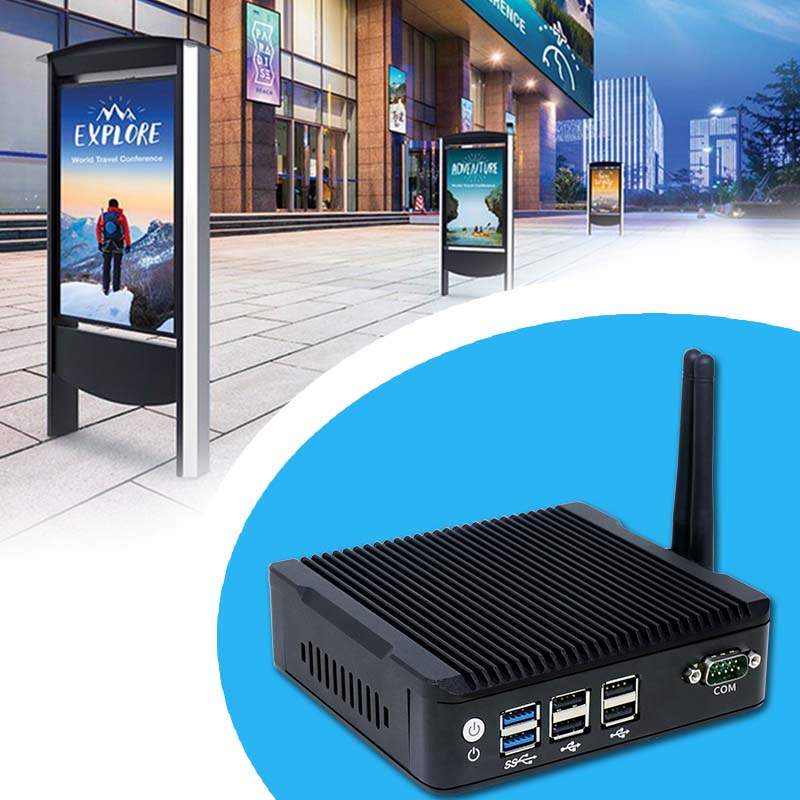
Fanless 4K Triple Display NUC Industrial Computer Intel Quad Core Mini PC with Dual LAN & Dual Storage Support
The Fanless 4K Triple Display NUC Industrial Computer (Model: N5) is a robust and compact embedded solution specifically engineered for high-availability environments. This small-form-factor powerhouse utilizes an all-aluminum, fanless cooling structure that ensures silent operation and zero maintenance. By eliminating mechanical fans, it removes the primary point of failure common in traditional PCs, preventing downtime caused by dust accumulation or mechanical wear. Powered by high-efficiency Intel Quad Core processors like the Pentium J3710, it delivers the consistent performance required for 24/7 industrial operations.
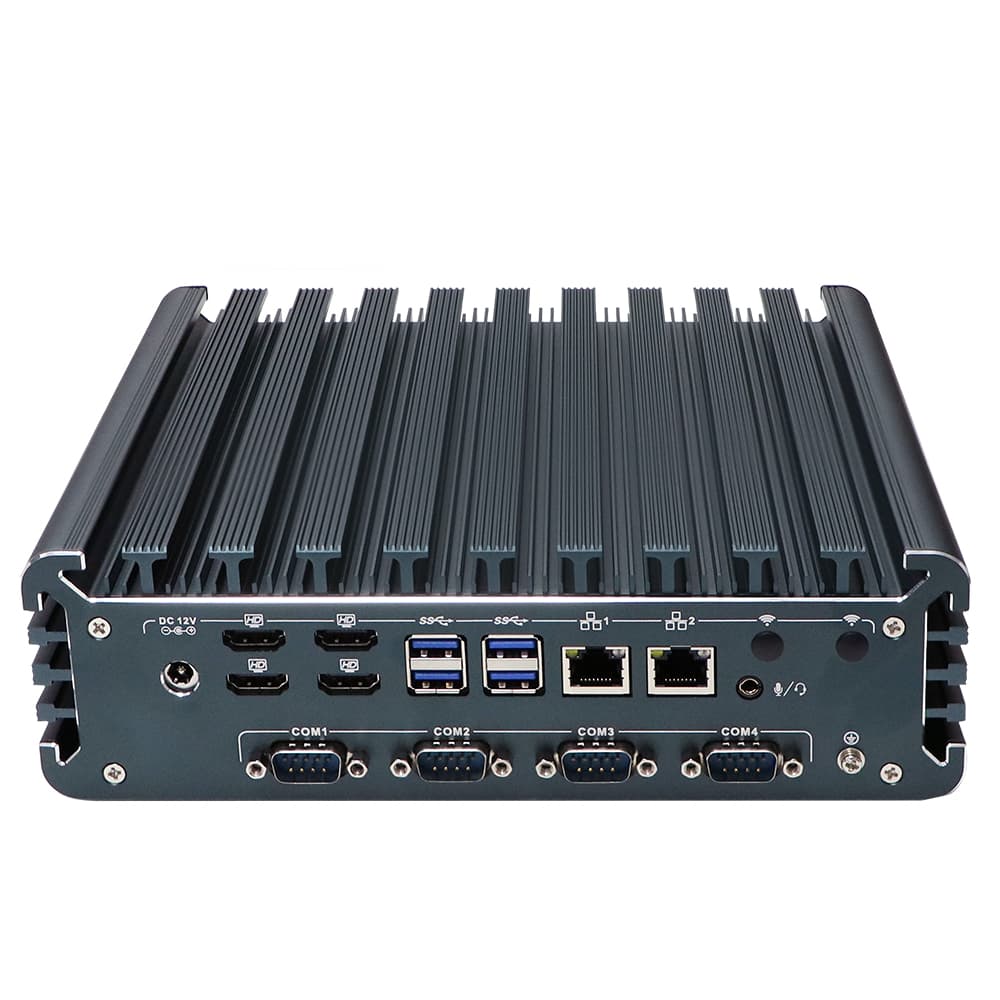
Fanless Quad HDMI Display i7 Industrial PC Alder Lake i7-1355U Rugged Desktop Computer with 4*USB3.0
The Fanless Quad HDMI Display i7 Industrial PC (Model: IBOX-3226) is a powerhouse of performance and reliability, engineered for the most demanding industrial environments. Driven by the 12th/13th Gen Intel® Core™ i7-1355U processor (up to 5.0 GHz), this system delivers enterprise-grade computing with a 10-core, 12-thread architecture. Its standout feature is the native support for 4 independent HDMI displays, housed in a rugged, fanless aluminum alloy chassis designed for silent, 24/7 continuous operation.
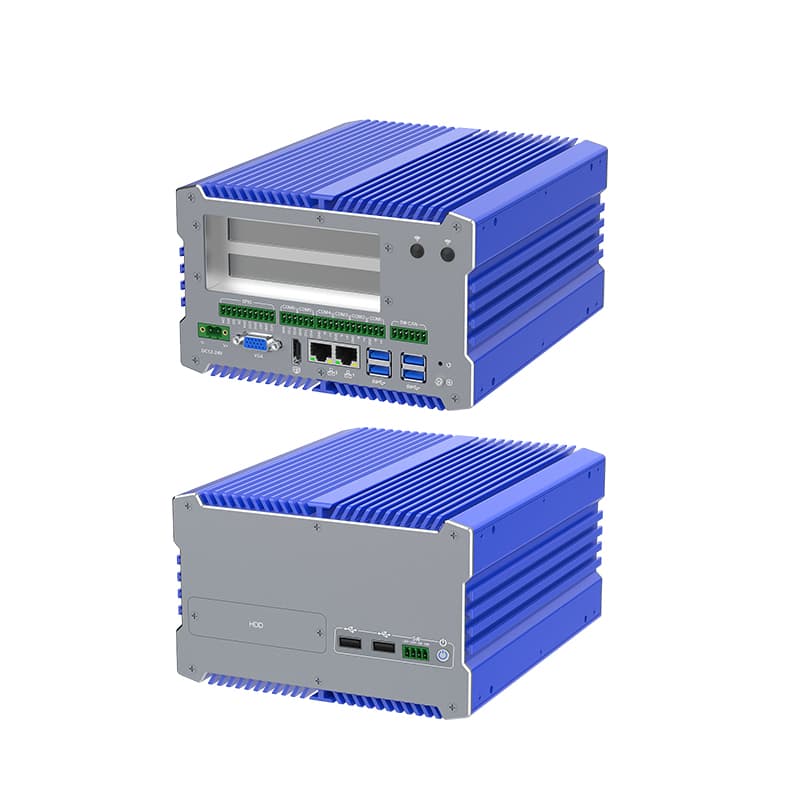
Fanless i7 Industrial Computer with 12th Gen Core, Dual Storage, and Wide Voltage Support
The IBOX-711 is a Fanless i7 Industrial Computer, powerhouse engineered for the most demanding industrial environments. Combining the raw processing power of Intel's 12th Generation Core i7 with a robust, fanless architecture, this system is designed to provide 24/7 reliability without compromise. Encased in an all-aluminum alloy structure, it excels in heat dissipation and physical durability, making it an ideal choice for high-stakes applications in automation and machine vision.
- Request A Quote
How to choose an industrial computer
Publish time:2026-04-02 11:55:09
Detailed Product Description
Selecting the ideal Industrial Computer is a critical decision that impacts the long-term stability and ROI of your automation infrastructure. Unlike consumer PCs, industrial hardware must survive 24/7 operation in environments filled with dust, vibration, and extreme temperatures.
As a leading industrial computer manufacturer, YANLING provides this scientific framework to help you navigate technical specifications, budgets, and application needs to find your perfect match.
Define Your Environment (Physical Constraints)
The first step in knowing how to choose an industrial computer is assessing where it will live.
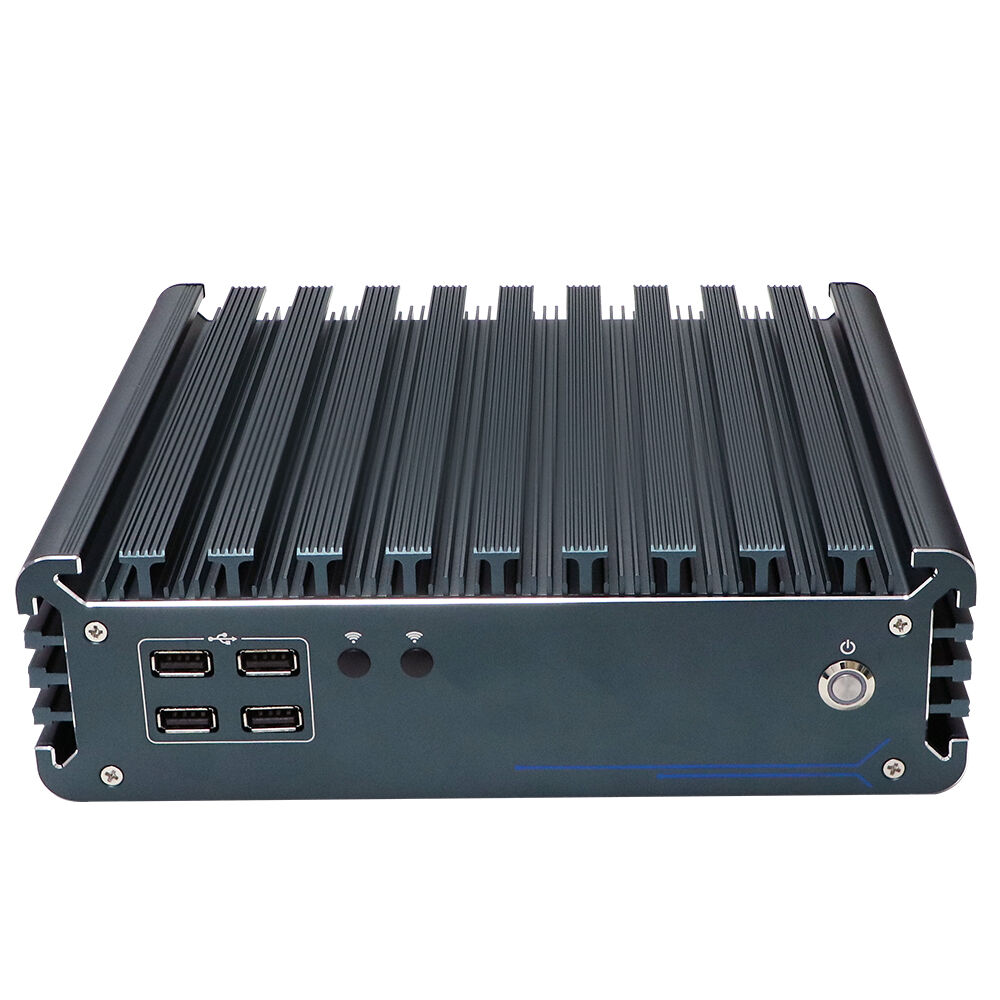
Dust & Debris: If your facility has metallic dust or wood shavings, a Fanless Industrial PC is mandatory. Our all-aluminum alloy chassis (like the IEXP-332) acts as a massive heat sink, eliminating fans—the #1 point of mechanical failure.
Temperature Extremes: Standard PCs fail at 35°C. YANLING units are engineered for wide-temperature operation, often ranging from -20°C to +60°C.
Space Limitations: For cramped control cabinets, look for "Book-Type" or ultra-compact NUC form factors (e.g., our J3160-L4).
Match Processing Power to Task (Performance Scalability)
Don’t overpay for power you don’t use, but don't bottleneck your future growth.
|  |
Connectivity & I/O Requirements
An industrial computer is only as good as its ability to communicate.
Legacy Integration: Does your machinery use RS232/485? Ensure your IPC has dedicated COM ports.
Networking & Security: For firewall applications (pfSense) or redundant networks, YANLING offers models with 4 to 6 Intel Gigabit LAN ports.
Expansion: If you need 4G/5G or specialized capture cards, verify the presence of Mini-PCIE or M.2 expansion slots.
Budget vs. Total Cost of Ownership (TCO)
When considering how to choose an industrial computer, the purchase price is only 30% of the cost.
Cheap Consumer PC: Low upfront cost, but frequent downtime and replacement every 1-2 years.
YANLING Industrial IPC: Higher upfront investment, but designed for a 7-10 year lifecycle with near-zero maintenance. The savings in energy (using 6W-35W "T" series chips) and avoided downtime provide a much higher ROI.
Quality Testing & Reliability Checklist
Before you buy, ensure the manufacturer performs these "Scientific Checks":
24-Hour Aging Test: Every unit should run at 100% load before shipping.
Vibration & Impact Testing: Critical for AGV and mobile deployments.
Certifications: Look for CE, FCC, RoHS, and ISO9001 to ensure global safety and quality standards.
Summary: The YANLING Pro-Tip
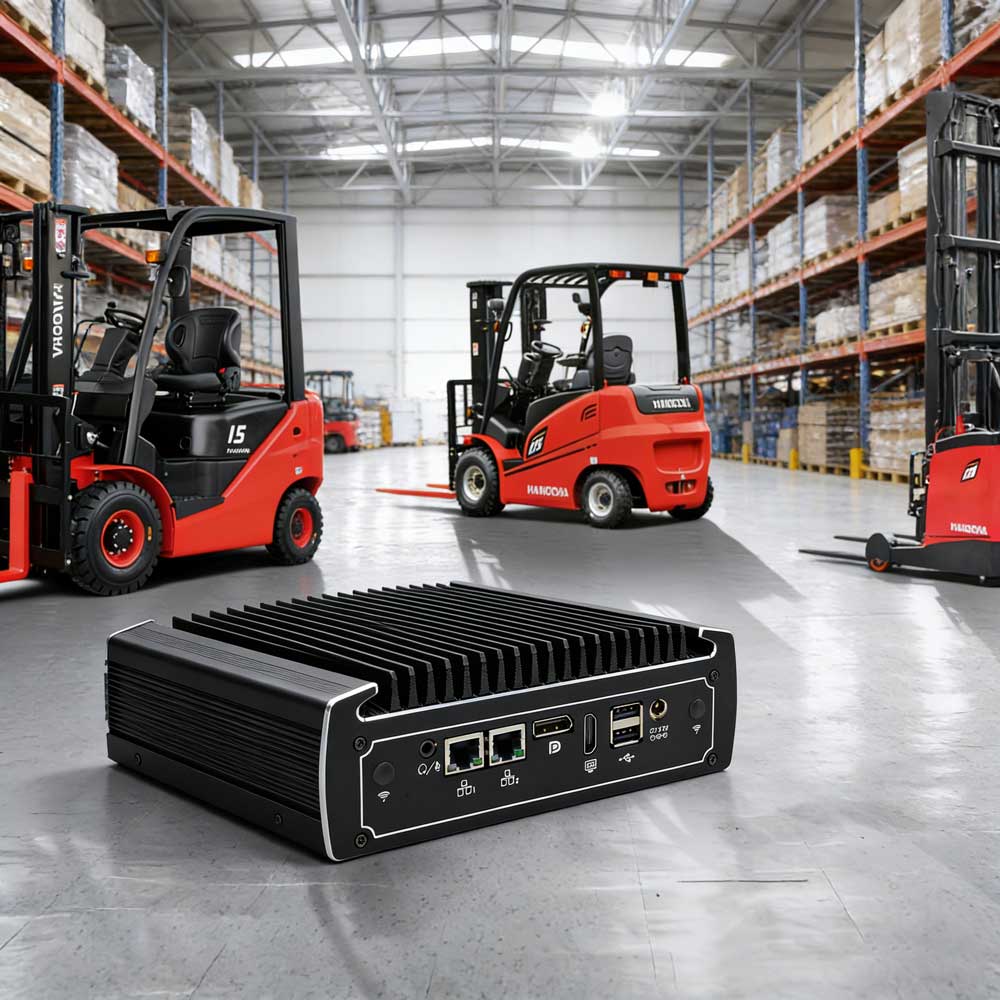
If you need a "set and forget" solution for a smart warehouse, go with a Fanless N100. If you are building a high-speed inspection line, invest in a Core i7 with DDR5. Still unsure? Contact our technical support team for a free configuration audit tailored to your project!
Hot Articles



Address: The10th Floor,Block B,Building 6,Evergrande Shishanghuigu,Dalang,Longhua,Shenzhen City, Guangdong Provice, China.
- Tel:+86 132 4373 8816
- Email: vincent@ylgkdn.cn
- Worktime:9:00-18:30
- Contact Person:Mr vincent
- Mobile Site