
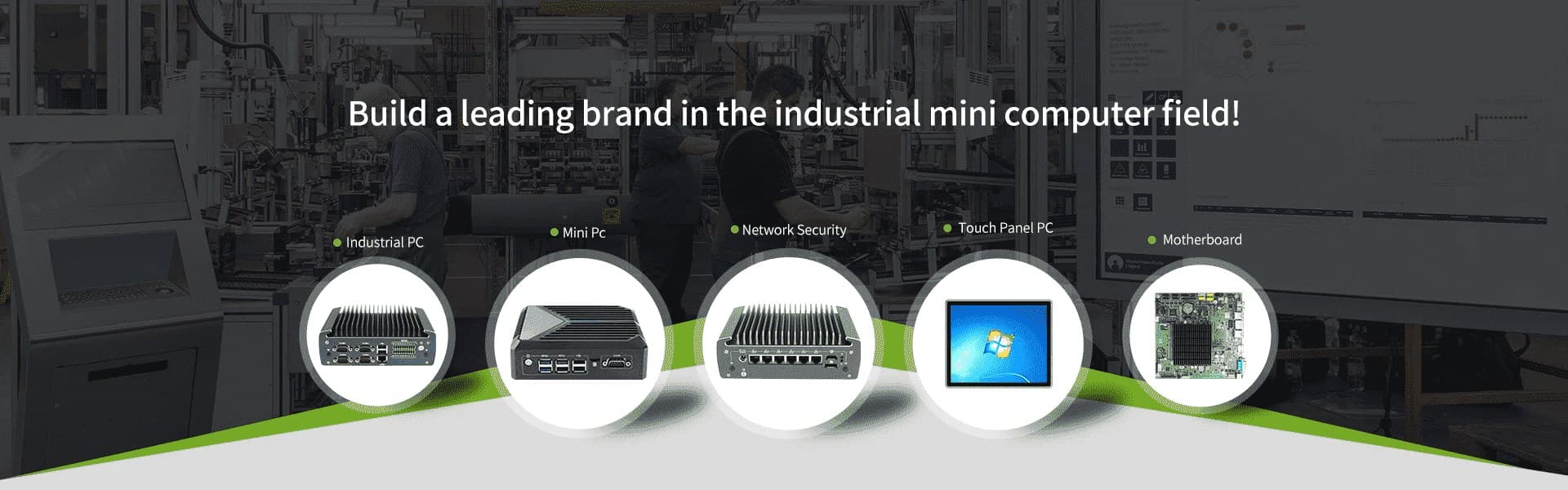
Hot Products
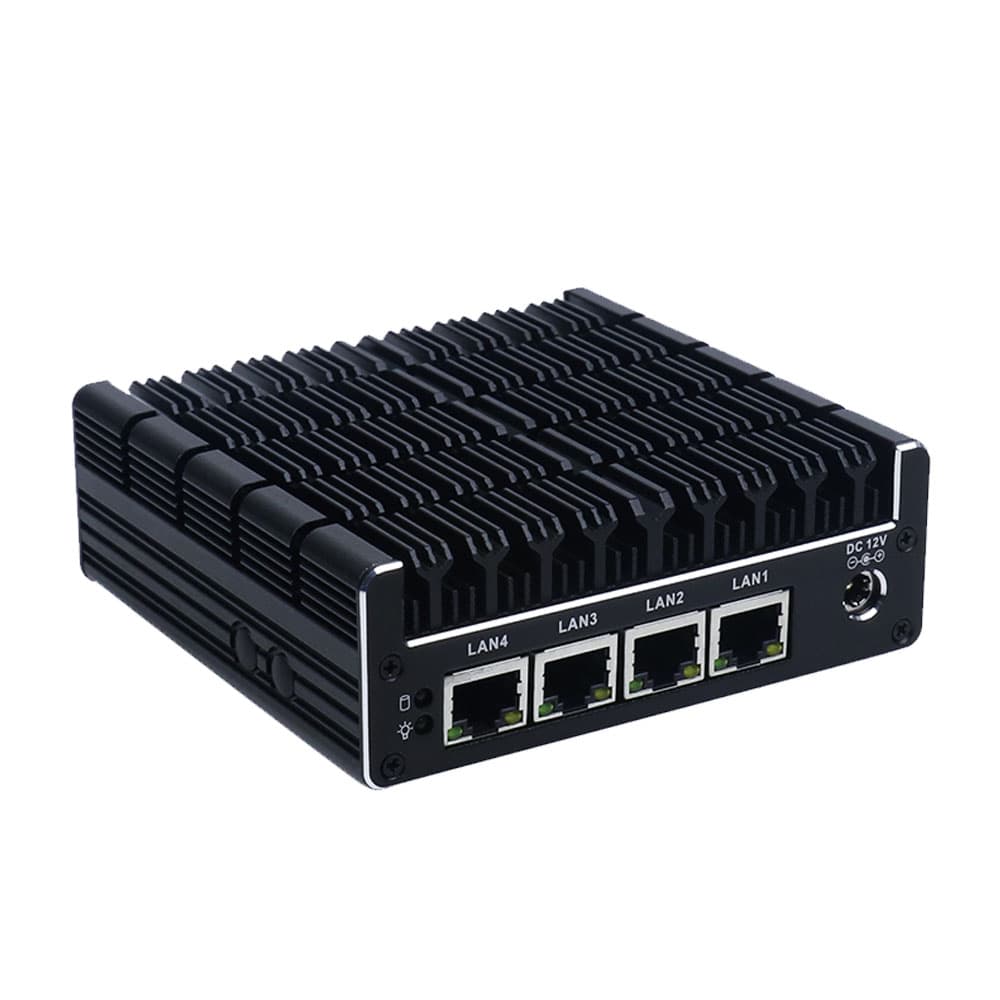
Small NUC Industrial Computer With 4 Gigabit Ethernet LAN 2 USB 2.0 Ports
The Small NUC Industrial Computer (J3160-L4) is an ultra-compact, high-density networking motherboard measuring just 100mm x 100mm. Powered by the energy-efficient Intel Celeron J3160 Quad-Core processor, this NUC-form-factor board is specifically engineered for multi-network environments. Its standout feature is the integration of 4 Gigabit Ethernet LAN ports, providing massive throughput and physical network isolation in a palm-sized footprint. Supporting up to 8GB DDR3L RAM and mSATA storage, it balances processing power with low thermal output. With dual 4K display outputs (HDMI & DisplayPort) and a stable 12V DC input, it serves as a robust foundation for silent, fanless industrial systems that require 24/7 operational stability.
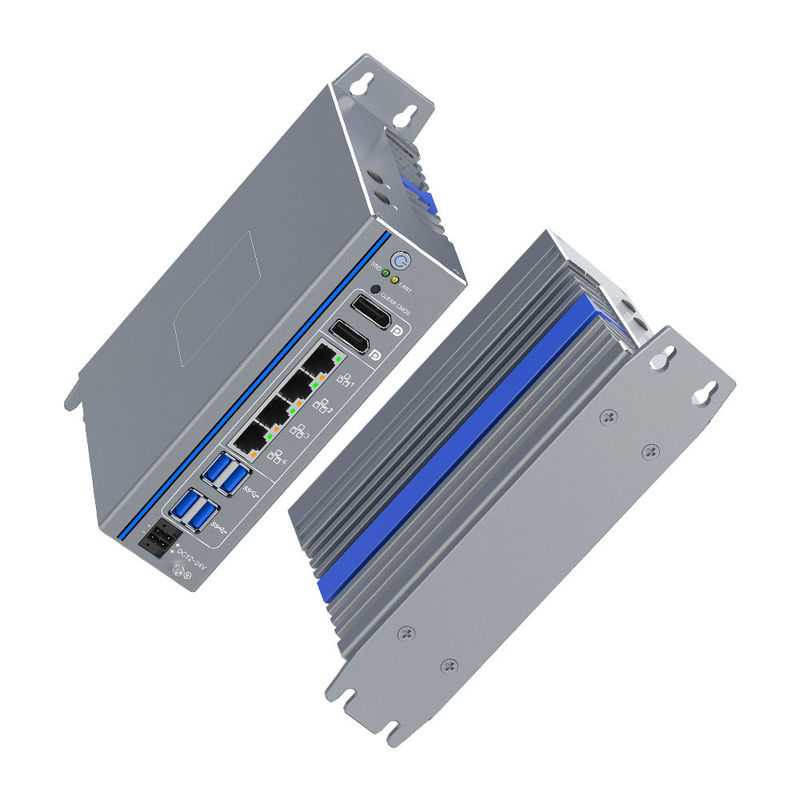
12th Gen i7 Industrial Computer Intel Alder Lake U Deca-Core with 4 lan
The IEXP-512 is a powerhouse i7 Industrial Computer featuring the cutting-edge 12th Gen Intel Alder Lake-U Deca-Core processor. Engineered for high-speed data processing, it leverages a hybrid architecture with a turbo frequency of 4.7 GHz to handle complex industrial algorithms with ease. This "Industrial Box PC" is a pioneer in the field, integrating DDR5 4800MHz memory and supporting a staggering 8K DP resolution (7680 x 4320). With its fanless, rugged design and wide voltage support, it provides a stable, high-bandwidth computing platform for mission-critical industrial environments.
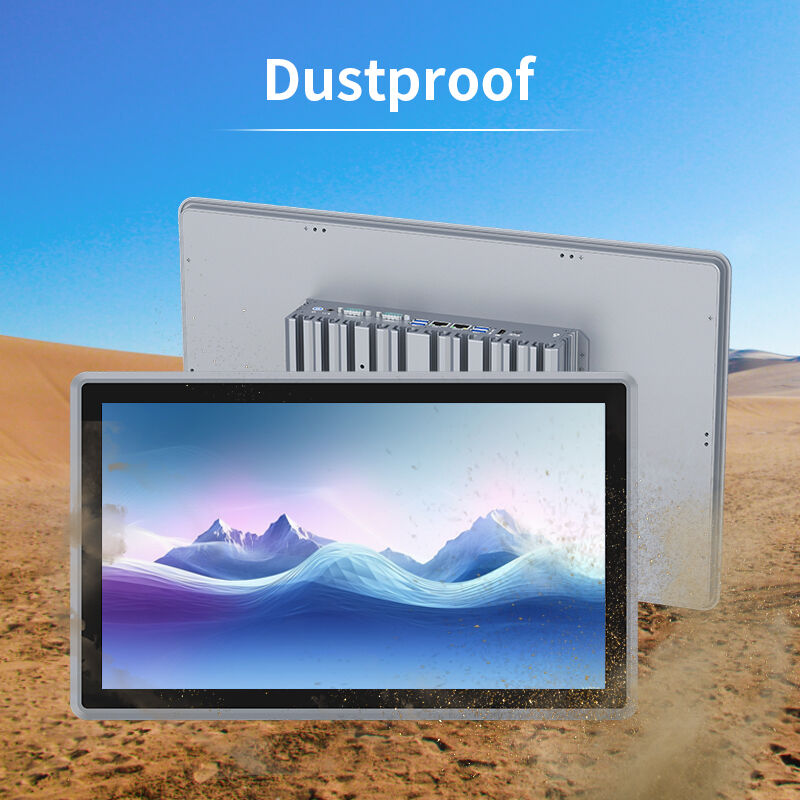
21.5 Inch Industrial All In One Computer With Capacitive Touch Display and Wide Temperature Support in Full Aluminum Alloy
The ITPC-C215 is a premier 21.5 Inch Industrial All In One Computer featuring a brilliant Full HD (1920 x 1080) TFT display integrated into a ruggedized Full Aluminum Alloy chassis. Engineered for high-intensity environments, this system supports a wide range of processors from the efficient Intel Celeron J1900 to high-performance 8th Gen Intel Core i3/i5/i7 series. With its IP65-rated front panel, versatile I/O including Dual Gigabit LAN and expandable COM ports, and a slim embedded design, it represents the pinnacle of industrial-grade human-machine interface (HMI) technology.
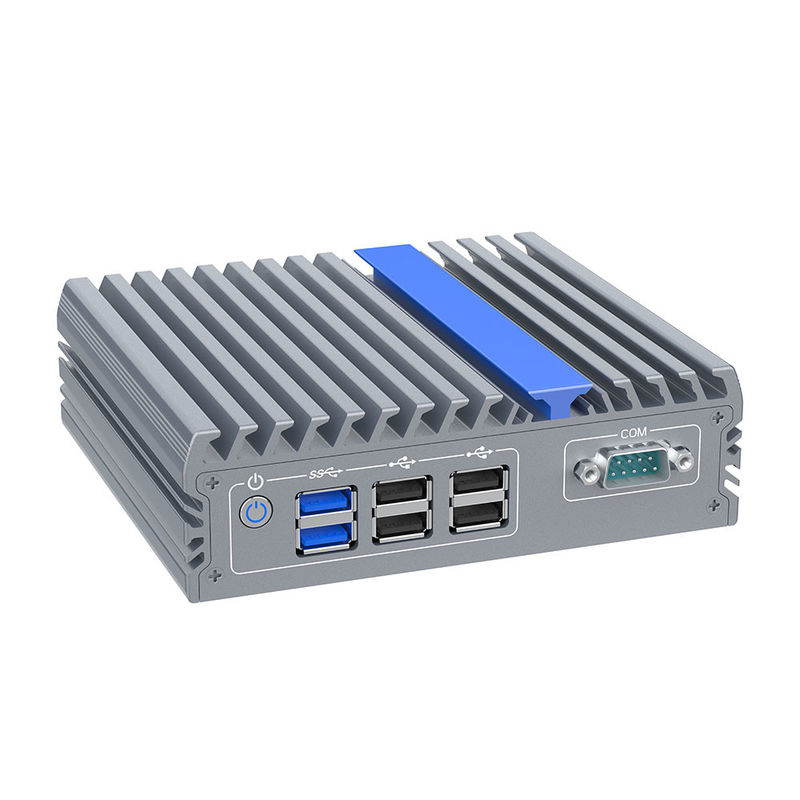
Intel J3710 Small Industrial Computer Ddr3 RAM Dual Nic Mini Pc
The Intel J3710 Small Industrial Computer is a high-performance, compact embedded solution engineered for 24/7 reliability in demanding environments. Powered by the Intel Braswell J3710 Quad-Core processor (Burst up to 2.64 GHz), this system delivers efficient multitasking with a remarkably low TDP of only 6.5W. Its rugged fanless aluminum chassis ensures silent operation while protecting internal components from dust and vibration. Featuring Dual Gigabit LAN, 6 USB ports, and dual 4K HDMI outputs, this mini PC offers the perfect balance of connectivity and industrial-grade durability.
- Request A Quote
What is Industrial PC: Definition, Types, and How to Configure an Industrial PC
Publish time:2026-04-02 20:37:37
Detailed Product Description
In the world of high-stakes automation, a standard desktop is a liability. An Industrial PC (IPC) is the ruggedized backbone of modern infrastructure. As a premier manufacturer, YANLING provides this definitive guide to understanding, selecting, and configuring the hardware that powers the global smart factory.
Official Definition: What is an Industrial PC?
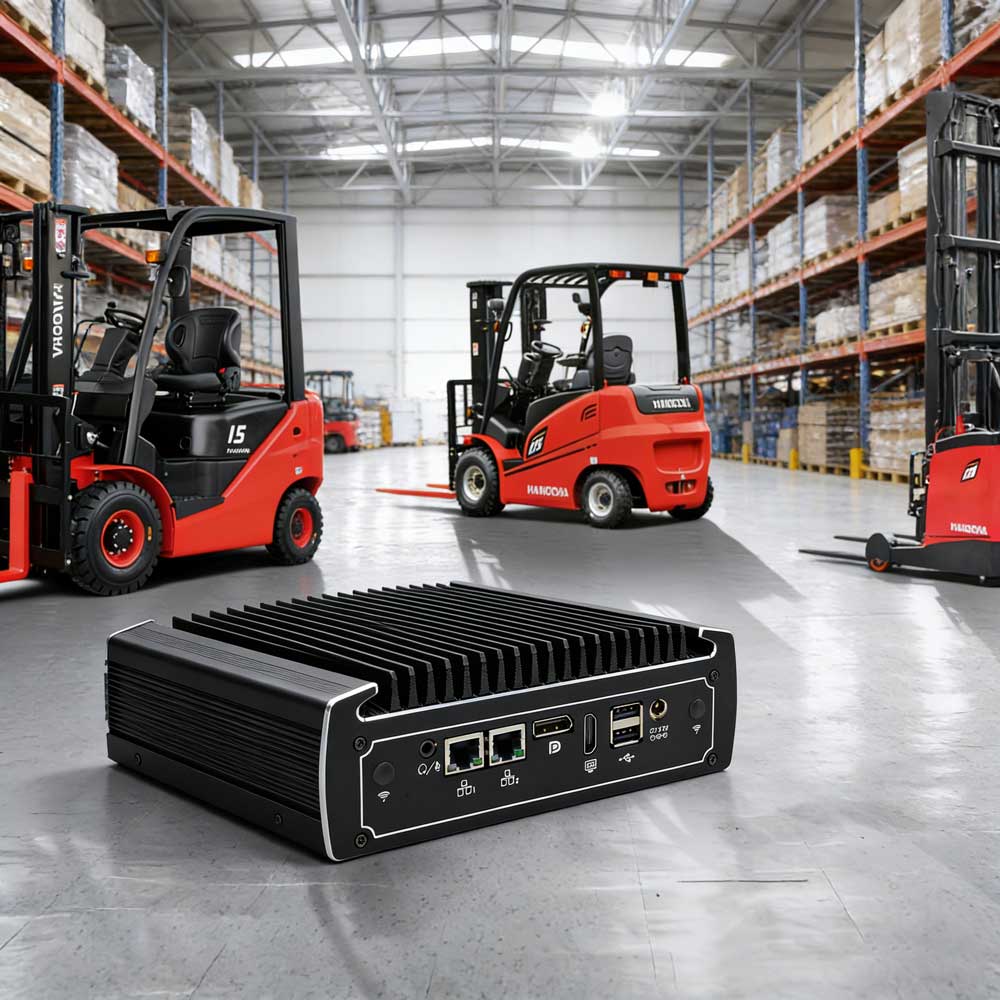
An Industrial PC is a high-performance computing platform specifically engineered to operate reliably in harsh, unconditioned environments. Unlike consumer PCs, an IPC is defined by its industrial-grade longevity (7-10 year lifecycle), fanless thermal management, and resistance to extreme temperatures, high humidity, dust, and electromagnetic interference (EMI). It serves as the "local brain" for data acquisition, machine vision, and real-time process control.
YANLING Industrial PC: Core Types & Styles
Depending on your installation environment, YANLING offers three primary IPC architectures:
Type | Style & Features | Best Application |
| Fanless Mini PC | Compact, all-aluminum chassis (e.g., IEXP-332) with passive cooling. | IoT Gateways, AGV Controllers, Digital Signage. |
| Industrial Box PC | High-performance workstation power (e.g., IEXP-712) with 4-6 LAN and COM ports. | Machine Vision, AI Edge Computing, Firewalls. |
| Industrial Panel PC | All-in-one touch screen (e.g., ITPC-C215) with IP65-rated front protection. | HMI, Self-Service Kiosks, CNC Control Panels. |
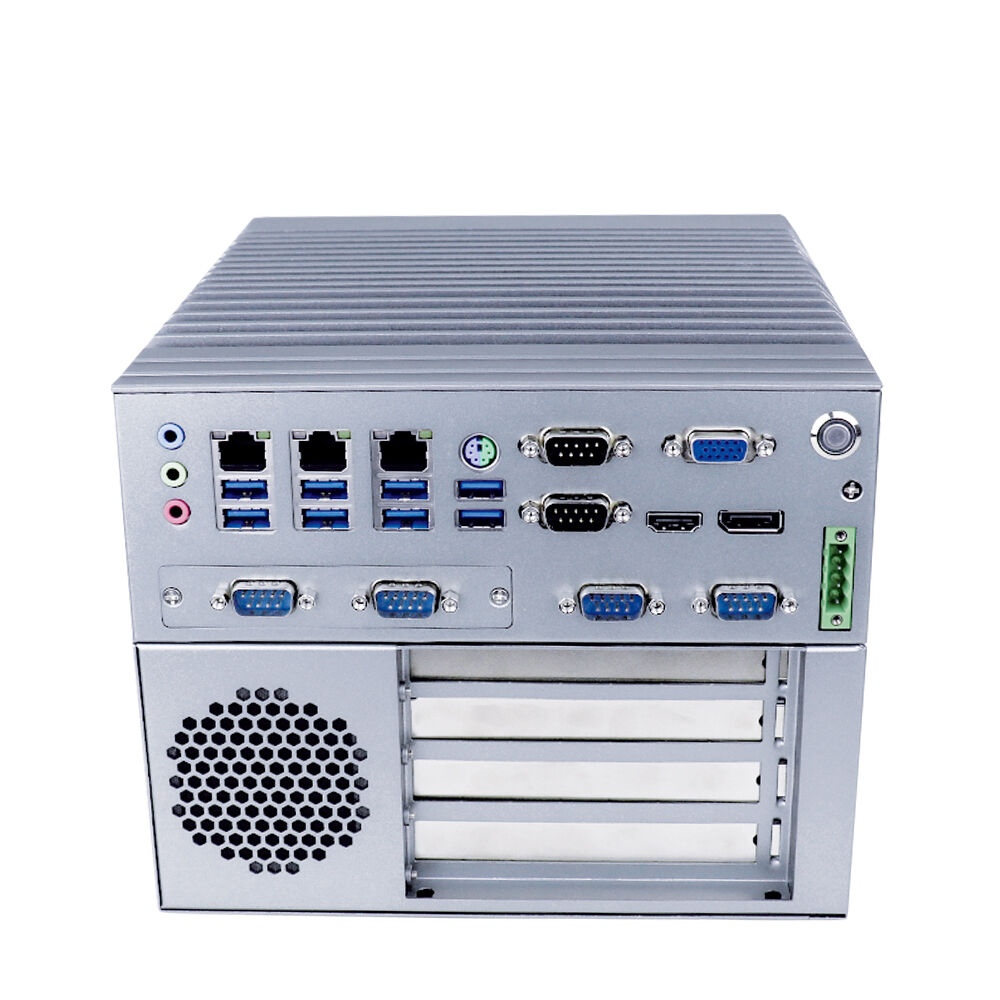
Universal Configuration of An Industrial PC
When reviewing a YANLING Industrial PC, you will typically find these professional-grade specifications:
Component | Technical Specification (Typical) | YANLING Advantage |
Processor (CPU) | Intel® Celeron N100 to Core i7-12700T | Low-TDP "T" & "U" series for fanless stability. |
Memory (RAM) | 8GB to 64GB DDR4/DDR5 | Dual-channel support for high-speed multitasking. |
Storage (SSD) | M.2 2280 NVMe + 2.5" SATA SSD/HDD | Shock-resistant solid-state storage. |
I/O Ports | 2-6x Intel Gigabit LAN, 2-6x COM, 4-8x USB | Native RS232/485 for legacy machine control. |
Power Input | DC 12V ~ 24V Wide Voltage | Handles industrial power grid fluctuations. |
Operating Temp | -20°C to +60°C | Reliable in unconditioned outdoor/factory areas. |
Scientific Configuration Flow: How to Configure an Industrial PC
Configuring an IPC requires a "Functional First" approach. Follow these 5 steps to ensure a perfect match:
Step 1: Determine the Computational Load
Light (Data Collection): Choose an Intel N100 or J-series.
Heavy (Vision/AI): Opt for a Core i7 with DDR5 RAM to prevent data bottlenecks.
Step 2: Map Your Connectivity (I/O)
List every device the PC must talk to. Do you need GPIO for sensors? 4 LAN ports for network isolation? Or COM ports for older PLCs? Always configure with 20% extra port capacity for future expansion.
Step 3: Select the Thermal Profile
If the environment is dusty or oily, ALWAYS configure a Fanless design. If the PC is in a temperature-controlled server room, a high-performance active-cooled rackmount may suffice.
Step 4: Storage & Redundancy
For mission-critical data, configure Dual Storage (one M.2 for the OS and one 2.5" SSD for data backups). Ensure TPM 2.0 is enabled in the BIOS for hardware-level security.
Step 5: BIOS & Software Optimization
Configure "Auto Power On" (Resume on AC Power Loss) so the PC restarts automatically after a blackout. Enable the Watchdog Timer to ensure the system reboots if the software hangs.
Summary: The YANLING Commitment
Configuring an Industrial PC is about eliminating the "Point of Failure." By choosing YANLING, you are opting for factory-direct engineering that prioritizes 24/7 uptime over consumer gimmicks. Ready to build your spec? Contact our engineers for a custom Industrial PC configuration today!
Hot Articles



Address: The10th Floor,Block B,Building 6,Evergrande Shishanghuigu,Dalang,Longhua,Shenzhen City, Guangdong Provice, China.
- Tel:+86 132 4373 8816
- Email: vincent@ylgkdn.cn
- Worktime:9:00-18:30
- Contact Person:Mr vincent
- Mobile Site