YANLING Industrial Computer Technology (Shenzhen) Co., Ltd
Industrial computers increasingly need to do more than process data. They must also present machine status, production information, vision data, dashboards and control interfaces across one or multiple high-resolution displays.
YANLING develops industrial computer platforms supporting dual and triple 4K display configurations through HDMI, DisplayPort and Type-C interfaces, depending on the processor and model architecture.
The objective is to combine computing performance, graphics capability and physical display connectivity into one industrial computing platform.
What Is a 4K Multi-Display Industrial PC?A 4K multi-display industrial PC is an industrial computer capable of driving multiple high-resolution displays from the same computing platform. The architecture can be understood as: Processor → Integrated Graphics → Display Interfaces → Multiple Independent Displays YANLING platforms can use combinations of:
The number of simultaneous displays and supported resolution depend on the processor, graphics architecture and individual product configuration. | 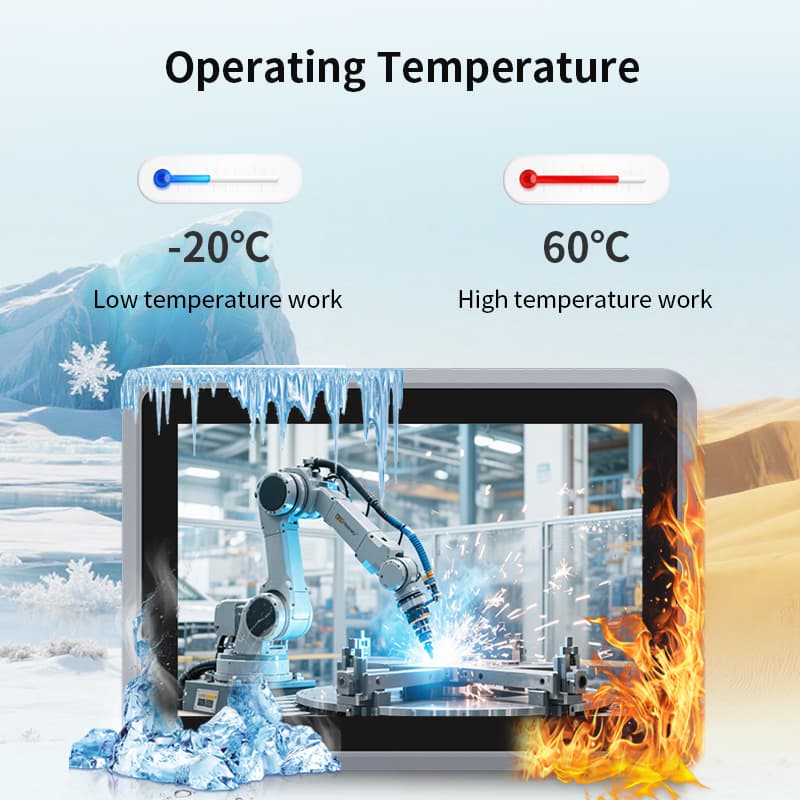 |
Industrial operators often need to view different information at the same time.
For example:
|
|
|
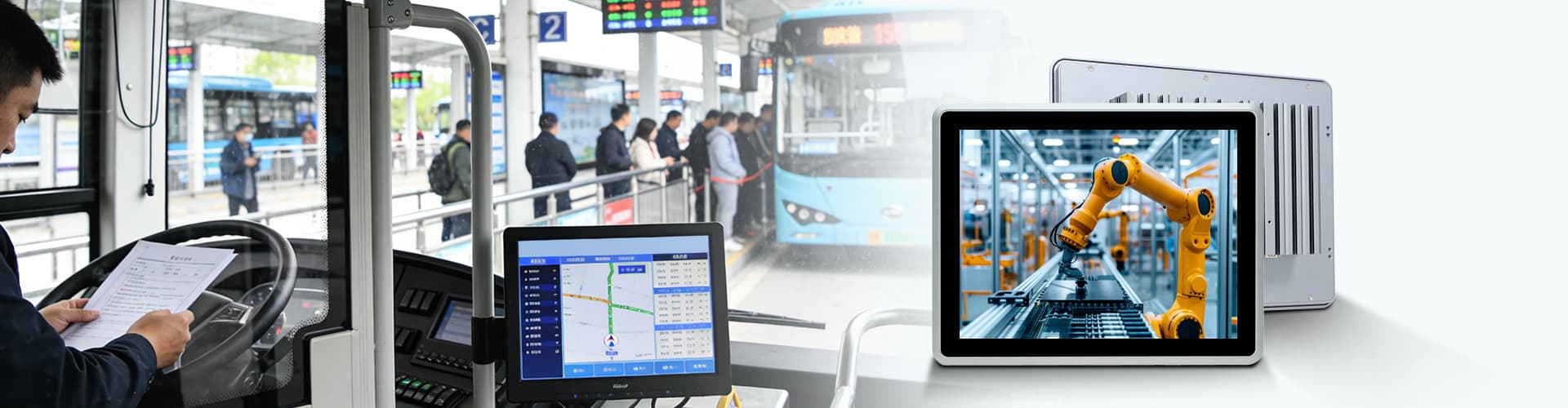
Instead of using several independent computers, a suitable multi-display industrial PC can centralize processing and drive multiple displays from one system.
This can simplify the hardware architecture for applications requiring multiple visual outputs.
 |
4K Display and Processor ArchitectureDisplay output should not be evaluated independently from the processor. YANLING industrial computer platforms range from Intel Celeron J1900, J6412 and N100 processors to Intel Core i3/i5/i7, 12th–14th Gen Intel platforms and selected Core Ultra platforms. The processor and graphics architecture determine the supported display configuration, while the motherboard determines the physical output interfaces. Therefore, selecting a 4K multi-display industrial PC requires matching: CPU → Graphics → Display Interfaces → Number of Displays → Resolution → Application Workload |
A dual-display configuration can be used when an industrial application requires two independent high-resolution screens.
Potential applications include:
|
|
|
|
|
YANLING's industrial computer portfolio includes models with dual 4K display capability depending on the specific platform.
Selected YANLING platforms support triple-display configurations.
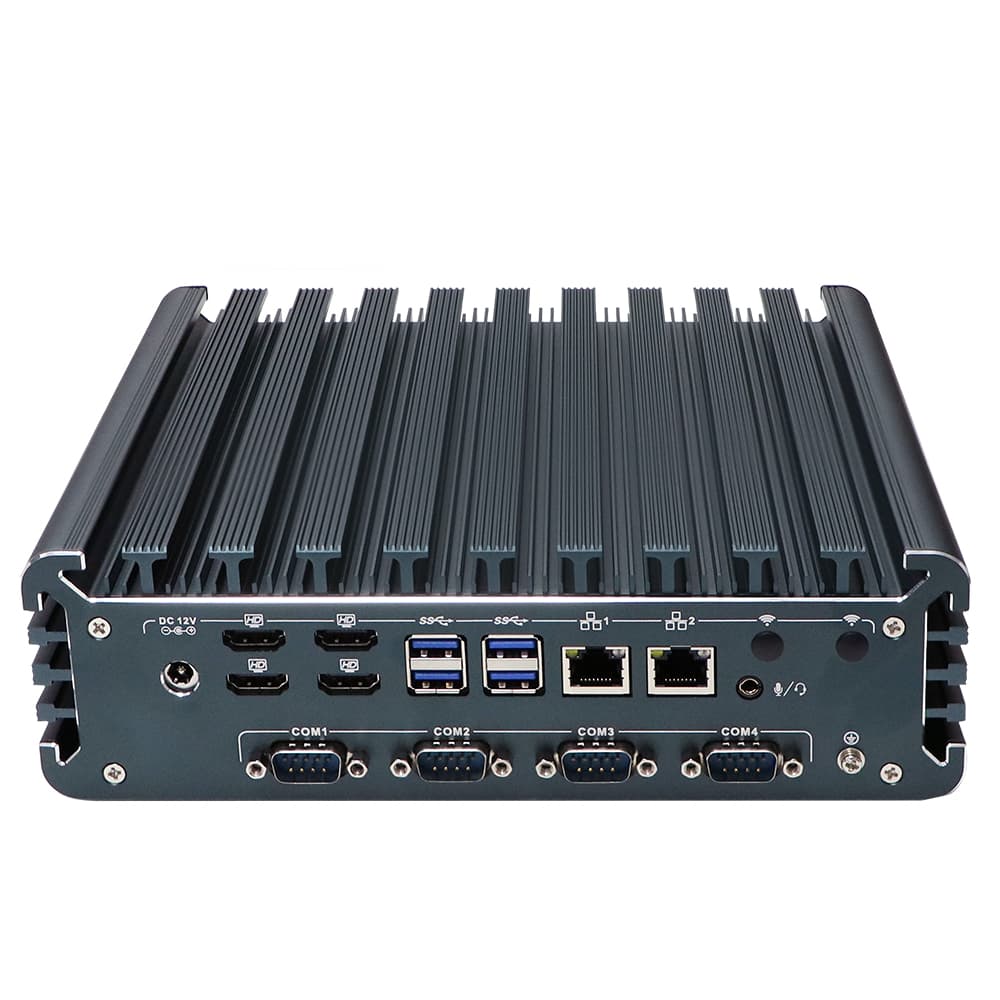
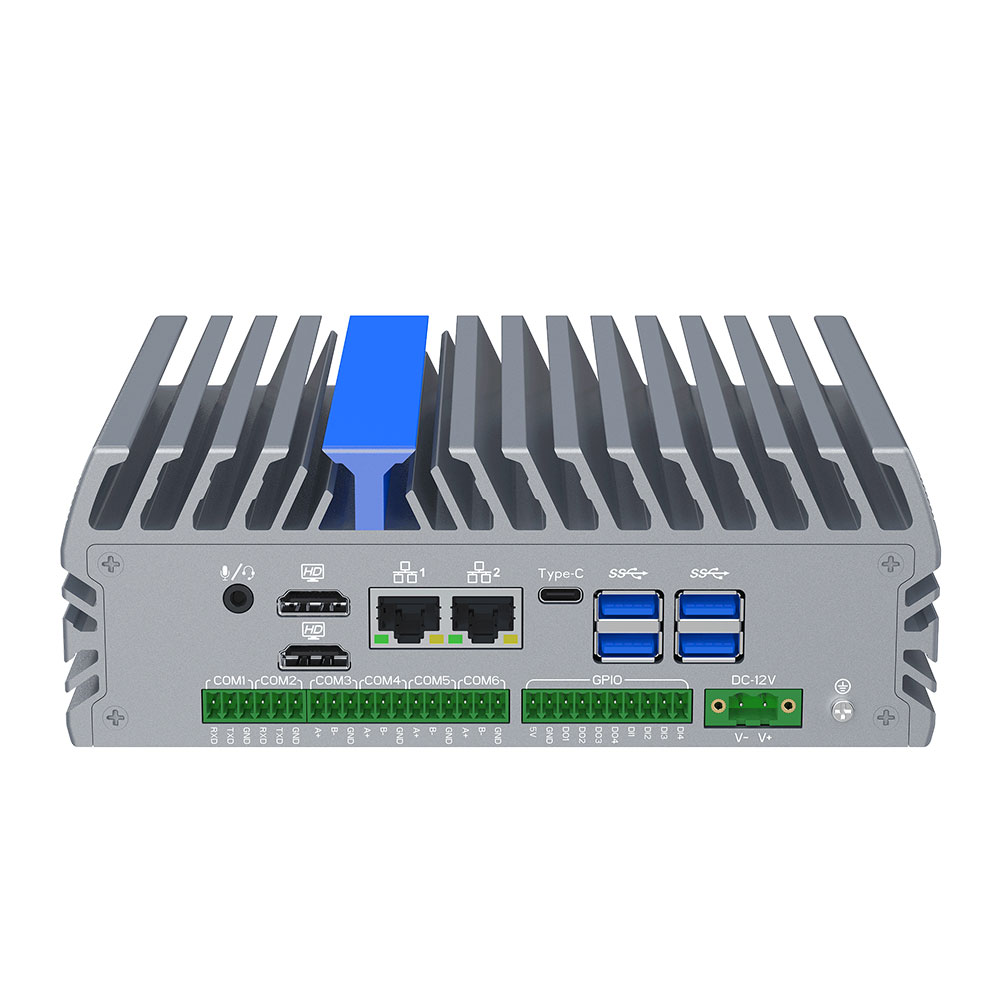
One current YANLING industrial edge computer based on the Intel Core i7-1255U provides triple display output through 2 × HDMI + 1 × Type-C and supports 4096 × 2160 @ 60Hz according to its published specifications.
This type of architecture can be used for:
Industrial control rooms
SCADA visualization
Machine vision
Digital signage
Monitoring systems
Multi-screen operator interfaces
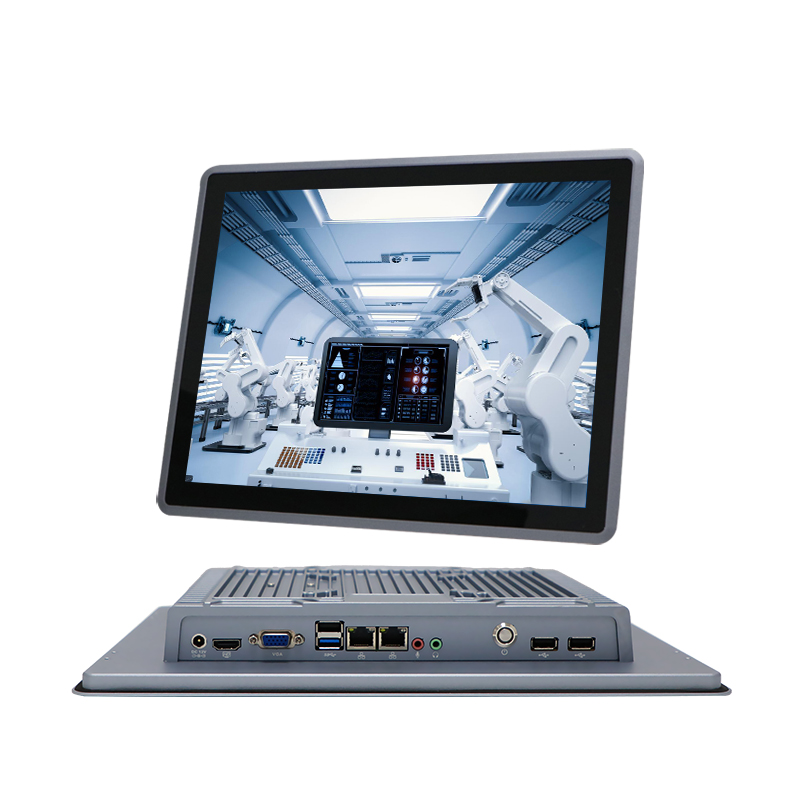
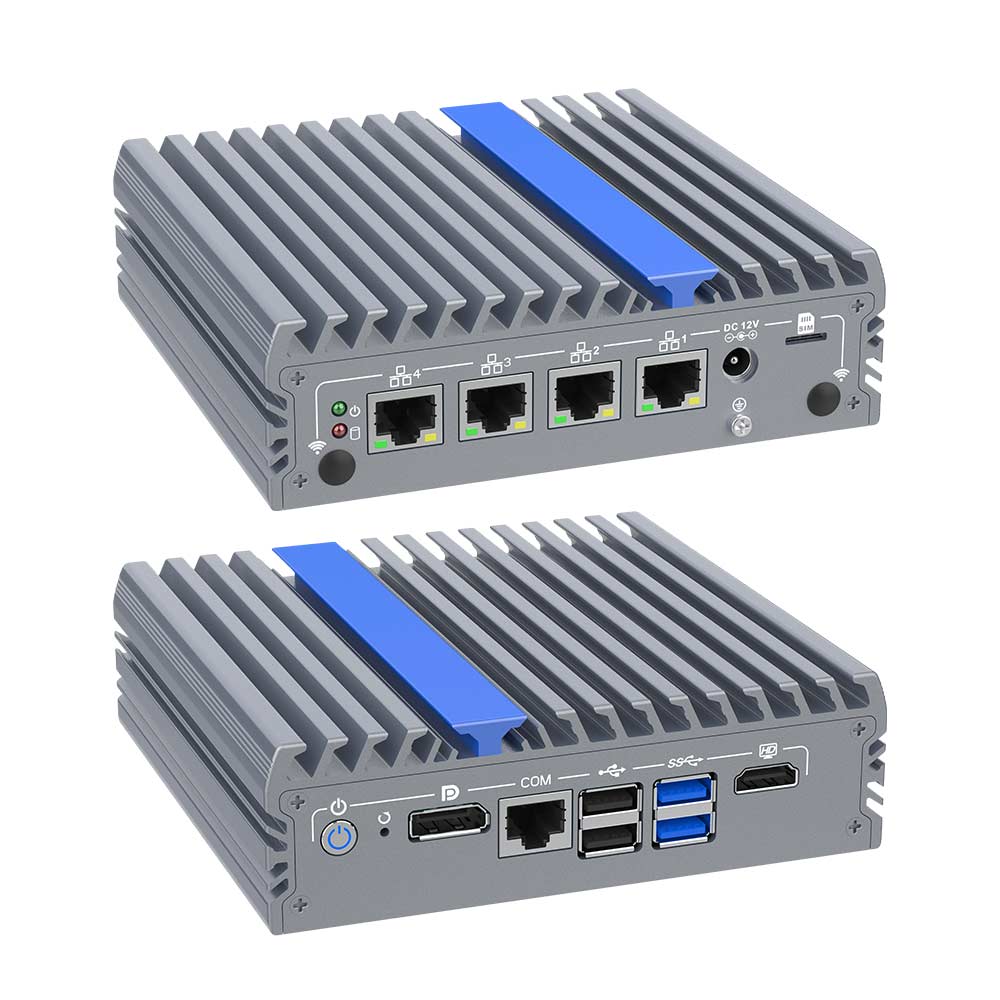
YANLING uses multiple display interfaces depending on the system design.
HDMI can provide direct connection to compatible displays and is used across selected YANLING industrial computer platforms.
DisplayPort provides another high-resolution digital display interface on selected industrial computer architectures.
Type-C can provide display output on applicable systems and can form part of a multi-display configuration.
The exact combination must always be checked against the individual product specification.
Display output should not be evaluated independently from the processor.
YANLING industrial computer platforms range from Intel Celeron J1900, J6412 and N100 processors to Intel Core i3/i5/i7, 12th–14th Gen Intel platforms and selected Core Ultra platforms.
The processor and graphics architecture determine the supported display configuration, while the motherboard determines the physical output interfaces.
Therefore, selecting a 4K multi-display industrial PC requires matching:
CPU → Graphics → Display Interfaces → Number of Displays → Resolution → Application Workload
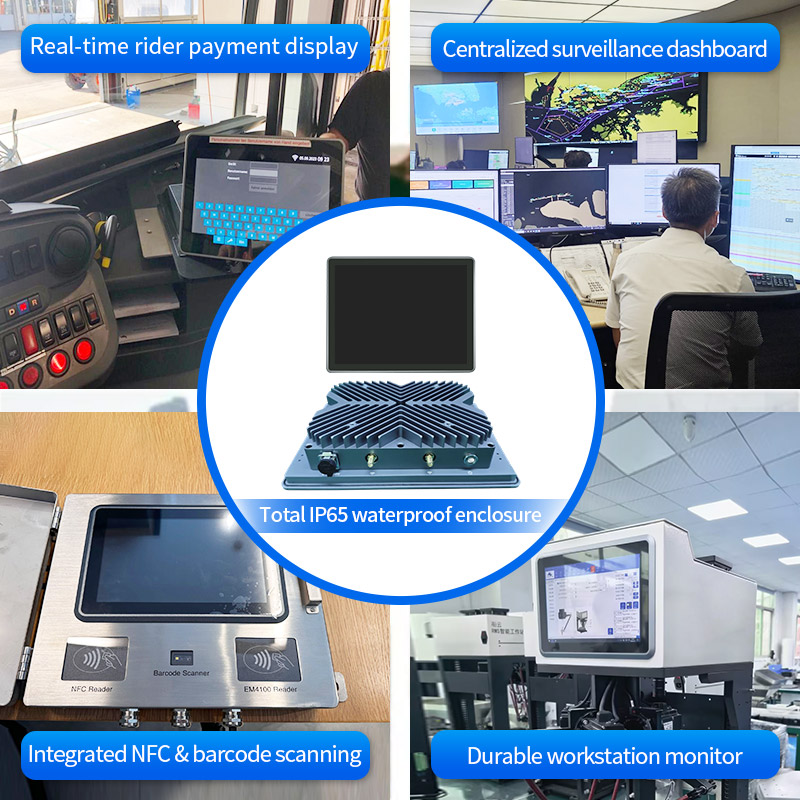
Machine vision systems can require both local image processing and multiple visual outputs.
A typical architecture may include:
Camera / Data Source → LAN / I/O → Industrial PC → Local Processing → Multiple Displays
YANLING industrial computers combine high-performance Intel processors, high-speed networking, fast storage and multi-display output on selected platforms, supporting machine vision and edge computing applications.
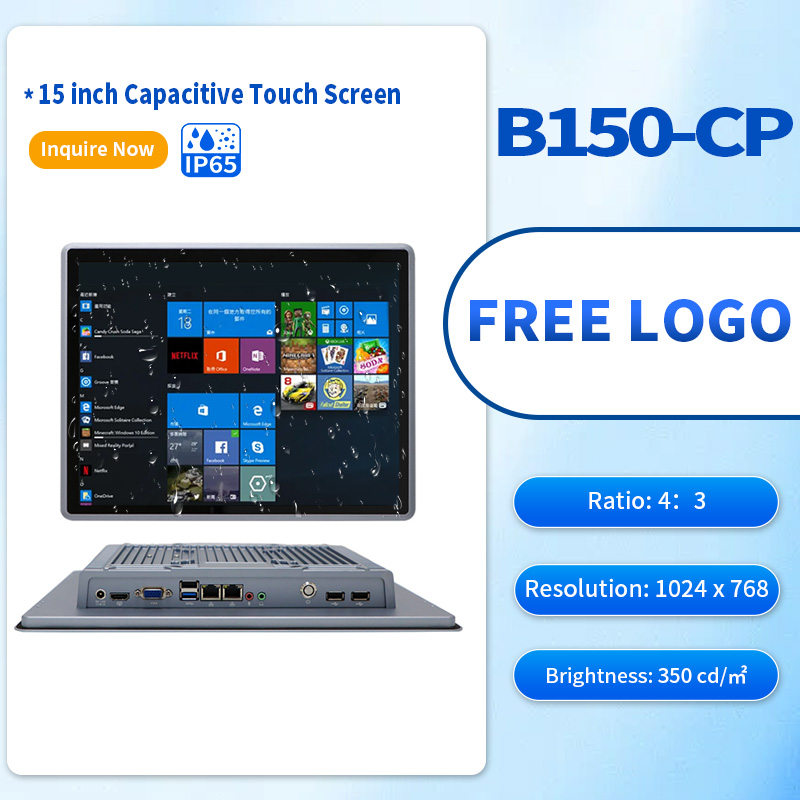
4K Multi-Display for Digital SignageDigital signage is another application where multi-display output is important. YANLING's digital signage architecture describes a system using high-speed LAN or 5G/WiFi 6 for content input, NVMe storage for local content and HDMI/Type-C interfaces for triple-display output. A current YANLING configuration also lists:
The actual configuration should be selected according to the specific product and workload. | 4K Multi-Display and Industrial Edge ComputingModern industrial visualization increasingly combines display output with local processing. The complete architecture becomes: Data → Local Processing → Graphics Processing → Multi-Display Output YANLING's industrial edge computing platforms combine Intel processors, DDR5 memory, M.2 NVMe storage, multi-LAN connectivity and industrial I/O with multi-display capabilities on applicable models. This makes multi-display technology part of the broader industrial edge computing architecture. |
Before selecting a system, define:
| 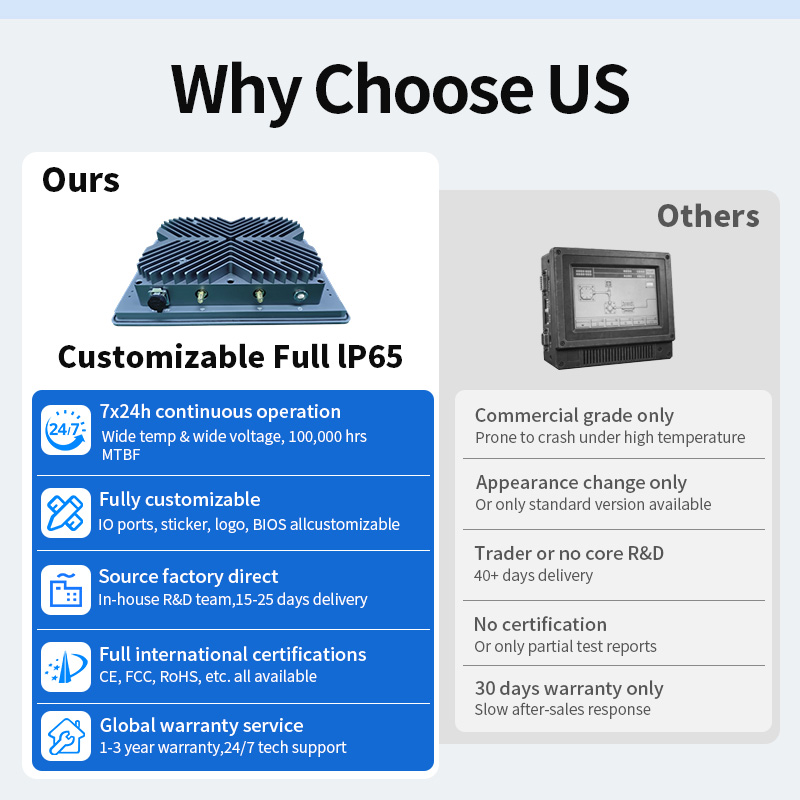 |
The supported number of displays and resolution should always be verified against the exact processor and industrial computer model. Contact Yanlng to get Experts suggest.
YANLING's multi-display architecture combines Intel processor platforms with HDMI, DisplayPort and Type-C output options.
Selected systems support dual or triple 4K display configurations, while specific product platforms provide documented configurations such as 2 × HDMI + 1 × Type-C with triple 4K output.
This architecture supports industrial monitoring, machine vision, digital signage, control systems, medical visualization and other multi-screen applications.
Tell YANLING how many displays, which interfaces and what resolution your application requires. The engineering team can match the display architecture with the processor, memory, storage, LAN and I/O configuration. Let get touch now!