
YANLING Industrial Computer Technology (Shenzhen) Co., Ltd
Welcome to the YANLING Knowledge Center. The Teaching Guide is a specialized video library designed to simplify the technical lifecycle of our products. From basic hardware setup to advanced BIOS configurations, this column provides clear, visual demonstrations that replace dense manuals with intuitive learning. Our goal is to empower system integrators, IT technicians, and end-users with the skills needed to manage, maintain, and maximize their YANLING hardware.
This column covers the essential technical "know-how" for the modern industrial environment:
Hardware Installation & Upgrades: Detailed guides on safely installing DDR4/DDR5 RAM, NVMe SSDs, and specialized modules like 4G/5G/WiFi 6 and mSATA.
Mounting & Deployment: Visual tutorials on various installation methods, including DIN-Rail mounting for control cabinets, VESA mounting for displays, and Wall-mount configurations.
BIOS & Software Optimization: Expert walkthroughs on enabling industrial features such as Auto Power On, Wake-on-LAN (WoL), Watchdog Timers, and OS installation (Windows/Linux) for fanless systems.
Maintenance & Expansion: Instructions on how to access internal slots and maintain the thermal fins to ensure continuous 24/7 operation in harsh conditions.
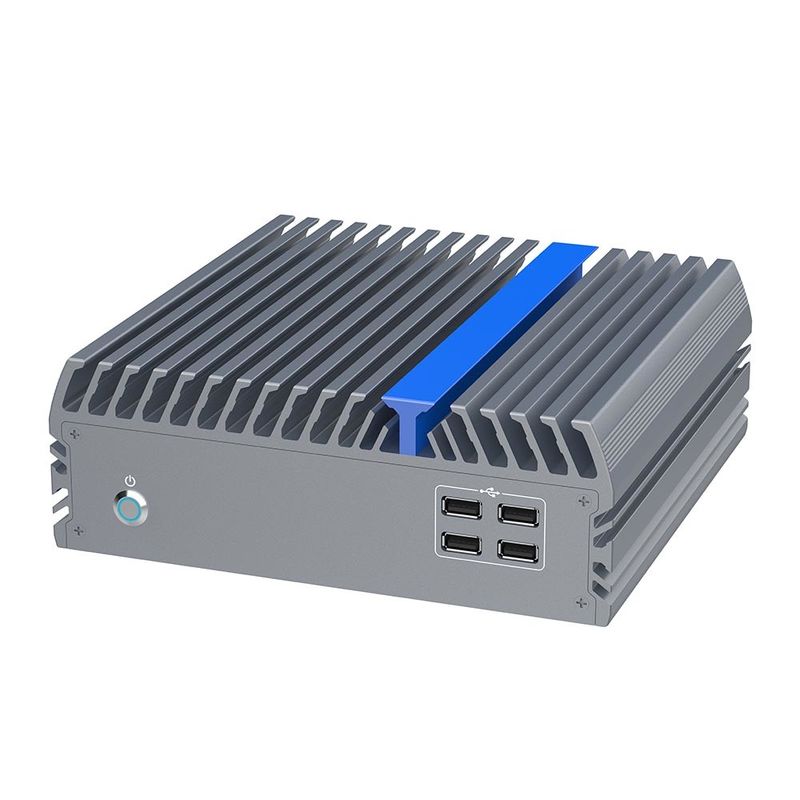
The Teaching Guide offers immense strategic value by resolving the most common "pain points" in industrial IT:
Reducing Deployment Time: By following our visual guides, teams can avoid trial-and-error, leading to faster system integration and project rollouts.
Solving Technical Hurdles: We address specific "troubleshooting" scenarios—such as BIOS settings for remote management or driver installation for specialized I/O—reducing the need for back-and-forth support emails.
Minimizing Downtime: Providing your staff with the knowledge to perform onsite upgrades and basic maintenance ensures that your systems remain operational without waiting for external support.
Enhancing Product Longevity: Proper installation and environmental maintenance (as taught in our videos) prevent common hardware failures related to improper mounting or thermal blockage.
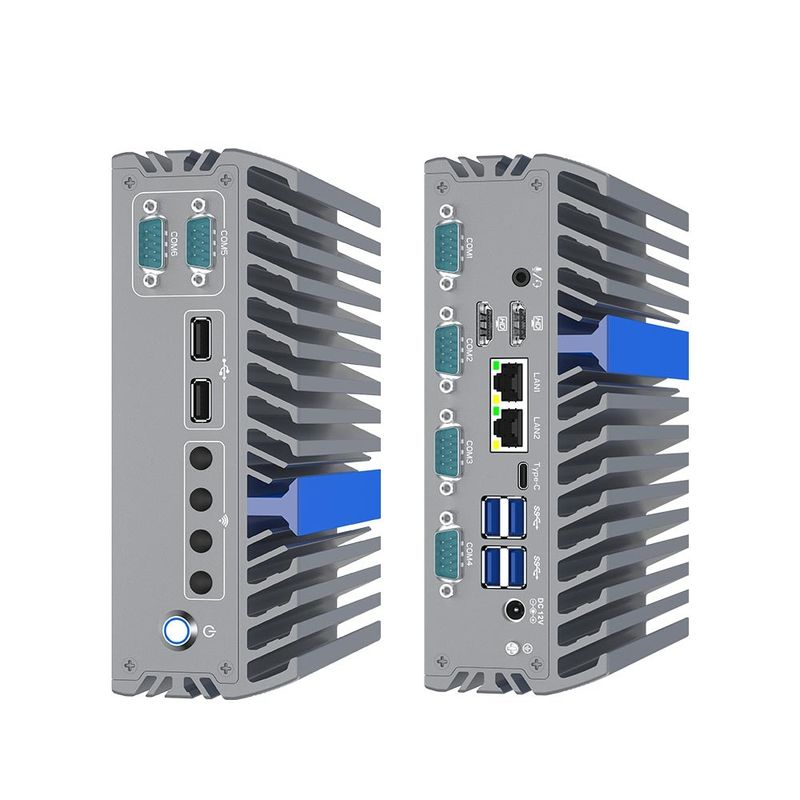
The Teaching Guide is a cornerstone of YANLING’s service philosophy: "We don't just sell hardware; we provide complete operational confidence." By centralizing our technical expertise into easy-to-digest video tutorials, we ensure that every customer—regardless of their technical background—can achieve professional results. Choosing YANLING means gaining a partner dedicated to your long-term success, providing the tools and knowledge to turn our industrial mini PCs into reliable, high-performing assets for your business.

What did our happy clients say?