YANLING Industrial Computer Technology (Shenzhen) Co., Ltd
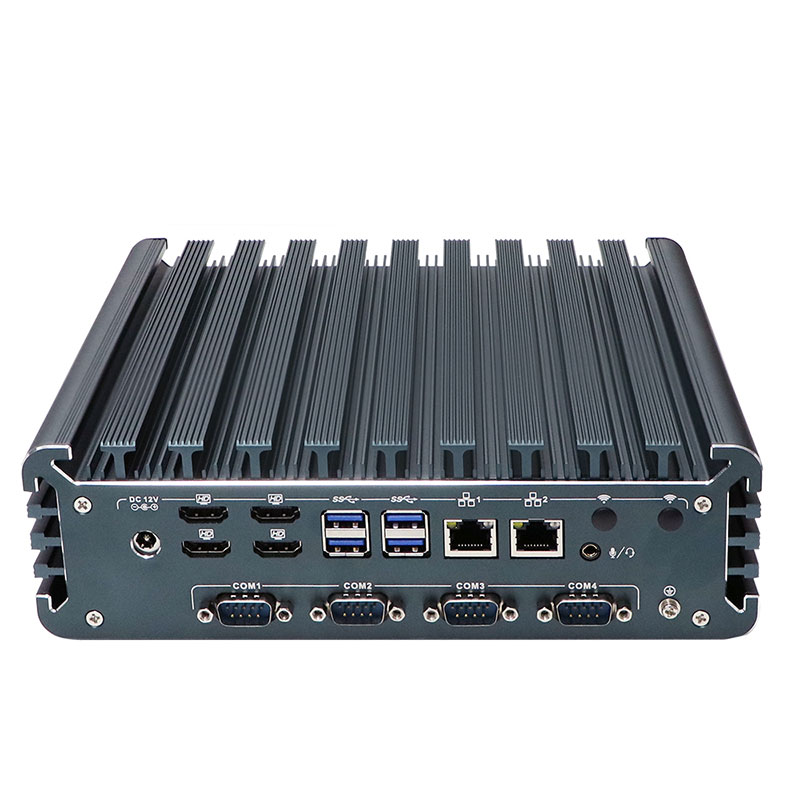
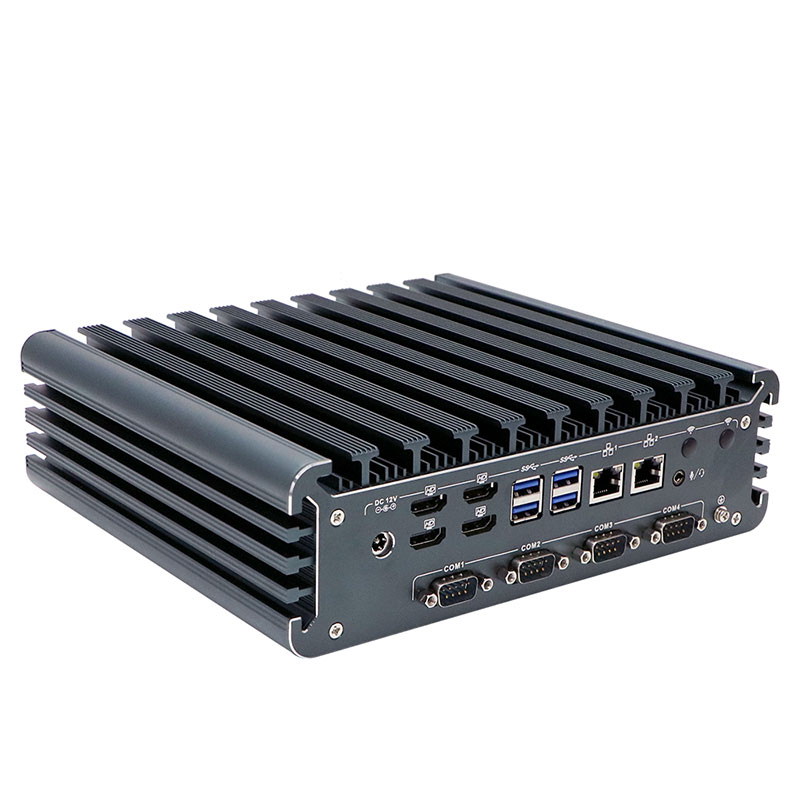
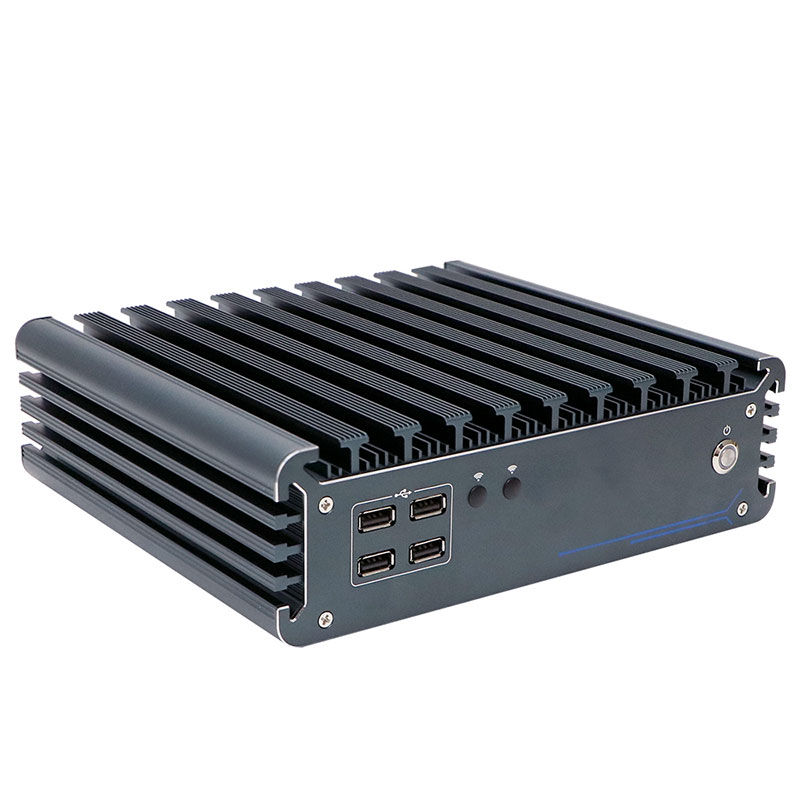
Product Details
| Place of Origin: | Industrial Computer Manufactur |
|---|---|
| Brand Name: | YANLING |
| Certification: | CCC, CE, ROHS, ISO9001 |
| Model Number: | IBOX-3226 |
Payment & Shipping Terms
| Min Order: | 1 Unit |
|---|---|
| Price: | $ Customized |
| Packaging: | Each pc for one neutral box |
| Delivery Time: | 3~5 Working Days |
| Payment Terms: | T/T, Paypal |
| Supply Ability: | 10000 Pcs/Month |
Detailed Product Description
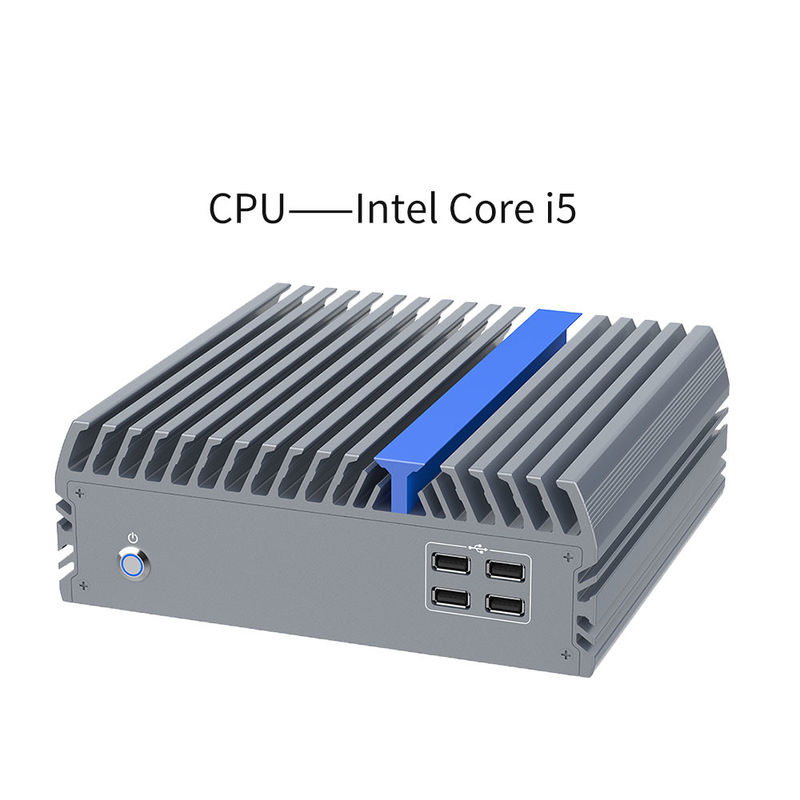
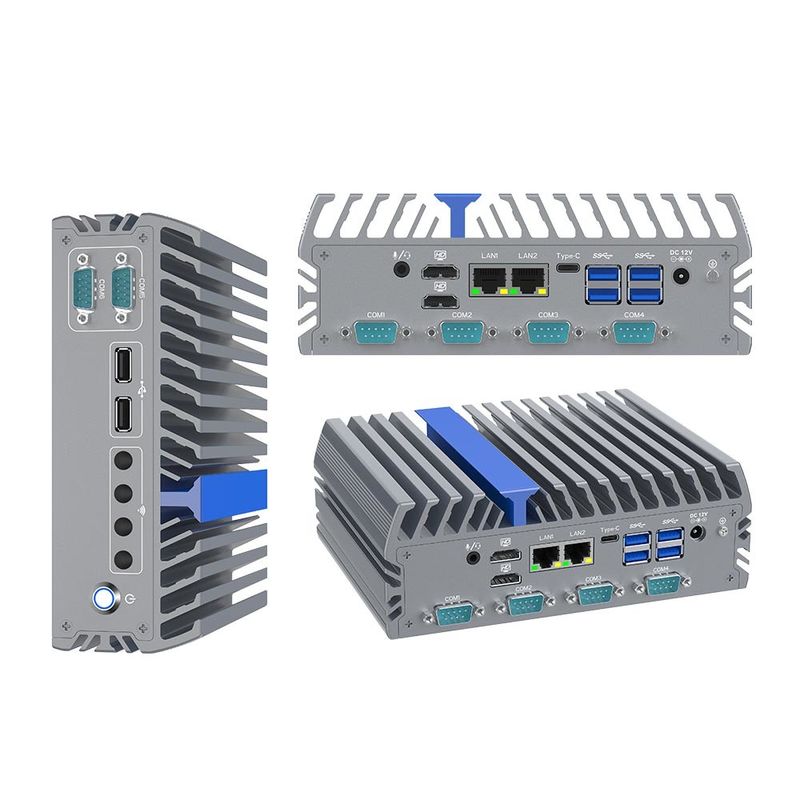
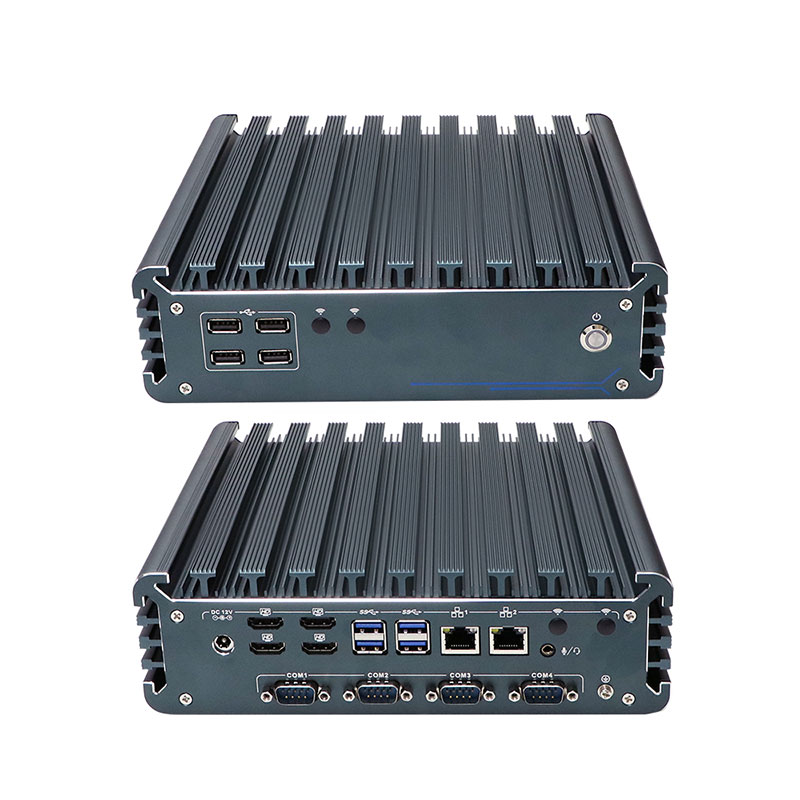
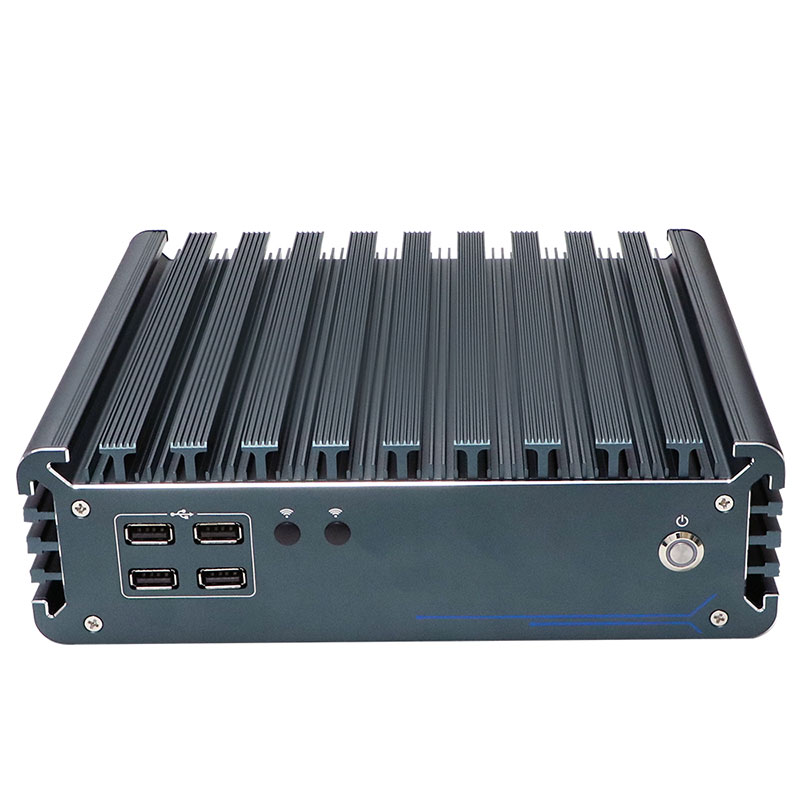
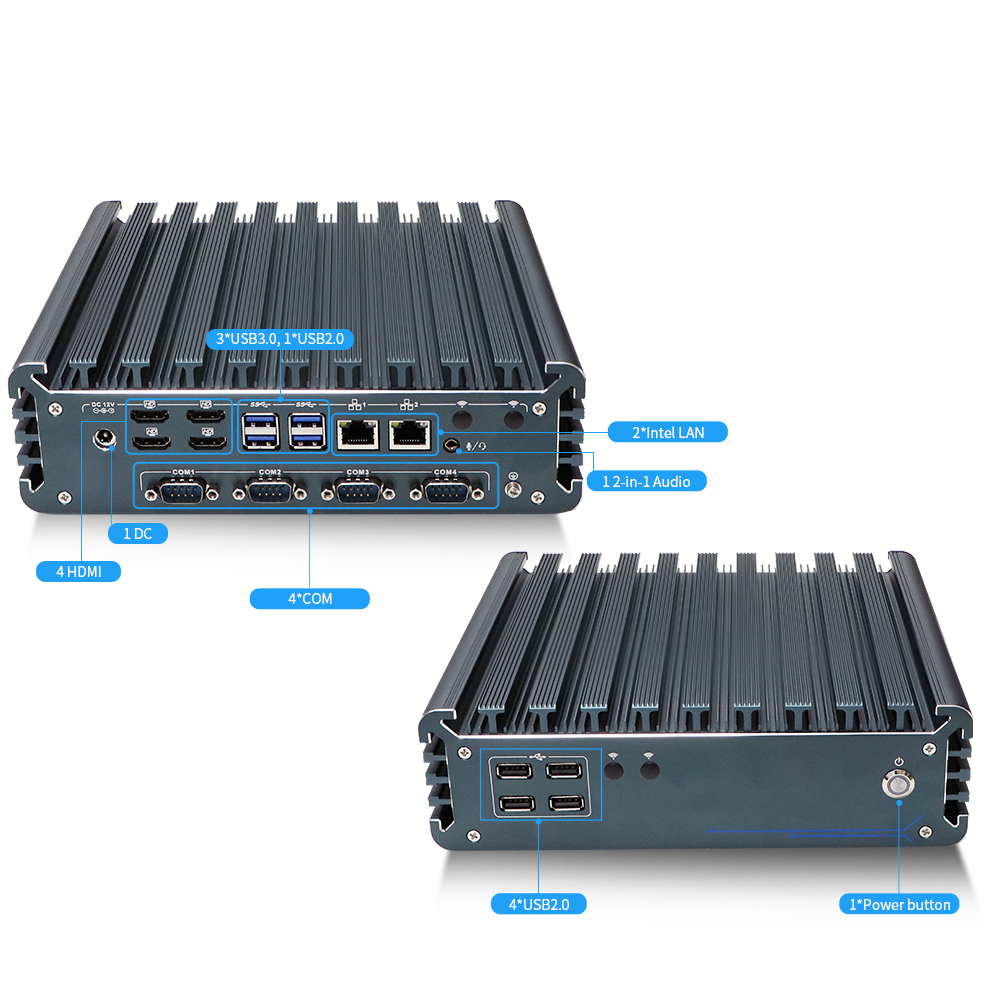
12th13th Intel Gen Core i3 i5 i7 Industrial Embedded Computer Description12th13th Intel Gen Core i3 i5 i7 Industrial Embedded Computer features an onboard Alder Lake/Raptor Lake processor and supports dual-channel DDR5 4800MHz SODIMM memory, up to 64GB. It offers extensive storage options with four M.2 slots and two 2.5-inch HDD bays. The system includes four COM ports (COM1, 2 with RS232/RS485) and delivers powerful visual output via four HDMI displays. It is designed to support a wide range of operating systems for versatile industrial applications. | 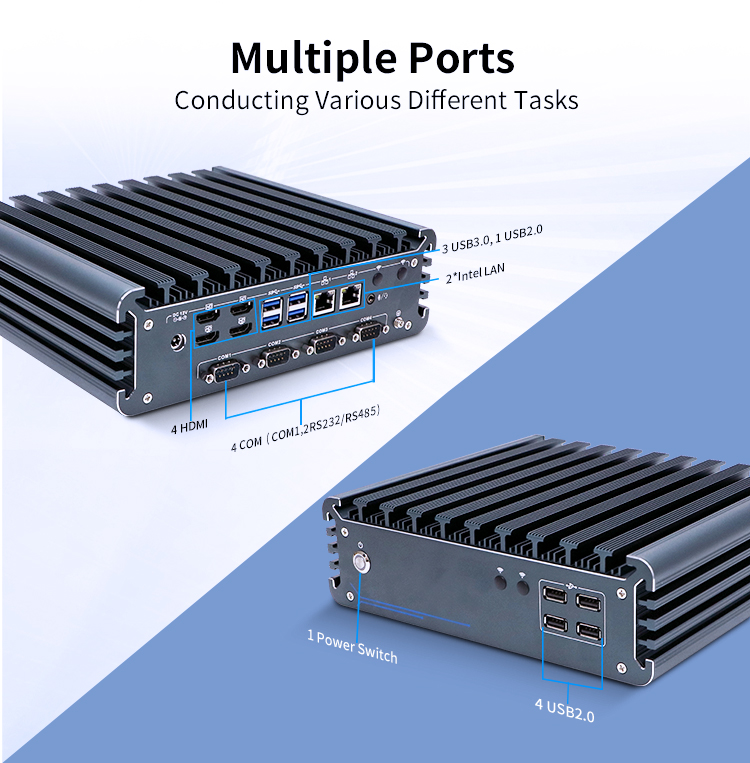 |
Category | Technical Specifications | Category | Technical Specifications |
| Model Number | IBOX-3226 | Display Output | 4x HDMI |
| Processor | Intel Core i5 i7 | Network | 2x RTL8111H Gigabit LAN |
| Memory | 2x DDR5 4800MHz (Max 64GB) | Connectivity | 4x COM(2x RS232 ), 8x USB |
| Storage 1 | 2x M.2 2280 slot (NVME) | Expansion 1 | 1x M.2 E-Key 2230 (NVMEx4) |
| Storage 2 | 2x 2.5-inch HDD Slot | Expansion 2 | 1x M.2 M-Key 2280 (NVME x2) |
| Graphics | Intel Iris® Xe graphics | Expansion 3 | 1x M.2 E-Key 2230 (WIFI/BT) |
| Thermal | Fanless Aluminum Chassis | Expansion 4 | 1x M.2 B-Key 3042/3052 (4G/5G) |
| Operating Temp | -20°C to +60°C | Dimension | 230 x 200 x 68 mm |
Quad 4K Display: Four independent HDMI outputs for stunning 4K multi-tasking in control rooms and digital signage.
Powerful Processing: Onboard Intel Alder Lake/Raptor Lake CPU with dual-channel DDR5 4800MHz memory, supporting up to 64GB for smooth performance.
Flexible Storage: Supports M.2 NVMe SSD plus dual 2.5-inch HDD bays for high-speed boot and massive storage capacity.
Rugged & Reliable: All-aluminum alloy fanless design ensures dust-proof, shock-resistant 24/7 operation in harsh environments.
Rich Connectivity: Four COM ports (RS232/RS485) and broad OS compatibility for seamless industrial integration.
 | Target Groups & Application ScenariosWe suggest the inventors buy this fanless industrial computer as following applications:
|
A: Restart your computer. During the boot process, before the operating system logo appears, press the Delete key repeatedly until the BIOS setup screen loads.
Note: To access the Boot Menu (to select a temporary boot device like a USB drive), you can usually press F7 during startup.
Enter the BIOS setup utility.
Navigate to the Advanced tab.
Select ACPI Settings.
Locate the option labeled Restore AC Power Loss (or sometimes "AC Power Recovery").
Set this option to "Power On" to enable the feature (the PC will turn on when power is connected). Select "Power Off" to disable it (the PC will remain off until you press the power button).
Enter the BIOS setup utility.
Navigate to the Advanced tab.
Select ACPI Settings.
Find the option labeled Wake Up on Alarm (or "RTC Alarm", "Resume by Alarm").
Select this option and press Enter. You will typically be able to set the specific date and time (Hour, Minute, Second) for the automatic startup.
A: The system supports both wall-mount and desktop installation.
A: It supports Windows 10, Windows 11, and various Linux.
A: The product should be stored in its original packaging in a warehouse environment with a temperature range of 0°C to 40°C (32°F to 104°F) and relative humidity between 20% and 85%.
A: Adapter requirements vary by processor configuration:
For Intel Core i3/i5 models: 12V 7.5A power adapter is recommended
For Intel Core i7 models: 12V 10A power adapter is recommended