YANLING Industrial Computer Technology (Shenzhen) Co., Ltd
Selecting the ideal Industrial Computer is a critical decision that impacts the long-term stability and ROI of your automation infrastructure. Unlike consumer PCs, industrial hardware must survive 24/7 operation in environments filled with dust, vibration, and extreme temperatures.
As a leading industrial computer manufacturer, YANLING provides this scientific framework to help you navigate technical specifications, budgets, and application needs to find your perfect match.
The first step in knowing how to choose an industrial computer is assessing where it will live.
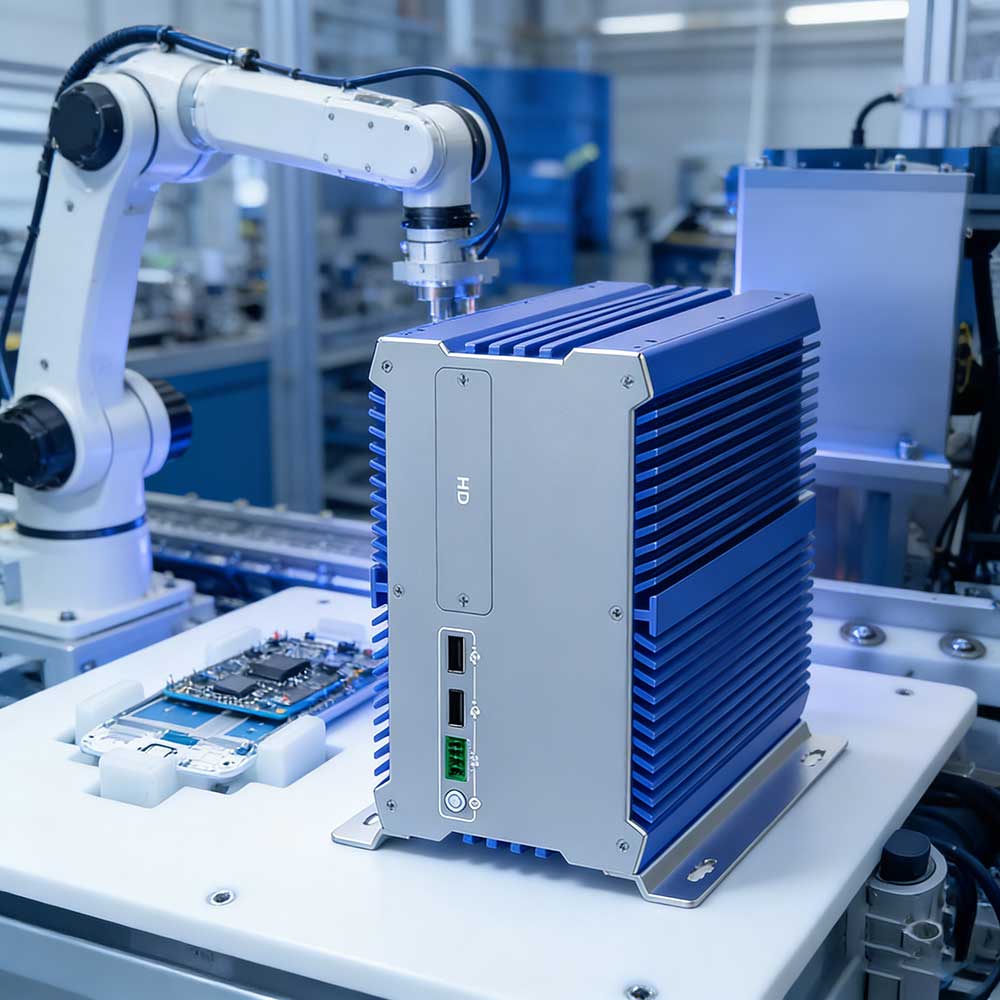
Dust & Debris: If your facility has metallic dust or wood shavings, a Fanless Industrial PC is mandatory. Our all-aluminum alloy chassis (like the IEXP-332) acts as a massive heat sink, eliminating fans—the #1 point of mechanical failure.
Temperature Extremes: Standard PCs fail at 35°C. YANLING units are engineered for wide-temperature operation, often ranging from -20°C to +60°C.
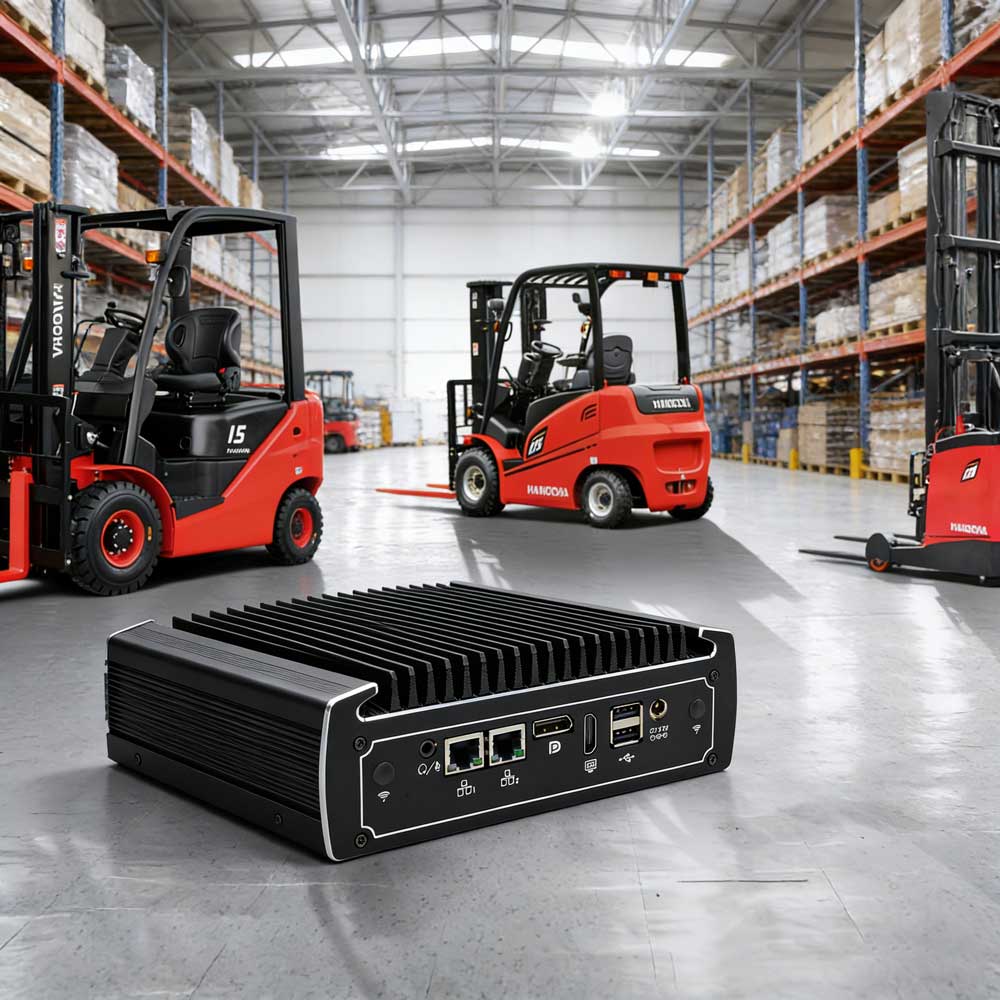
Space Limitations: For cramped control cabinets, look for "Book-Type" or ultra-compact NUC form factors (e.g., our J3160-L4).
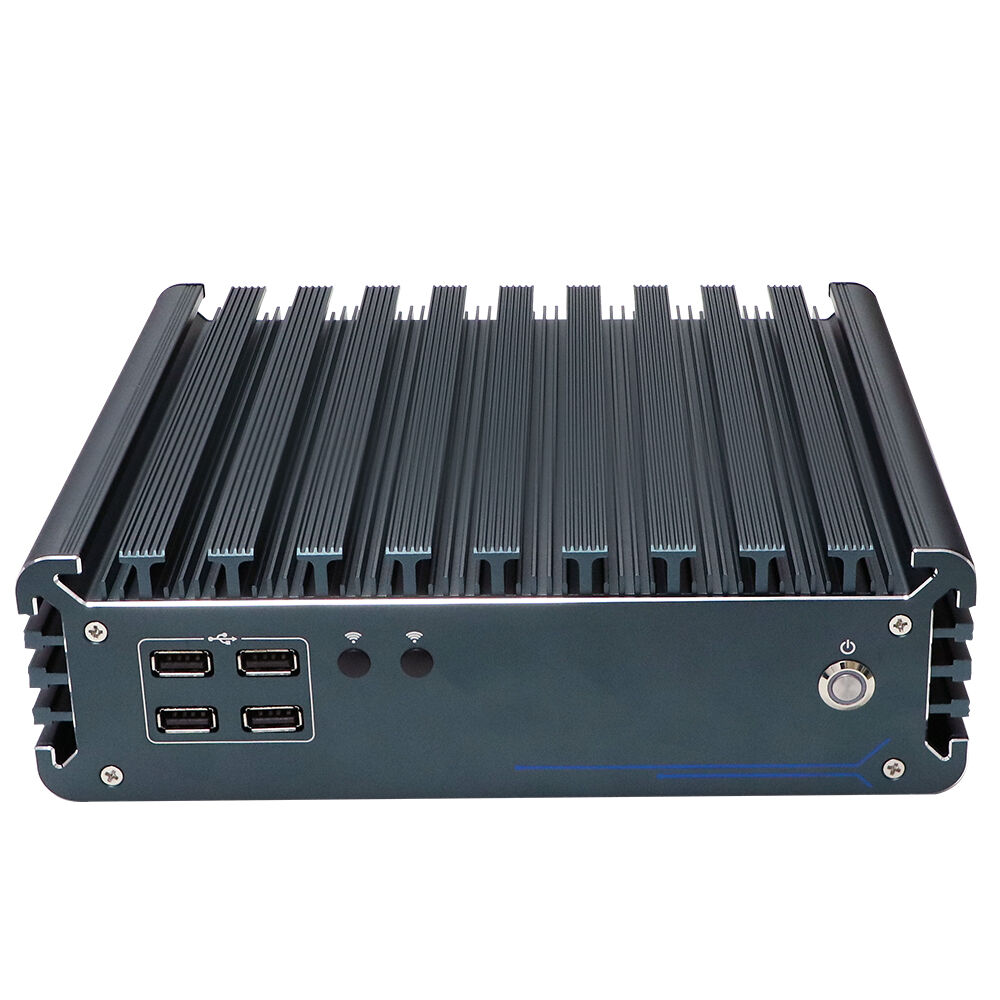
Don’t overpay for power you don’t use, but don't bottleneck your future growth.
|  |
An industrial computer is only as good as its ability to communicate.
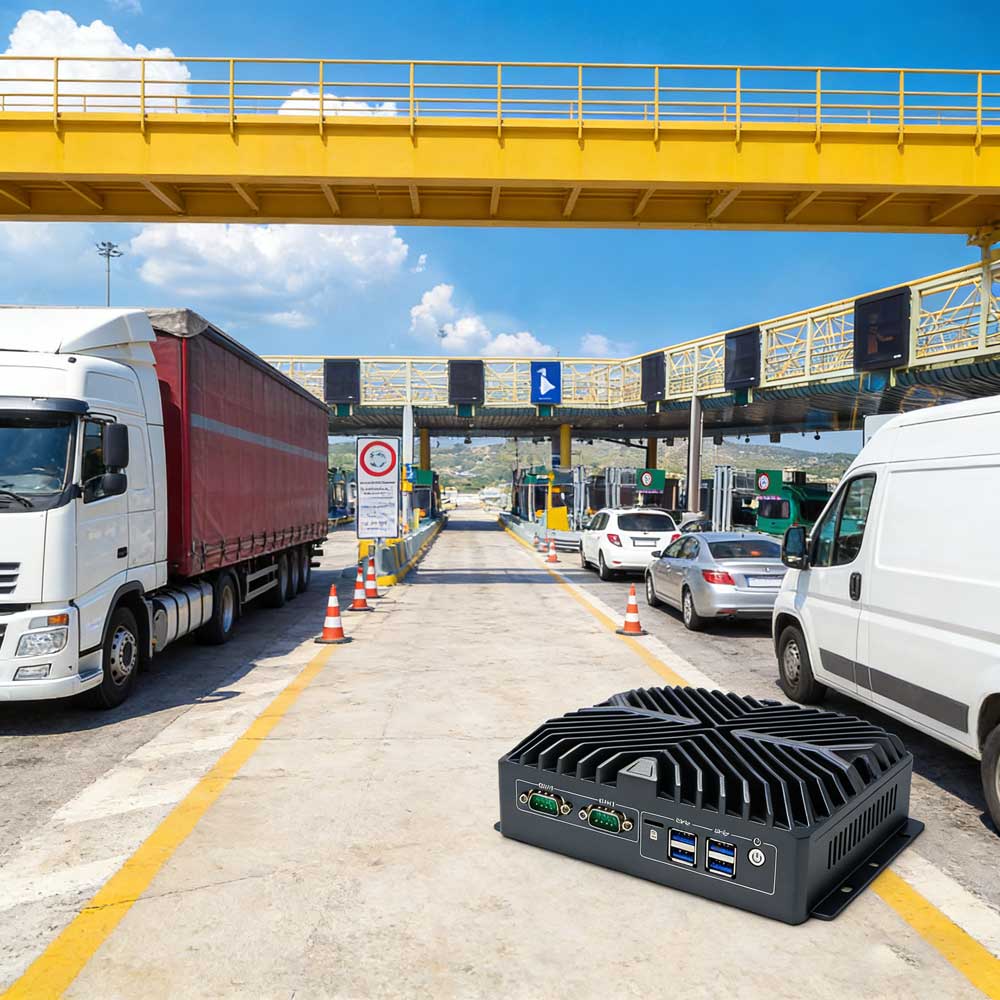
Legacy Integration: Does your machinery use RS232/485? Ensure your IPC has dedicated COM ports.
Networking & Security: For firewall applications (pfSense) or redundant networks, YANLING offers models with 4 to 6 Intel Gigabit LAN ports.
Expansion: If you need 4G/5G or specialized capture cards, verify the presence of Mini-PCIE or M.2 expansion slots.
When considering how to choose an industrial computer, the purchase price is only 30% of the cost.
Cheap Consumer PC: Low upfront cost, but frequent downtime and replacement every 1-2 years.
YANLING Industrial IPC: Higher upfront investment, but designed for a 7-10 year lifecycle with near-zero maintenance. The savings in energy (using 6W-35W "T" series chips) and avoided downtime provide a much higher ROI.
Before you buy, ensure the manufacturer performs these "Scientific Checks":
24-Hour Aging Test: Every unit should run at 100% load before shipping.
Vibration & Impact Testing: Critical for AGV and mobile deployments.
Certifications: Look for CE, FCC, RoHS, and ISO9001 to ensure global safety and quality standards.
If you need a "set and forget" solution for a smart warehouse, go with a Fanless N100. If you are building a high-speed inspection line, invest in a Core i7 with DDR5. Still unsure? Contact our technical support team for a free configuration audit tailored to your project!