
YANLING Industrial Computer Technology (Shenzhen) Co., Ltd
YANLING offers the i7 series in various form factors to suit diverse spatial requirements:
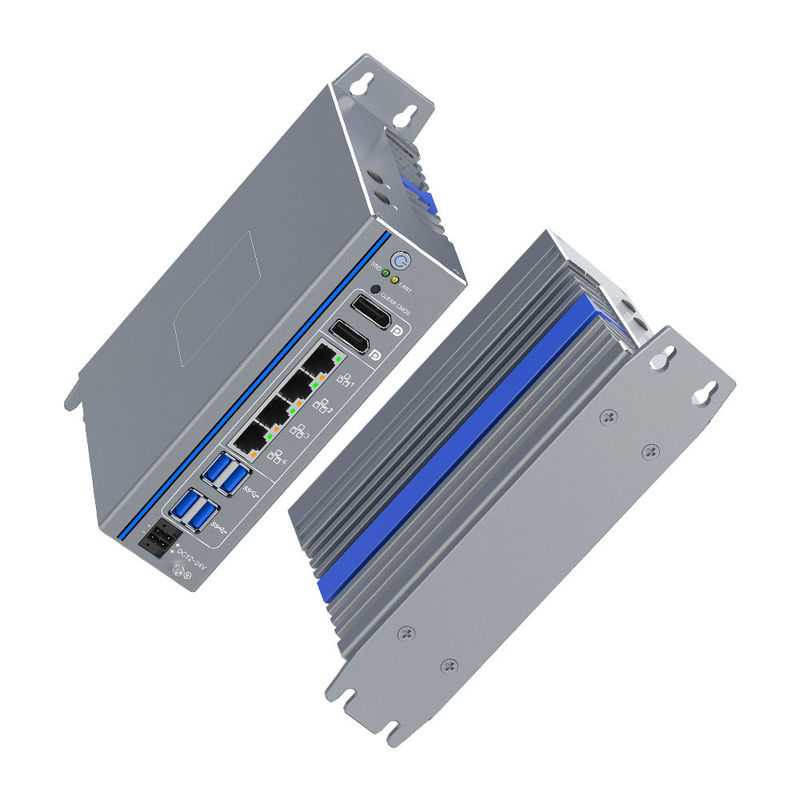
Book-Type / Ultra-Compact: Slim profile designed for DIN-rail or wall mounting in narrow control cabinets.
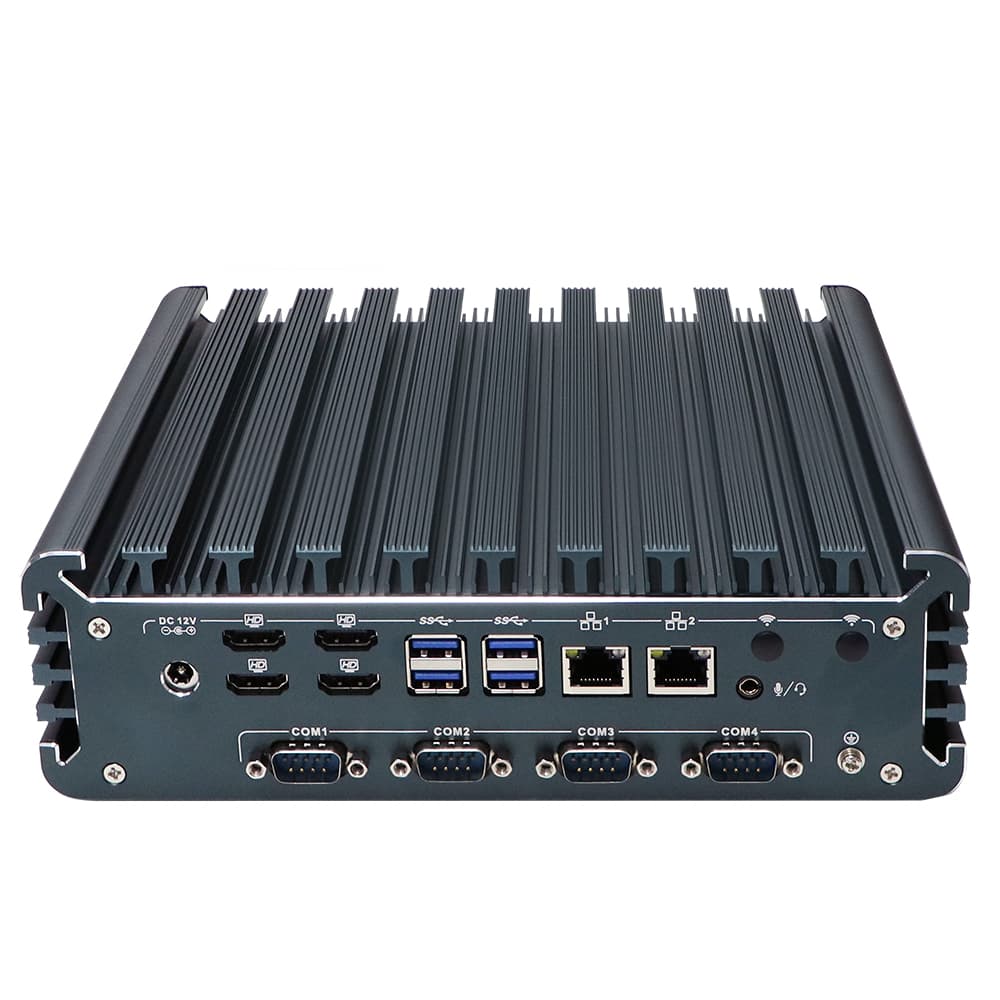
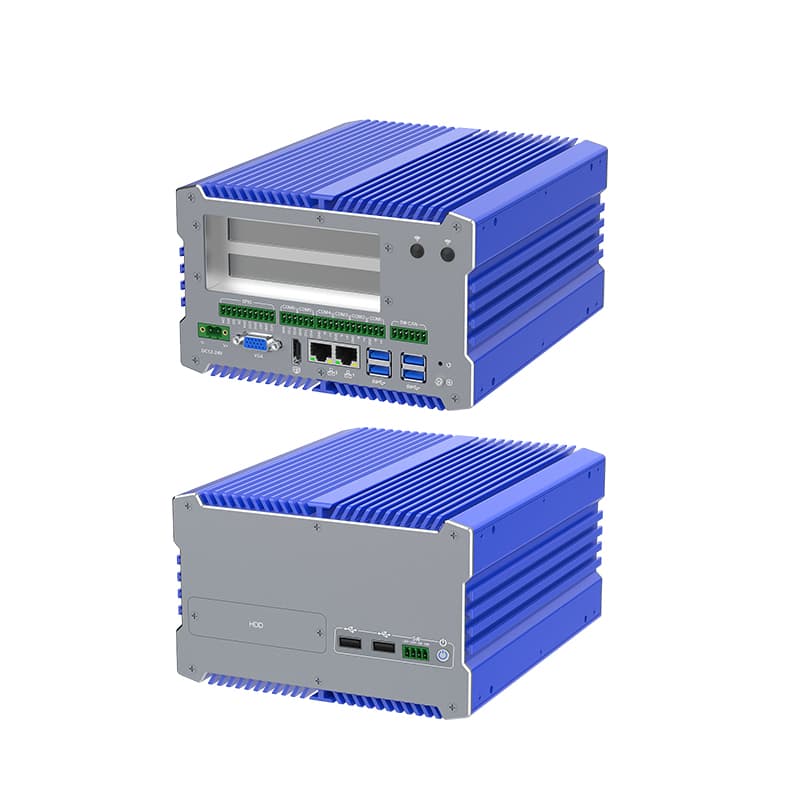
Embedded Box PC: Rugged, square-shaped chassis with expanded I/O (up to 6 COM/4 LAN) for machine integration.
Industrial Panel PC: An all-in-one solution integrating the i7 processor with a 15" to 21.5" touch display.
NUC Form Factor: Palm-sized high-performance nodes for space-critical edge computing.
Processor: Intel® Core™ i7-12700T (12 Cores/20 Threads) or i7-1255U (10 Cores) with speeds up to 4.7 GHz.
Memory: Support for DDR5 4800MHz (up to 64GB) or Dual-channel DDR4.
Networking: Quad (4x) or Dual (2x) Intel 2.5G/1G Ethernet ports for high-speed industrial networking.
Storage: M.2 2280 NVMe (PCIe Gen4) for lightning-fast data logging + 2.5" SATA SSD.
Expansion: Integrated slots for WiFi 6, 4G/5G SIM, and CAN Bus/GPIO modules.
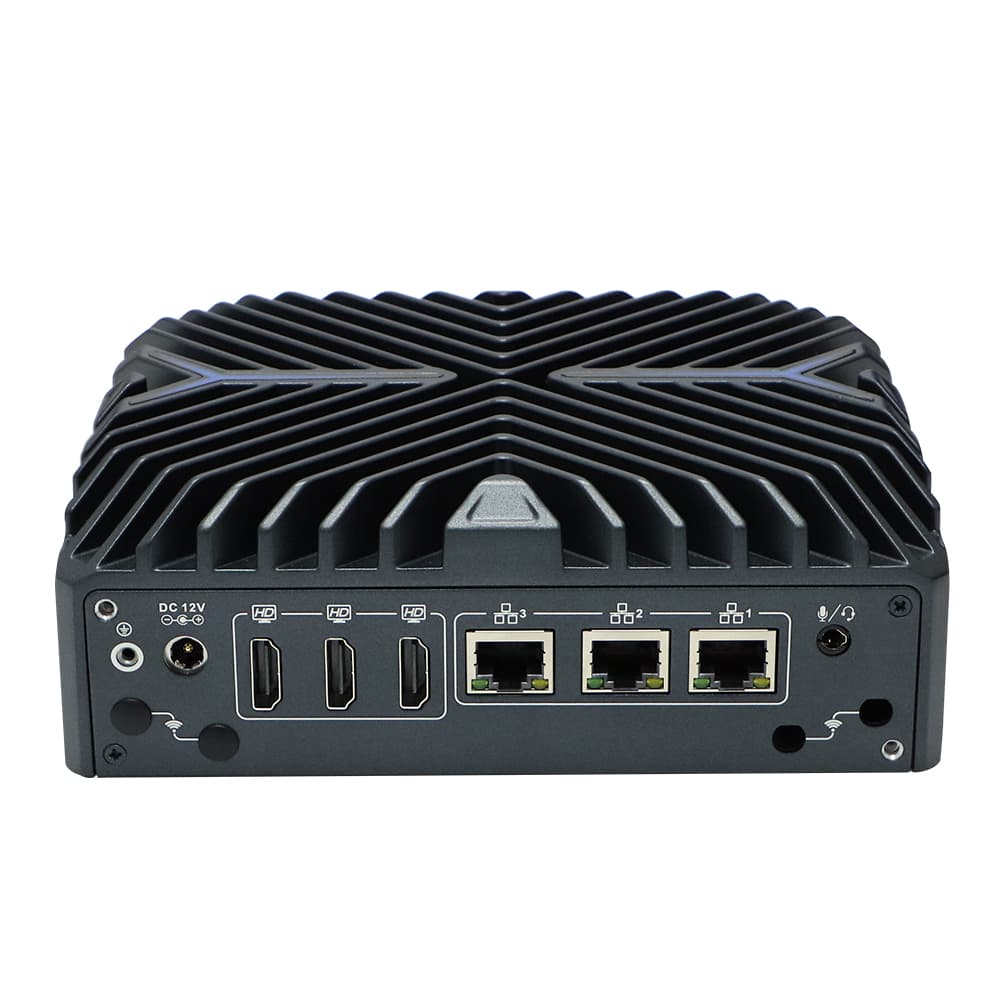
Fanless Passive Cooling: Massive aluminum heatsink chassis ensures silent, 24/7 operation without moving parts.
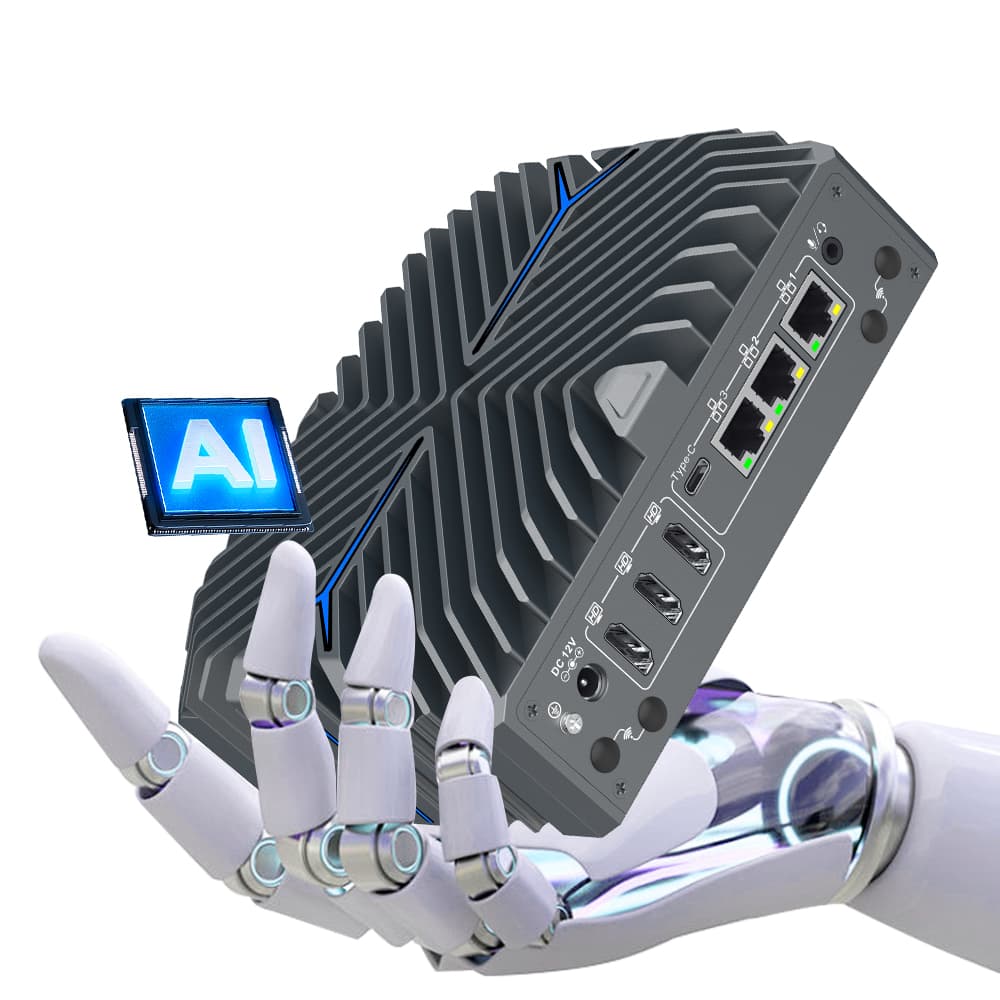
Advanced AI Support: Optimized for AI inference and machine learning at the edge using Intel® Iris® Xe graphics.
Rich Industrial I/O: Multiple RS232/RS485 COM ports, 8x USB 3.2, and GPIO for sensor and actuator control.
Wide Voltage Input: Supports DC 12V-24V (optional 9-36V) with power protection.
Triple Display: Supports simultaneous 4K outputs via HDMI, DP, and VGA.
I7 industrial Computers are widely used in the follow areas:
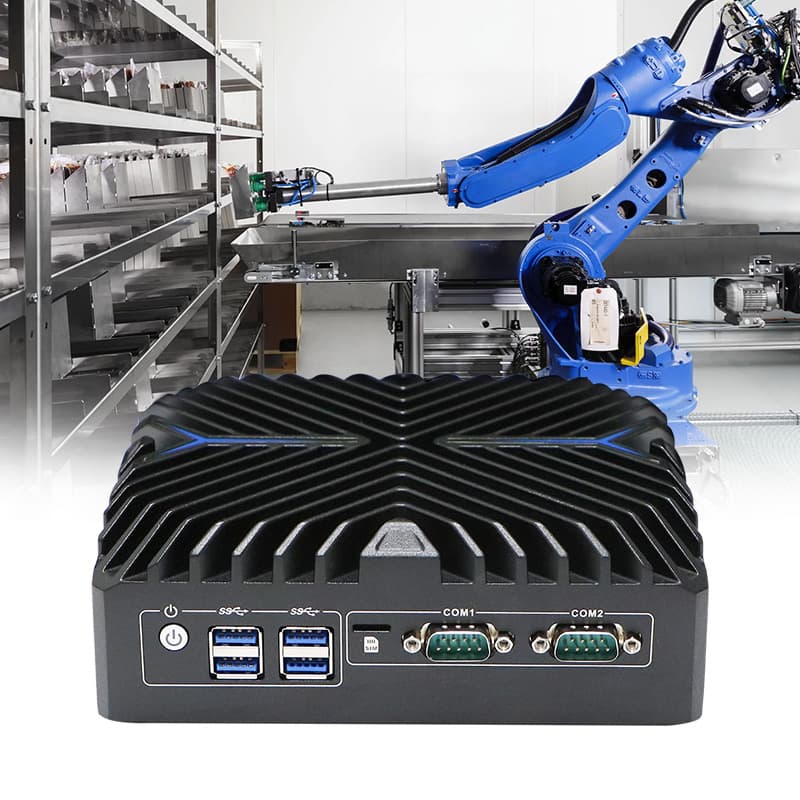
Machine Vision & AOI: Real-time quality inspection on high-speed production lines.
Edge AI Computing: Analyzing large data sets locally for smart city or autonomous robotics.
Network Security/Firewall: Running high-throughput Pfsense/Opnsense gateways with i7 processing power.
CNC Laser & Automation: Controlling complex 5-axis machinery requiring low-latency command execution.
Smart Medical: High-resolution medical imaging and diagnostic workstation processing.
Handles multi-threaded applications much more efficiently than i3/i5 models.
Full aluminum alloy casing resists EMI, vibration, and shocks.
No fans mean no dust accumulation and no mechanical wear-and-tear.
With DDR5 and NVMe Gen4 support, these units are ready for the next decade of software demands.
Mounting: Choose between DIN-Rail (standard 35mm), Wall-mount (brackets included), or VESA-mount (behind a monitor).
Power Connection: Secure the DC Phoenix terminal or DC jack. Ensure the voltage matches the device specifications (e.g., 12V or 24V).
Peripherals: Connect industrial monitors via HDMI/DP and legacy devices via COM ports.
Earthing: Use the grounding screw on the chassis to protect against static and electrical surges.
Access BIOS (usually via 'Delete' or 'F2' key) to enable Auto Power On or to switch COM ports between RS232/485 modes.
Configure the WDT in the OS or BIOS to ensure the system automatically reboots if a software hang occurs.
Use industrial monitoring software to track CPU temperature; the fanless chassis will feel warm—this is normal as it is dissipating heat.
What did our happy clients say?
We upgraded our vision system with the i7-12700T 12-core box. The DDR5 RAM makes a massive difference in data processing. It’s the most powerful i7 Industrial Computer we've tested. No lag, no fans, just pure power.
Using the i7-1255U fanless PC for real-time traffic analysis. The 4 Intel LAN ports are incredibly stable for our IP camera streams. YANLING’s build quality is rugged and professional.
Replaced our old tower PCs with these Book-type i7 units. The DIN-rail mount saved so much space in the cabinet. The 6 COM ports connected to our laser sensors perfectly. Great manufacturer support!
Deployed these i7 Industrial Computers in an outdoor enclosure in Dubai. Despite the heat, the fanless cooling works perfectly. No throttling and the NVMe SSD speed is impressive.