
YANLING Industrial Computer Technology (Shenzhen) Co., Ltd
As a top industrial computer manufacturer with a dedicated 6,000㎡ factory, YANLING provides high-performance Industrial Rackmount Computer solutions that bridge the gap between IT power and industrial ruggedness. We control the entire production process, from SMT motherboard design to CNC chassis assembly.
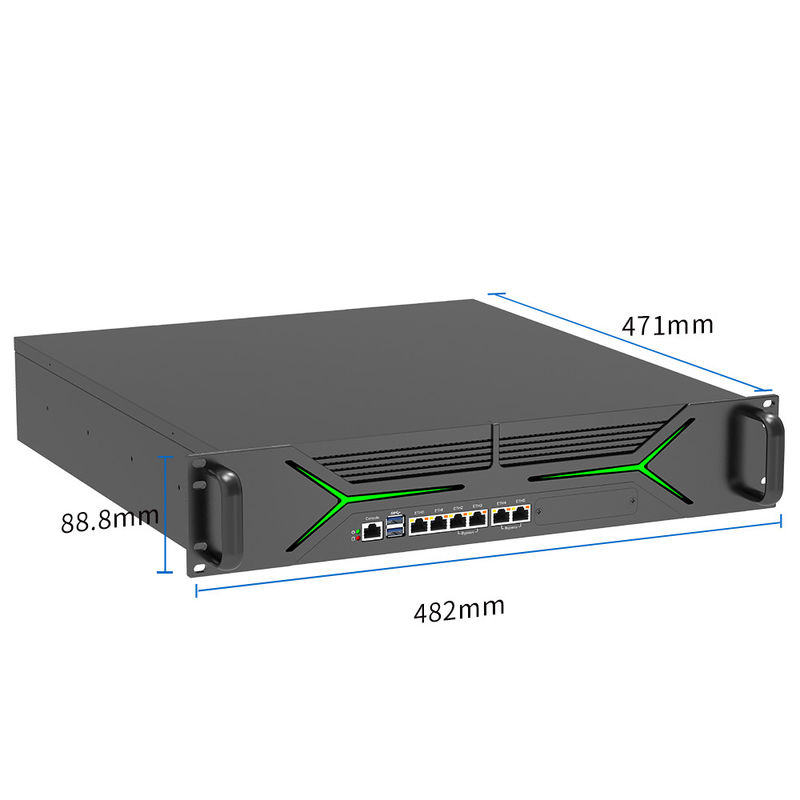
Our industrial rack mount computer product line ranges from ultra-compact 1U Rugged Servers to high-expansion 2U Network Appliances. We leverage Intel 12th Gen Alder Lake and Xeon-grade architectures, integrated with Intel i225/i226 2.5G LAN and Optical Fiber ports. For OEM/ODM clients, we offer specialized customization: dual redundant power supplies, custom BIOS for HA (High Availability) clusters, and Bypass network groups to ensure zero downtime in database or security applications.
19-Inch Standard Compliance: Perfectly fits all standard server racks and cabinets.
High-Density Networking: Configurations with up to 10+ LAN ports, including SFP+ Optical ports for high-speed data centers.
Dual Redundant Power: Optional 1+1 Redundant PSU to prevent system failure during power supply issues.
Bypass Technology: Features Hardware Bypass groups to maintain network connectivity even if the OS crashes or the power is lost.
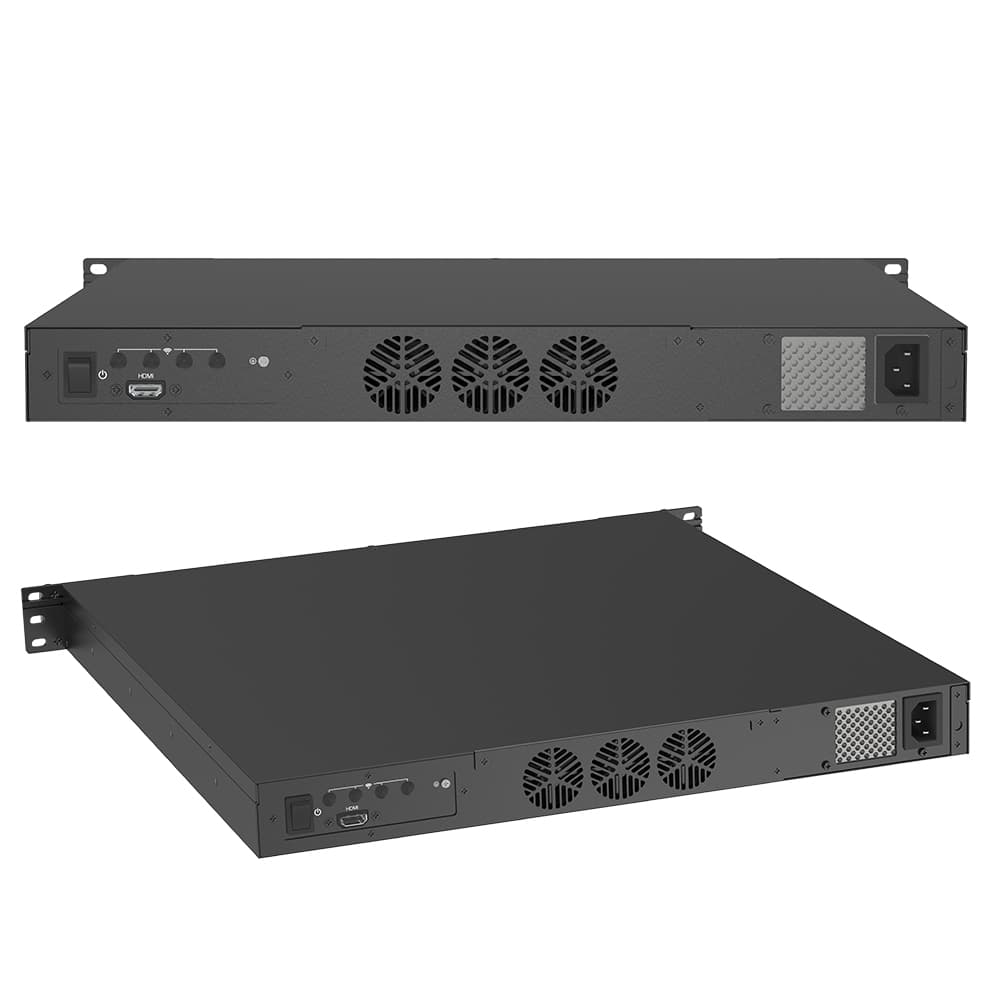
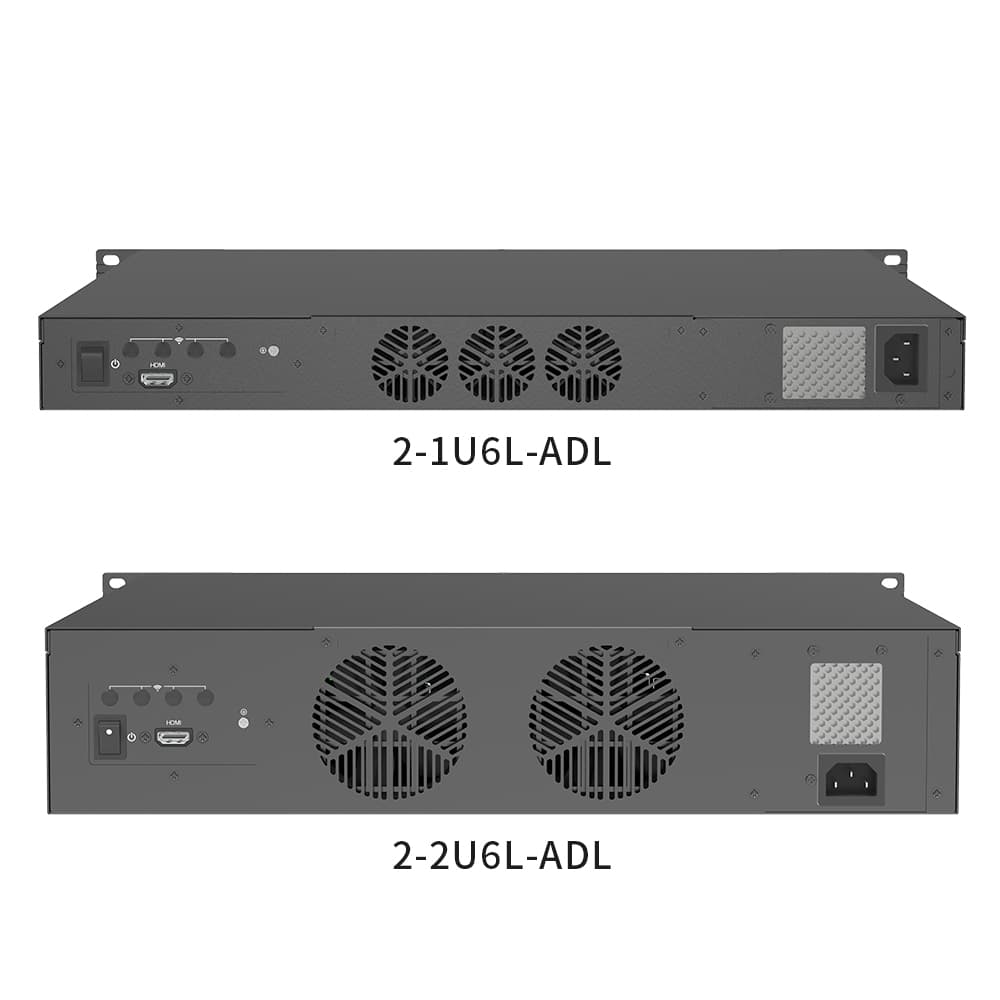
Active & Passive Cooling: Industrial-grade ball-bearing fans or advanced fanless heatsink designs for 24/7 stability.
Storage Flexibility: Multiple Hot-swap drive bays for RAID 0/1/5/10 configurations.
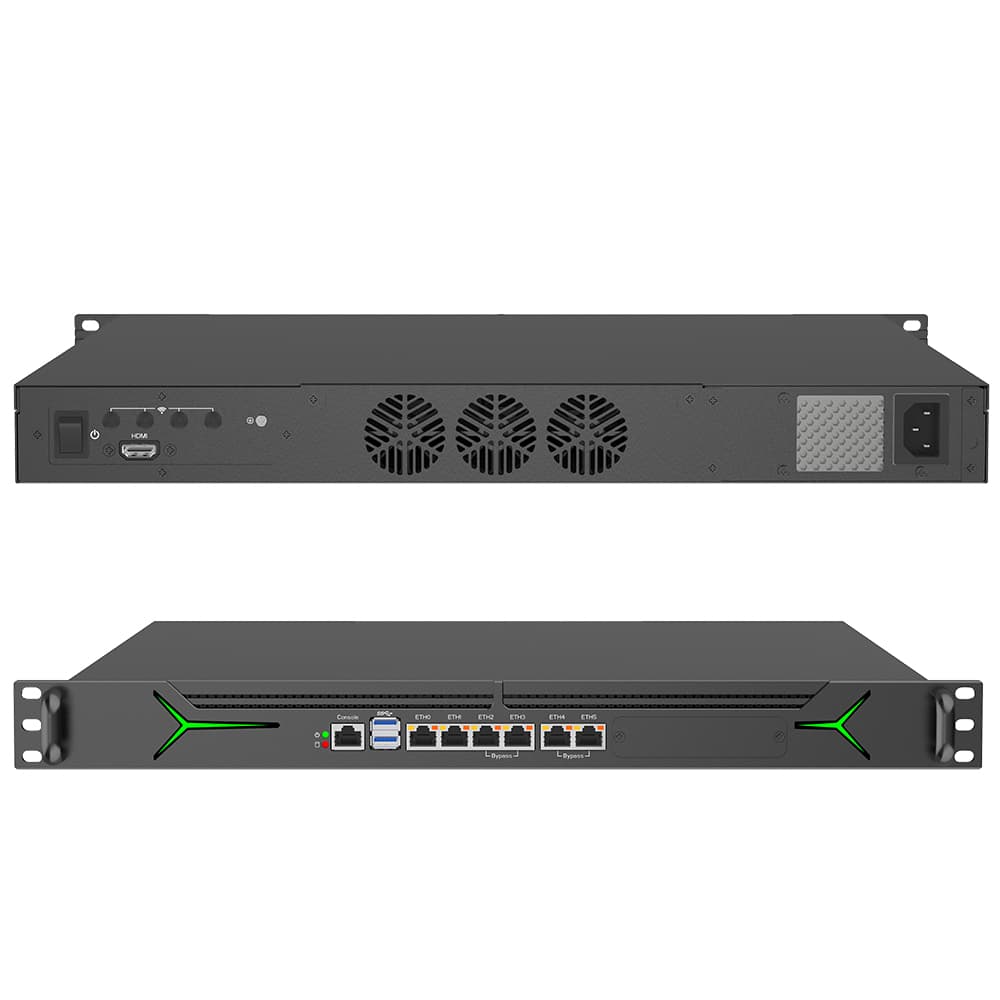
Database management, Active-Passive HA Firewalls, Machine Vision Servers, and Modernized Data Centers.
By choosing a YANLING Industrial Rackmount Computer, you reduce the Total Cost of Ownership (TCO). The industrial-grade components last 3x longer than consumer hardware, and the "Bypass" feature prevents costly network outages that can result in thousands of dollars in lost productivity.
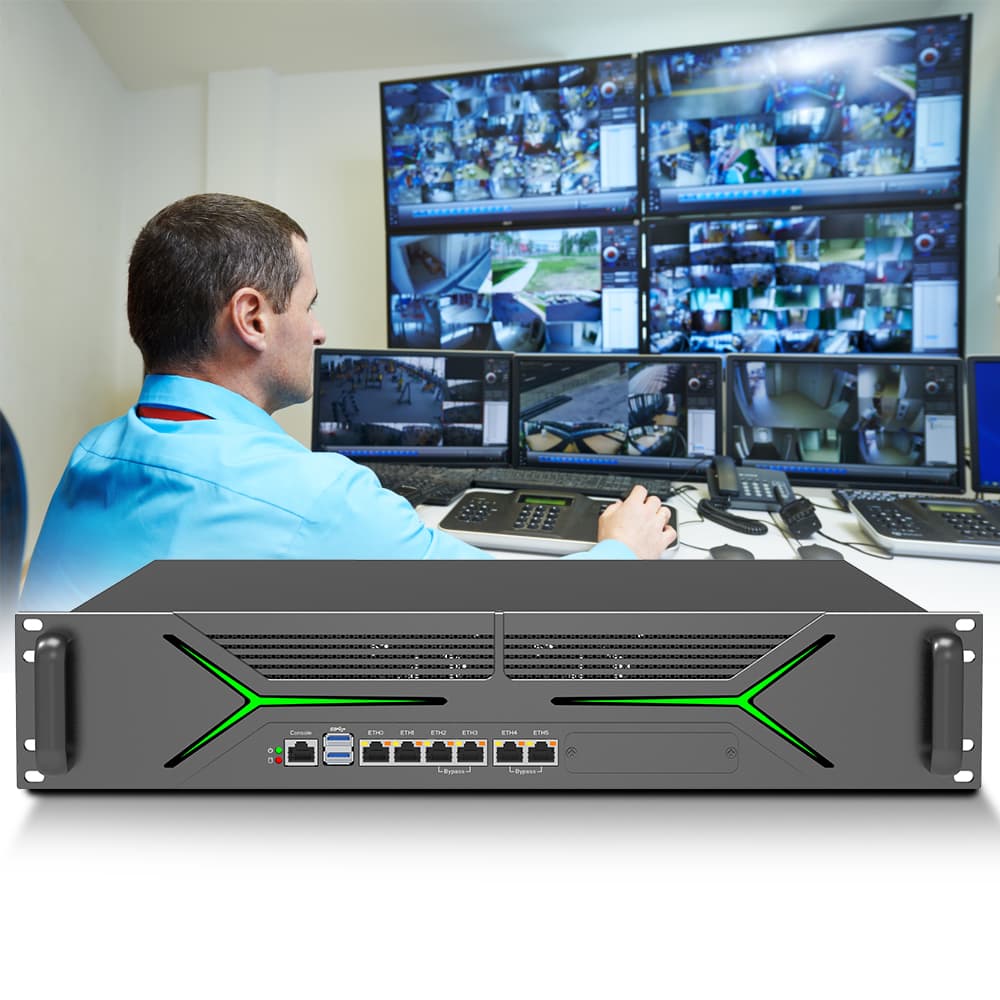
When purchasing an Industrial Rackmount Computer, avoid these common "buying traps":
Check the LAN Chip: Many cheap servers use Realtek NICs. Always insist on Intel (i211, i225, or i226) for Linux and Firewall stability.
Verify the Power Supply: Cheap 1U servers use non-certified PSUs. Ensure yours has Redundant PSU options for mission-critical tasks.
Expansion Depth: Ensure the chassis depth fits your cabinet. Some "Short-depth" 1U servers are easier to install in wall-mount racks.
Bypass Requirements: If you are building a firewall, ask for Bypass segments. Without this, a hardware freeze will kill your entire internet connection.
Maintenance
| Emergency
|
What did our happy clients say?
I recently integrated the YANLING 1U industrial rackmount computer into our data center as a pfSense firewall. The 6 Intel 2.5G ports and dual SFP+ fiber slots provide incredible throughput. Its redundant power supply gives us total peace of mind for 24/7 operation.
We just upgraded our database servers with YANLING 2U industrial rack mount computer units. The build quality of the rugged chassis is exceptional, and the LGA1700 support for 12th Gen Intel CPUs delivers massive processing power. A perfect factory-direct investment for our IT infrastructure.
The YANLING 2U industrial rackmount computer with hardware Bypass segments is a lifesaver for our network security. Even during maintenance, our connectivity stays live. The cooling system is surprisingly quiet for such a powerful industrial server. Highly recommend this top manufacturer!
I am very impressed with my recent purchase of the YANLING 1U industrial rackmount computer. The short-depth design fits perfectly in our shallow wall-mount racks, and the Intel i7 performance is rock stable under heavy Linux loads. The best value for industrial-grade rack servers.