
YANLING Industrial Computer Technology (Shenzhen) Co., Ltd
With over 20 years of manufacturing leadership, YANLING has perfected the Industrial Touch Screen Computer for global markets. We operate a 6,000㎡ smart industrial pc factory with in-house SMT and CNC capabilities, ensuring every unit meets the highest industrial standards.
Our solutions leverage core technologies such as 9V-36V wide-voltage inputs, high-brightness full-angle displays, and multi-LAN/COM configurations for seamless connectivity. We offer extensive OEM/ODM services, allowing for custom BIOS, specialized I/O (up to 6x COM & 4x LAN), and branded chassis designs with flexible MOQs.
We utilize only industrial-grade Tier-1 components to ensure a failure rate of <0.3%:
Processors (CPU)
| Memory (RAM)
|
Storage
| Display Panel
|
Touch Controller
| Network IC
|
 |
Fanless Cooling Technology: High-conductivity CNC-milled aluminum alloy fins dissipate heat naturally, preventing dust and oil ingress.
IP65 Waterproof Front Panel: True flat-surface design with professional-grade sealing to protect against water jets and dust.
Wide Voltage Circuitry: DC 9V–36V input range with over-current and surge protection—perfect for unstable power grids and vehicle battery use.
Extreme Temperature Resistance: Stable operation from -20℃ up to +60℃, meeting the demands of outdoor or high-heat factory floors.
Rich I/O Connectivity: Equipped with up to 6x RS232/422/485 COM ports, 6x USB 3.0, and multiple 2.5G/Gigabit LAN ports.
Flexible Mounting: Supports Embedded/Panel mount (with rugged clips), Wall mount, and standard VESA 75/100mm arm mounting.
Customization (OEM/ODM): Custom BIOS (Logo/Auto-power on), custom I/O, custom chassis color, and specialized capacitive/resistive touch options.
YANLING integrates cutting-edge touch solutions designed to withstand the rigors of 24/7 industrial operation.
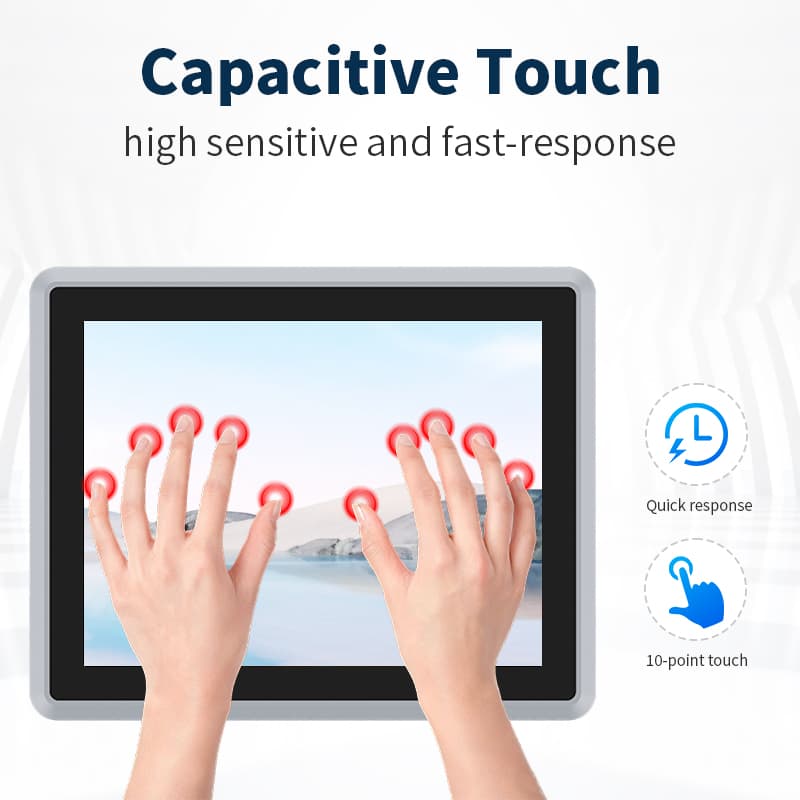
Technology: Driven by high-performance EETI/ILI controllers, offering smartphone-like sensitivity and multi-touch gestures.
Design: Features a True Flat (Zero Bezel) surface that prevents dust and liquid accumulation at the edges, achieving an IP65 waterproof rating.
Best For: Modern HMI, self-service kiosks, and medical control interfaces.
Technology: Pressure-sensitive activation with high immunity to Electromagnetic Interference (EMI).
Key Advantage: Glove-friendly operation—works perfectly with heavy industrial gloves and is unaffected by surface contaminants like oil, water, or dust.
Best For: CNC machinery, heavy-duty factory floors, and harsh chemical environments.
Brightness: Standard 250–350 nits; High-Brightness (1000+ nits) sunlight-readable options are available for outdoor use.
Visuals: Full-viewing angle (IPS/VA) panels ensure color accuracy and clarity from any perspective.
Ideal for Factory Automation (CNC/Robotics), Machine Vision (AOI), Smart Meeting Rooms, Network Security (Firewall), and Outdoor Kiosks.
Buying a YANLING Industrial Touch Screen Computer is a strategic investment in uptime. By utilizing a fanless architecture, you eliminate the #1 cause of PC failure (fan failure/dust), resulting in a significantly lower Total Cost of Ownership (TCO) and a hardware lifecycle of 5-7 years.
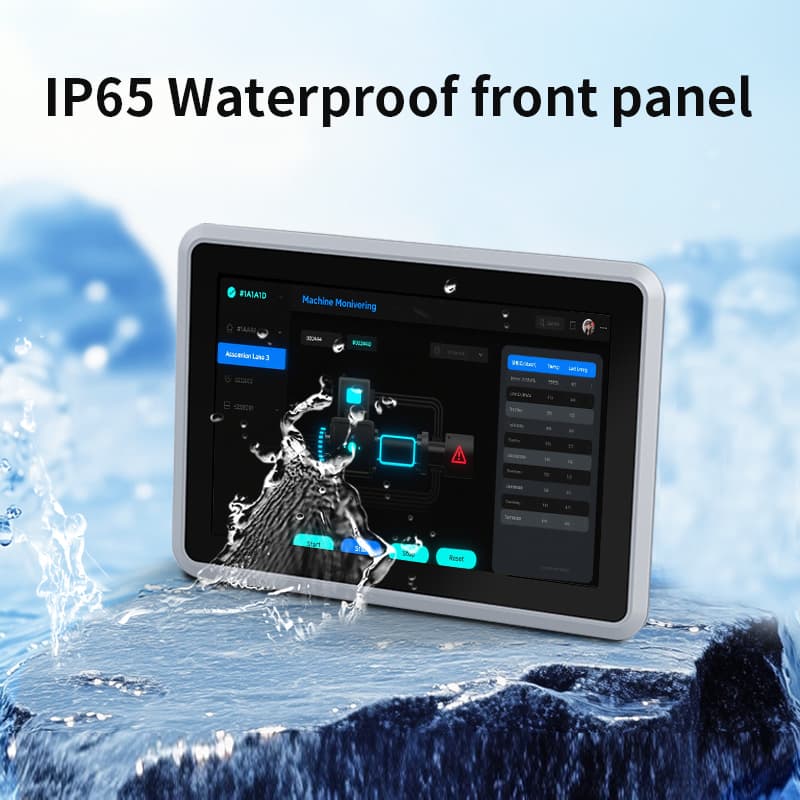
Design: Features a front-loading bezel with rugged mounting clips for seamless integration into control cabinets.
Flagship Models: 10.1" and 15" units featuring 12th Gen Intel Core i5-1235U.
Design: Precision CNC-milled aluminum alloy chassis with a sleek, brushed finish for premium heat dissipation.
Flagship Models: 21.5" Full HD HMI workstations.
Design: Integrates a touch interface with high-density networking (4–6x Intel 2.5G LAN ports).
Flagship Models: 10.1" N100 Firewall Touch Terminals.
Design: Engineered with DC 9V–36V wide-voltage protection and vibration-resistant internal components.
Flagship Models: 10.1" Rugged Touch Screen PCs for fleet management and heavy machinery.
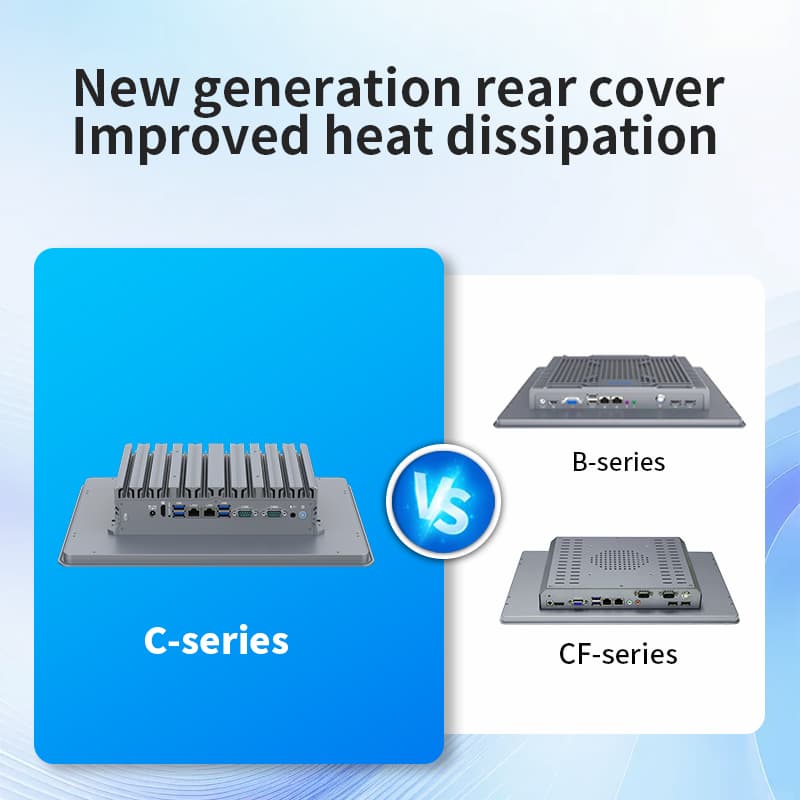
Always buy directly from a certified industrial computer manufacturer like YANLING to ensure factory pricing and authentic industrial-grade components. You can also wholesale them from Alibaba, Made-in-China B2B platform.
Identify your mounting requirement (Panel, VESA, or Desktop).
Determine the touch type: Resistive (for gloves/harsh oils) vs. Capacitive (for sleek, smartphone-like interaction).
Thermal Build: Verify the chassis is Full Aluminum Alloy. Plastic or thin steel will not dissipate heat for a 12th Gen i5 CPU efficiently.
Screen Integration: Check for a Full Flat IP65 Bezel. There should be no gap between the screen and the frame to prevent liquid ingress.
Port Stability: Test the Intel i225/i226 2.5G LAN ports under load; high-quality NICs are essential for industrial networking.
Power Test: Ensure the unit supports 9V-36V if using in a vehicle or factory with unstable power grids.
Operation
| Cleaning
|
Check for "Ghost Touches" caused by intense EMI (Electro-Magnetic Interference). Ensure the unit is grounded via the grounding screw on the chassis.
If the system slows down, verify that the rear cooling fins have at least 5cm of clearance for airflow.
The wide-voltage circuit protects the motherboard, but always check the external power adapter fuse first if the unit won't power on.
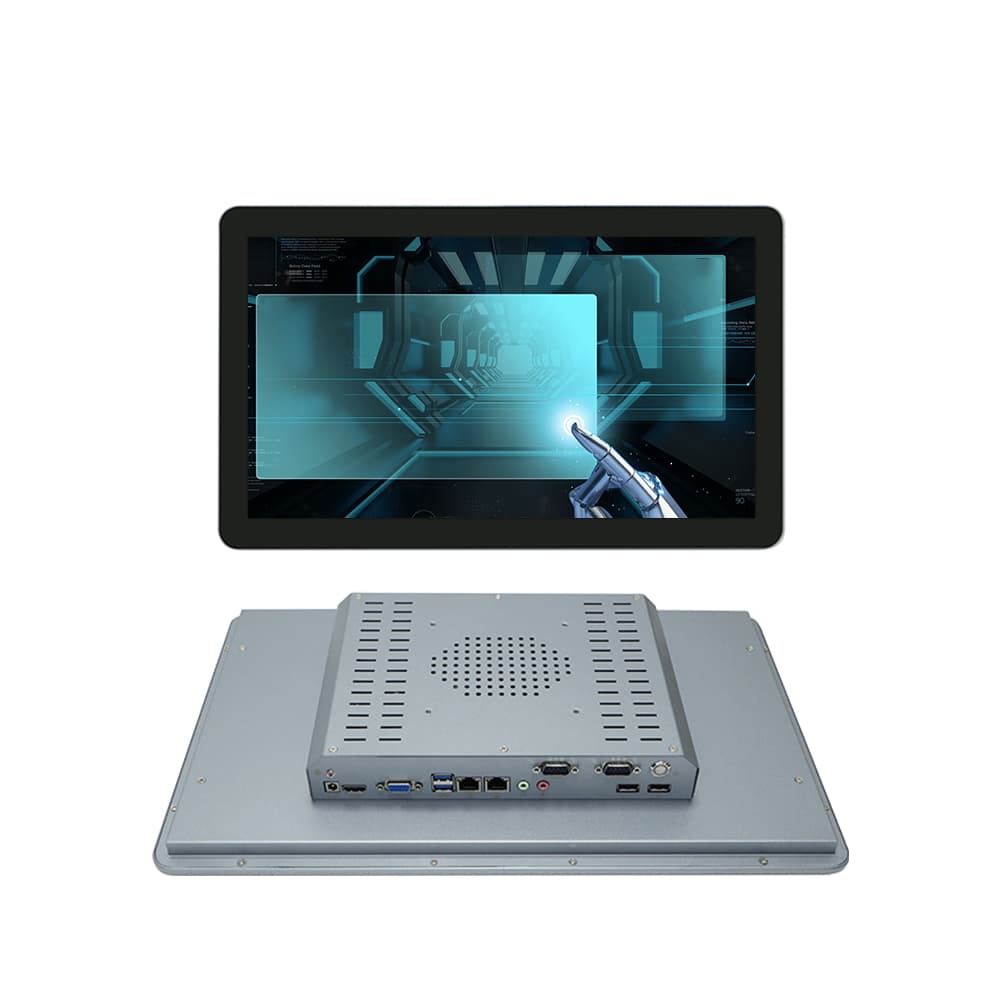
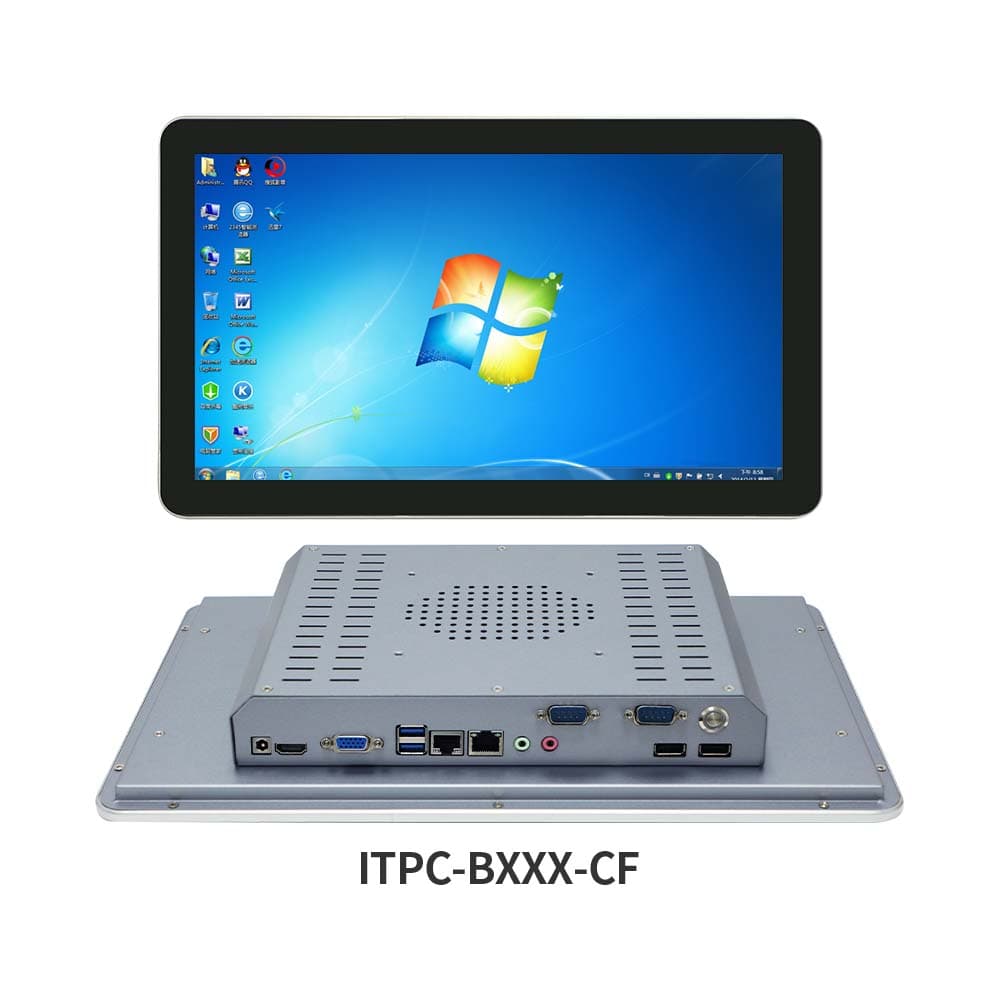
What did our happy clients say?
Just received my order of the 15-inch Industrial Touch Screen Computer with the Intel 12th Gen i5-1235U and 16GB DDR5. Using it for a high-speed CNC interface; the IP65 front panel is completely impervious to metal shavings and oil. Exceptional build quality from a top-tier manufacturer—I highly recommend YANLING for any mission-critical automation project.
Recently integrated the 10.1-inch Rugged Industrial Touch Screen Computer with DC 9-36V wide voltage into our mobile mining fleet. The Resistive touch works flawlessly even when operators wear heavy gloves. It’s rare to find a supplier that balances Intel N100 efficiency with such a durable, vibration-resistant chassis. A truly trustworthy industrial partner.
We’ve just deployed the 21.5-inch Industrial Touch Screen Computer with Full HD 1080P and Intel Core i7-1255U for our medical monitoring station. The 10-point Capacitive touch is as responsive as a smartphone, and the fanless cooling keeps it silent. If you need a professional manufacturer for high-end wholesale, YANLING is the absolute best choice.
Impressive performance on the 15.6-inch Industrial Touch Screen Computer with 6x Intel 2.5G LAN ports. We are using these for edge firewall security and machine vision. The 4K dual-display support and 6 COM ports offer incredible flexibility for complex I/O needs. YANLING is a reliable manufacturer that delivers industrial-grade hardware at factory prices.